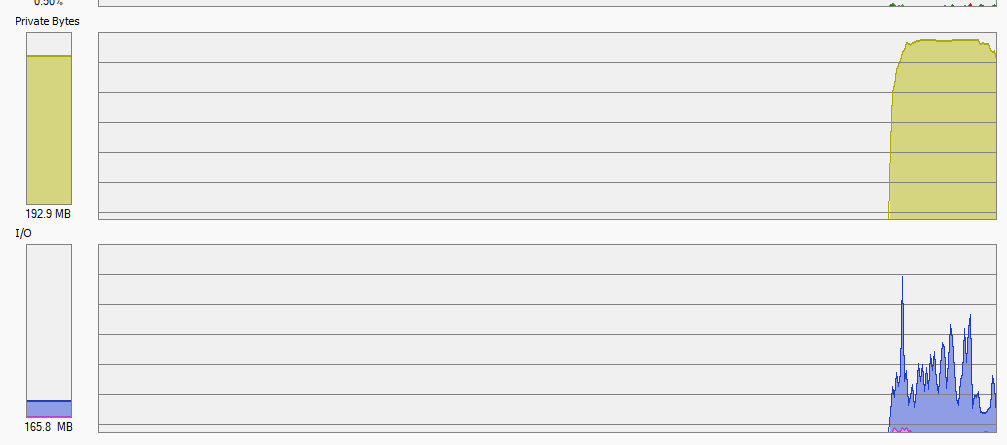
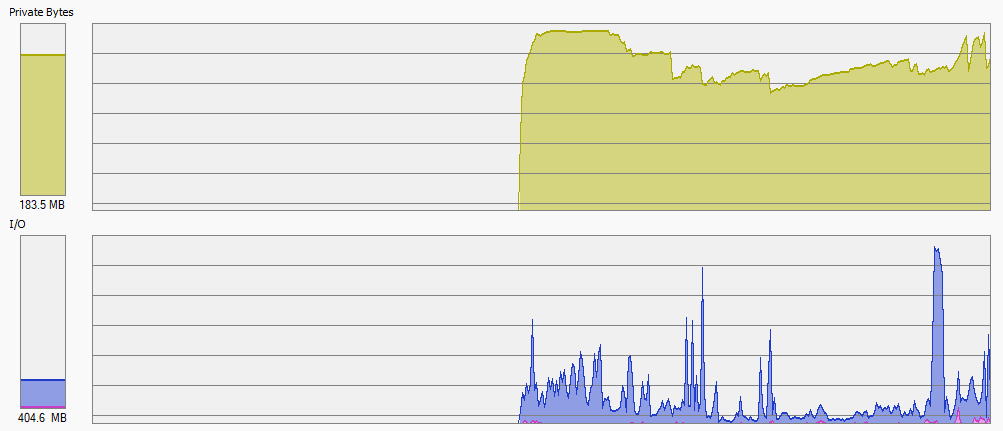
however, now IO is up to 1GB/s which is expected And I am kind of sure it will be slow on some systems.
You will never guess this cache size. This needs to be a knob, for sure. As per default I may suggest like 256MB. But I know for sure for some of my systems I will set it lower, if would be possible.
For now I keep exploring how much slowdown do we have now… will report when it finishes…
Things may differ on different platforms, but on Windows, it seems that files are buffered into standard filesystem cache, so this virtual IO is not leading to any physical IO on my system. So at least given all as it is now, the cache is only about “who will cache”, and syscalls to move data, and in my situation, I do not have any slowdown. Only data flows between app and OS exploded. Which seems fine. I seems ok with default cache size, however, I keep observing.
Still, it boots much slower than 1.x branch, in this my situation, like, x4 slower. I have not figured out about repeated scans yet - if they are also slower, then maybe this is also a real regression, because sometimes these rescans were annoying even before, and if they got longer, not good.
But at least, I can now boot it on 4GB machines again - what a relief. Thank you very much.
If I can help with some more problem tracking let me know. For example, should we address that scans got slower? (or do they? or not? whats your observation?)
Cool, that brings us closer to something. Slower scans could be because the latency of getting a file entry from the database has increased. For me they are all ”crazy fast” and I haven’t noticed any slowdown, but systems and bottlenecks differ so there could be something there.
So TIL the SQLite page cache is in fact per connection. The number of connections we use is dynamic and pooled, but limited to 16. We set the cache size to 64 MiB. So, with maximum ongoing things on a folder we could in principle use 16 * 64 = 1024 MiB of page cache per folder. That’s not a fantastic default. Winding back the page cache size to the default 2 MiB seems more reasonable as a default.
Additionally, we can use mmapped mode which more or less puts the page cache out of action and just makes it the operating systems problem instead. However that requires address space, so it would be limited to 64 bit builds (but really, that’s most of them). Additionally, it’s not fantastic on Windows as it prevents the database file from ever shrinking due to vacuum…
Memory mapped designs do have one serious problem: they do have ways to inpage a page into RAM, but it is impossible to give a hint what page should leave RAM, from application side of things. OS can manage it using page fault counters, but sometimes application knows it a lot better.
For example, if SQLite feels that some part of page cache is obsolete now, for various reasons, it seems to drop it immediately, given graphs above, as it seems. With memory mapped design this will not happen. There will be no hint to OS to free the RAM.
Yeah, there’s a way to do that that doesn’t involve any of our API and locks, but I’m going to bed so might write it up tomorrow. I was looking at my worst-specced box, which is a raspberry pi, and it has a magnitude less files but more data (170150 files, 23012 directories, ~11.5 TiB) in seven folders. It uses a couple hundred megs of RSS with the stock 2.0.6, and the GUI reloads with all folder states in about 150 ms or so. Not saying this to shame your systems, but just to calibrate how different it can apparently be and why I’m a bit surprised at it taking minutes and minutes to load the GUI etc.
As a background that may help, I have many “out of sync” data.
My approach is to offer sync all my folders to all my trusted devices, but some of them ignore folders which are out of scope, for example mobile phone ignores 500gigs of video and 1M of my dev code files, and so on. But I like to have the ability to fetch fhe files from any device in case of need.
This chronically leads to sync statuses like “56%, 700K files out of sync” on the devices list. Maybe it hurts the GUI, not sure.
I can confirm the slower GUI load on all my systems, but it still usually finishes in about 10-15 seconds. This happens even on decent hardware, but the number of folders is also higher for me (around 50).
Edit: Actually, I think the GUI loads the fastest on my old Intel Atom device, but that one only syncs a few folders, so I would say the number of folders may have a major impact here (probably due to each of them having its own database?).
I can also add that I used to run Syncthing at lower I/O priority, and the GUI would take forever to load then. When run at normal I/O priority, it loads much quicker.
GUI loads slower or not loads at all when it is “busy doing something”. Not in any good static situation, no matter how large the data scope is.
(GUI is not a big deal, I think we also seriously lag with processing change notifications, etc)
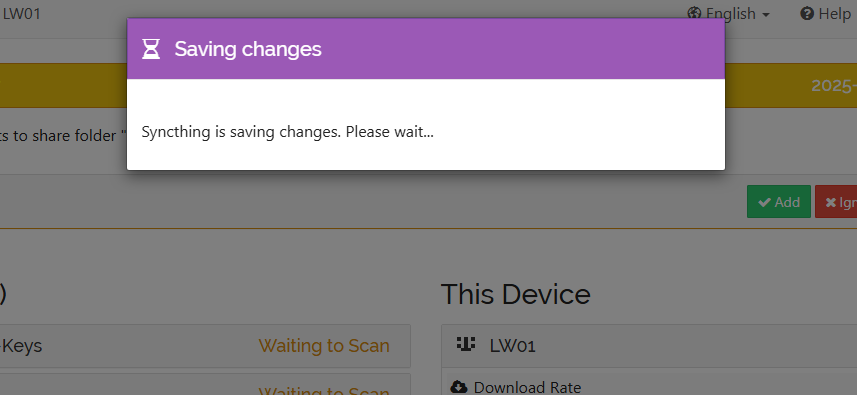
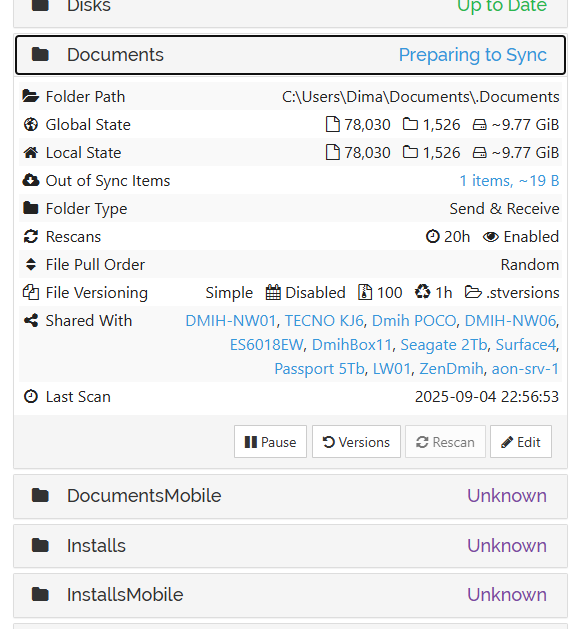
for example we are now “preparing to sync” this for 30 minutes in a row (no matter what it means) and GUI is hang around this item; all below blocked;)
And syncthing is actively “doing something” according to performance metrics, but no idea what exactly. Logs are not helping. Maybe exchanging with some peers with delays, do not know.
Just a suggestion, but maybe change the topic title to “Syncthing 2.0 resource usage”? At this point, this is no longer just about RAM .
Also, on a side note, I’ve cherry-picked the commit reducing the cache size and installed a self-compiled Syncthing binary with it on most of my systems, and I’m seeing a massive reduction in memory usage everywhere.
On the earlier overall DB size topic: I noticed that in v2 we don’t have a threshold for doing block list indirection anymore. In v1 we didn’t do it for files with up to 3 blocks. Maybe those huge blocklists tables are in setups with a huge amount of small files. On a quick look at the sqlite insert/queries involving blocklists I didn’t spot any obvious complications with handling the blocklist being either in the fileinfo or blocklists binary blob. Is there some gotcha I am missing or another specific reason this mechanism was dropped, or was it “just” to reduce complexity? Scarequotes doing some heavy lifting there with reduced complexity being a pretty good reason, would still have to test/get metrics if such a threshold is even worth it.
I also do remember unexpected GUI pauses when I played around with the UI after upgrading, but not nearly as long as reported here. I had a quick look into what might cause it back then but didn’t find anything. One suspect I had was our manual, synchronous DB checkpointing every X file batch updates. However to my understanding that doesn’t block reads, so that doesn’t pan out (still something I’d like to play with).
Well, I do suspect the memory usage to be the root issue here. Next to the ‘slow NAS’ (see topic start) I have an even slower one, but with 16 GB instead of 2 GB of RAM, also Linux, and it has no issues with virtually the same data set.
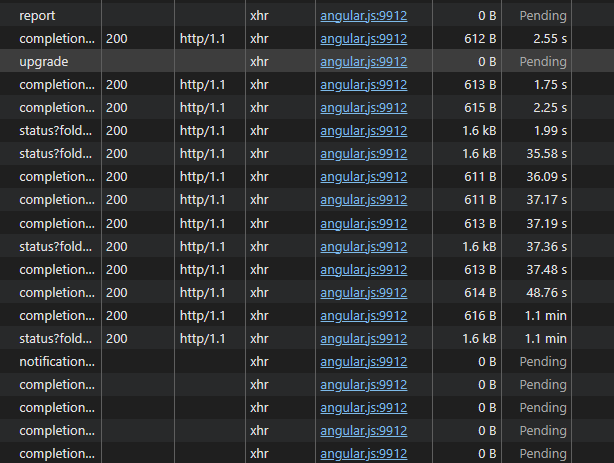
I also recognize the issues with the UI taking very long to load. On the slow NAS many requests take over 20 seconds, some minutes, even when the device is ‘settled’ and not doing much (this is on 2.0.6). Attached metrics were captured while this was going on. Interestingly enough even requests that should not touch the database (upgrade? notification?) are very slow (blocked by the others perhaps). It takes about five minutes for this GUI to show the version number after opening it!
The completion calls for remote devices can be somewhat intensive queries.
The upgrade call blocking makes quite little sense, unless there is a configuration change ongoing. Otherwise it’s really just an outgoing http call to upgrades.syncthing.net and a return…
Here’s how to capture useful profiling information even when Syncthing is otherwise “wedged” on our database or locks or whatever… this should make it into a docs article at some point.
Enable the built-in Go profiler. That means starting with –-debug-profiler-listen=127.0.0.1:9090 or setting STPROFILER=127.0.0.1:9090 in the environment before starting.
Save the output from the full goroutine stack dump, goroutine, heap, profile endpoints using something like alt-click or whatever is the save-this-link thing in your browser. The “profile” one will take a while because it samples CPU usage, the others are fairly instantaneous. For good measure, maybe also grab the blocks and mutexes ones. (I’m not 100% sure how to interpret those yet, but I can learn I guess. It’s usually possible to diagnose stalls and deadlocks by just eyeballing the goroutine output, at least that’s what I do.)
Obviously, you can also just curl -L the endpoints above if that’s more your thing.
When possible, though, a support bundle is much preferred, especially if we haven’t discussed your setup previously. It includes a bunch of metrics and the redacted config which gives a lot of context to understand the profiles (are there 150 folders or just 2, etc).

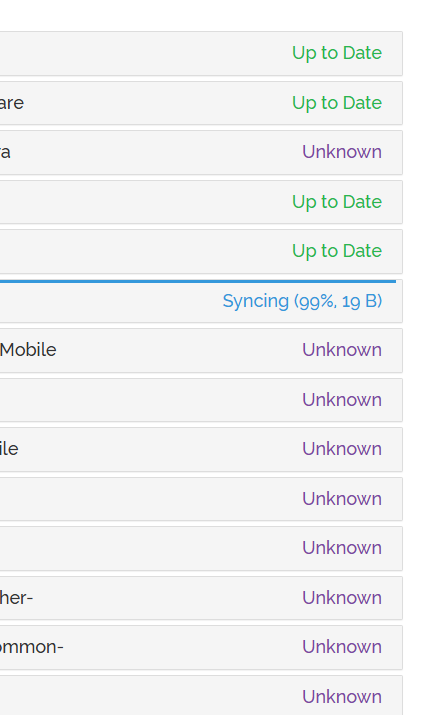
 On all my boxes I never have time to see anything other than all green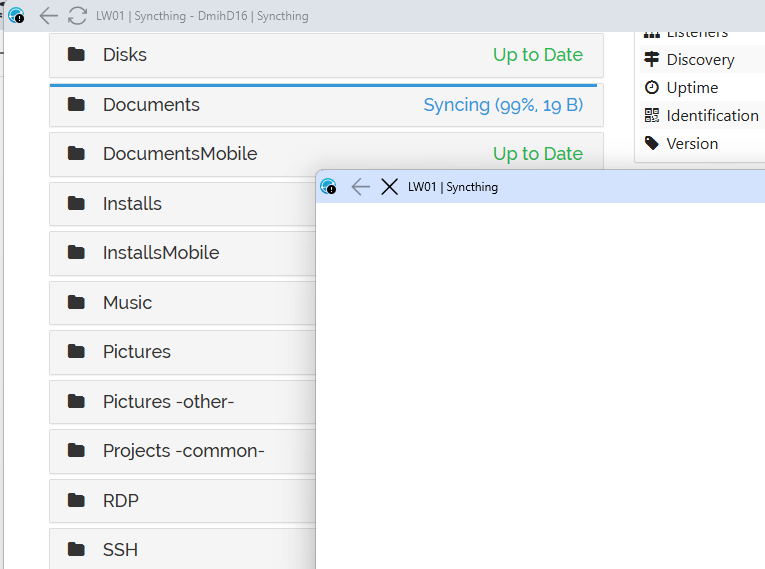

 .
.