Here you are.
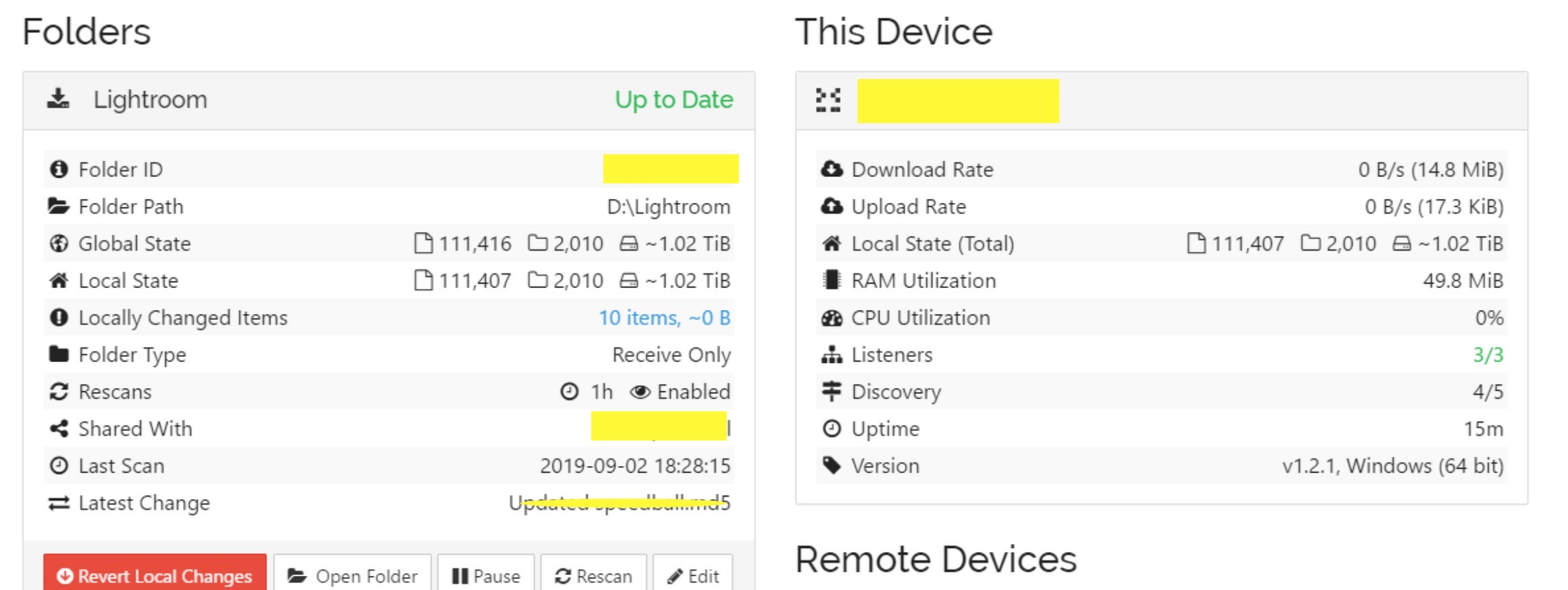
this is a screenshot of the web interface of machine B, with 10 locally modified files out of 110000:
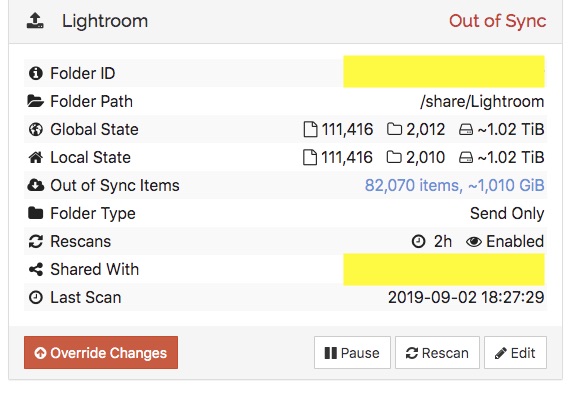
this is the same folder as seen in A’s web interface:
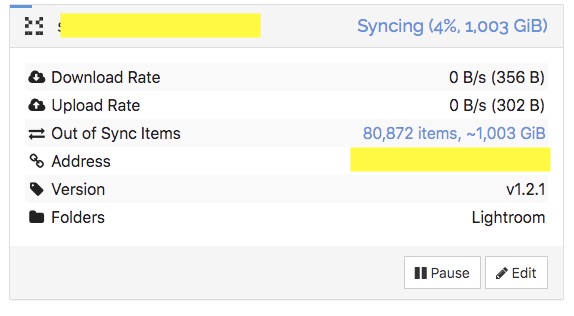
this is B’s status as seen from A:
at the moment, I actually “solved” the issue by checking “ignore permissions” in the sharing settings of the folder (both on A and on B - I didn’t touch C yet, because it’s in another location). This forced some resync activity on all the three machines, and eventually now the counters look correct. but I don’t really have an explanation. I vaguely guess that the problem originates from the fact that A is a linux filesystem and B is a windows filesystem, but I’m not sure what happened exactly.