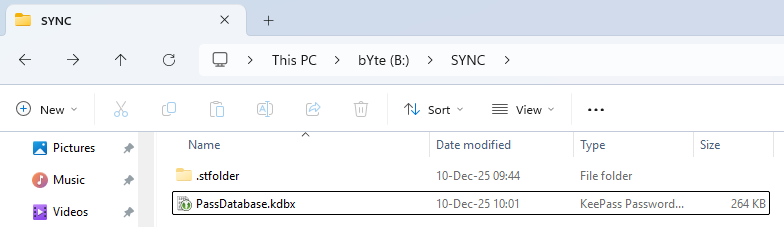
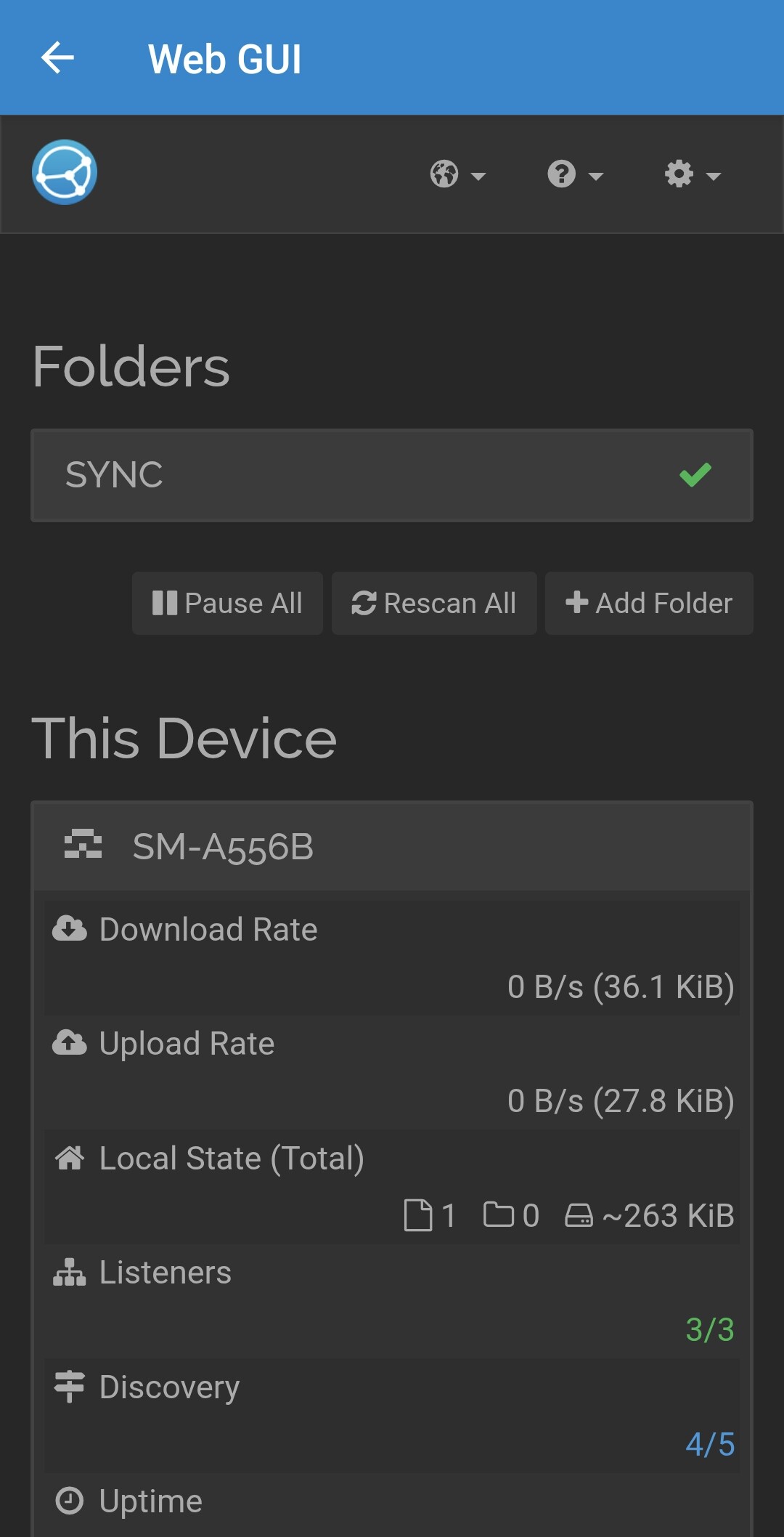
Let me explain the situation. Basically, I’ve been using Syncthing for quite a long time, maybe a year. Everything was working fine. I needed to set a password for the Syncthing configuration page, and that’s when the problem arose. First, I initially entered a password there, and the program seemed to change it, but it didn’t accept the same password when logging in. I changed it to something easier(syncthing generate --gui-password), and everything started working. Great.
Today (maybe a week or two later), I synced with my phone and… the file itself seems to have been transferred, but the program is displaying an error.
The problem is that there is nothing else besides this file. There is nothing in those two hidden folders except for the old version of the database. But they shouldn’t be synchronized.
Search windows linux macos android iOS restricted filenames. Windows filename can’t end in period or colon. I usually rename my message media files that end with period with X-Plore to %name.syncthing.EXTENSION (from android to windows).
One point of information: One of my Win11 Devices has all of the directories being used as Syncthing Folders under D:\Sync\. So it’s D:\Sync\Work, D:\Sync\Personal, and so on. No difficulties with this whatsoever. But there is no Folder that is associated with D:\Sync\ by itself, in my cluster.