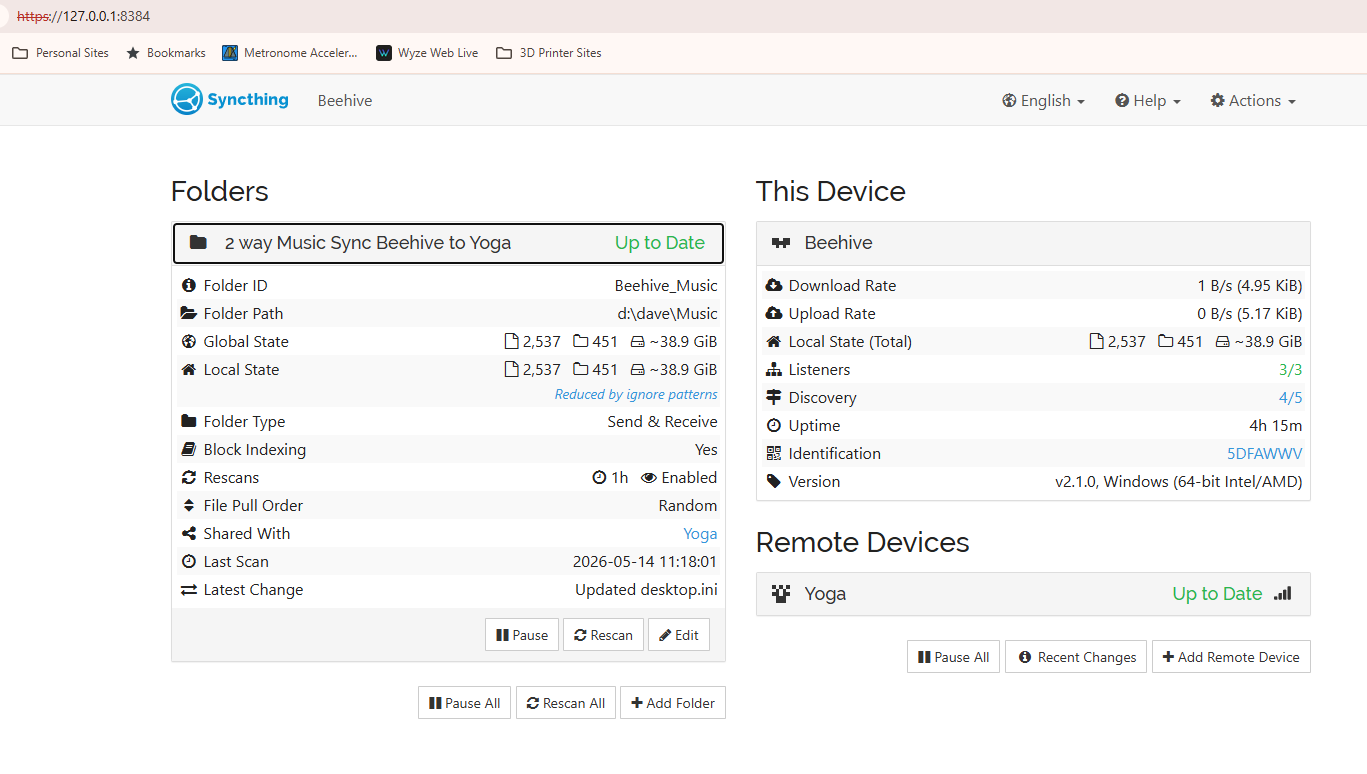
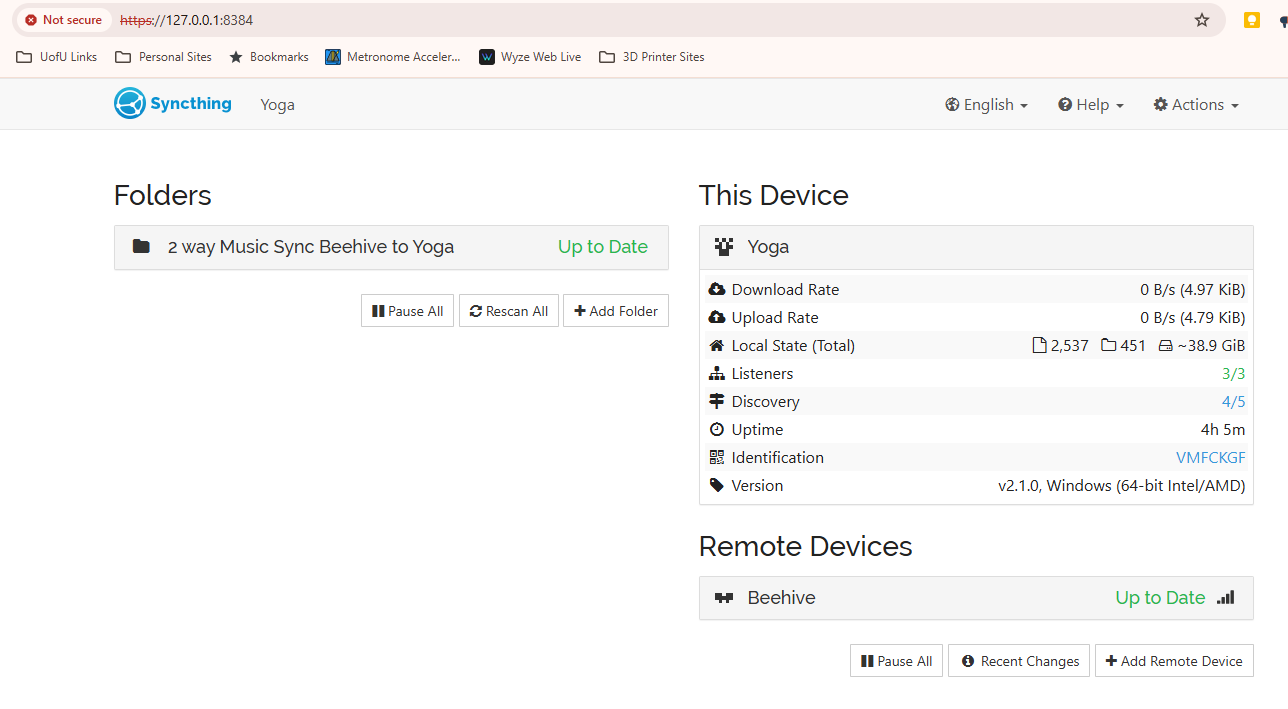
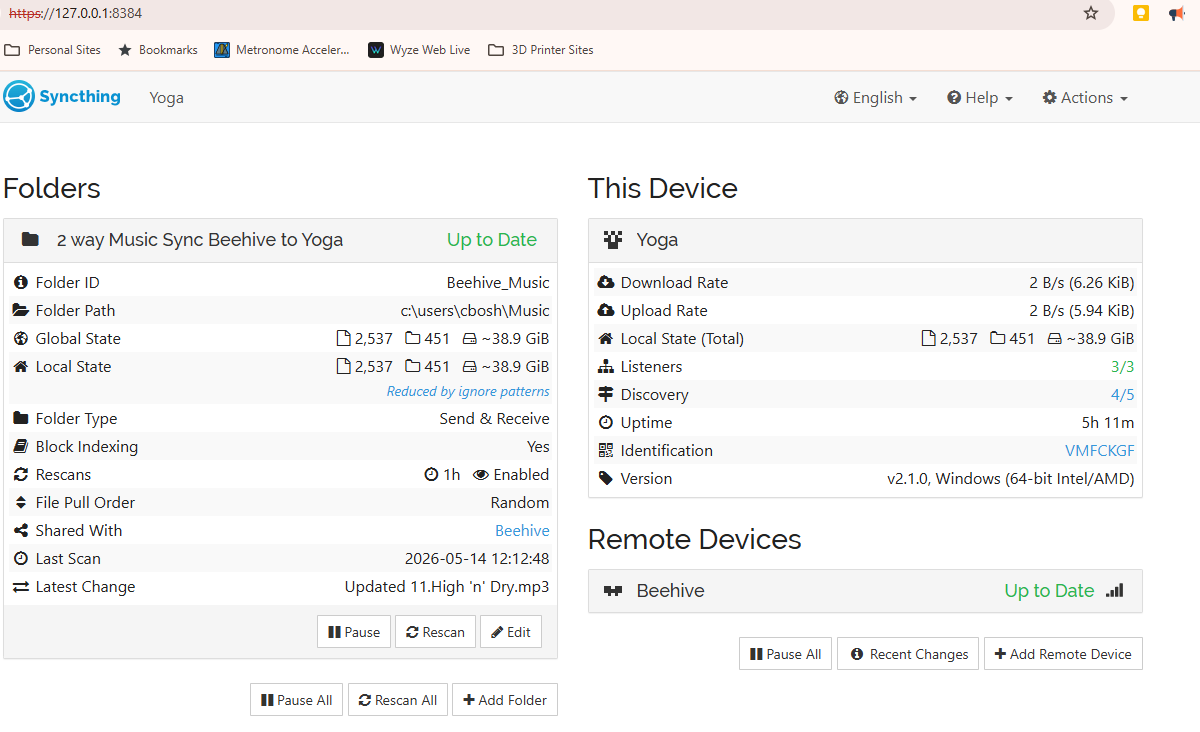
I have two windows 11 machines that have syncthing installed with defaults. The machines “see” each other on my network and with Syncthing. When I add my first shared folder, I select to share with computer2. When I go to computer2 and accept the share, it should ask me what folder I want to share with? It doesn’t. Then, the sync starts and copies all the files to an odd appdata location on computer1. No files get copied to Computer2. I’m not sure where I am going wrong. I tried to follow tutorials on youtube, but the option I see there is not on my setup. I accept the share and the window just closes and the sync starts to the wrong location. I’m sure I’m missing something, but for the life of me, I can’t tell what.