Hello,
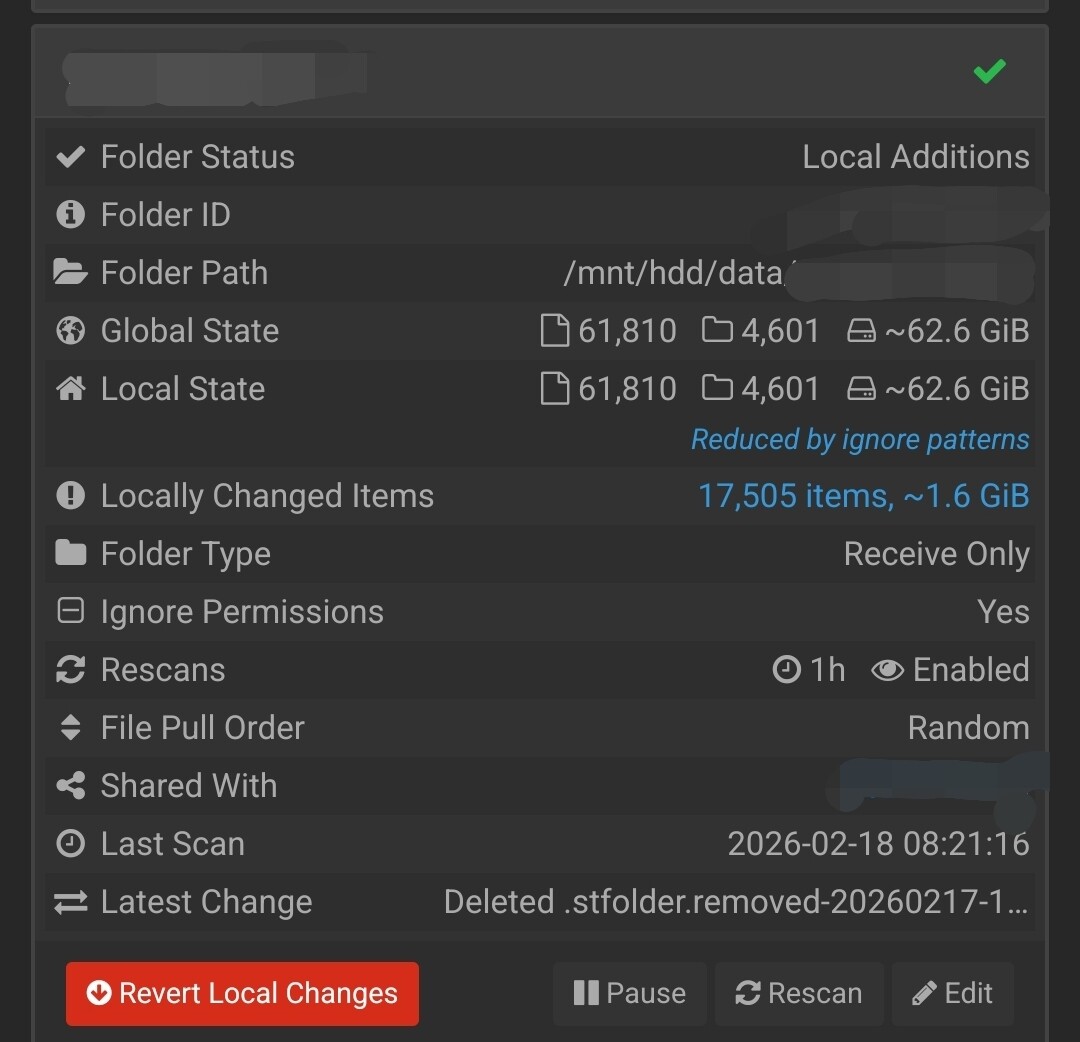
I have a laptop with a directory, that is identical to the directory on the debian server/NAS on a ZFS dataset with atime=off (they both have been robocopied/rsynced from the same external HDD). I’ve wanted to use syncthing to send any changes on the laptop to the NAS, as a backup solution (combined with automatic ZFS snapshots and offsite replication). I’ve run into a problem, in which the NAS-side syncthing shows Local additions for some of the files (some of them haven’t been touched since 2006). I’ve checked the checksum and the modification dates, and they are all the same, and I have ignore permissions set on both devices. If I click Revert Local Changes, the local additions start decreasing and out of sync starts increasing, and after Preparing to sync it quickly scans and shows the same local changes again infinitely, no matter if the laptop is online or offline.
I’ve tried deleting them from syncthing, and setting them up with ignore permissions, and after they scanned sharing it (laptop send only, NAS receive only) and it was fine until the first full rescan, which created the same problem again. I tried changing the mod time window to 2, didn’t help. The logs only show “Reverting folder” and a bunch of “Updated file metadata”. I’ve gone through tens of posts here and on Reddit, github issues, asked LLMs and haven’t found a solution.
P.S. the ignore lists are the same, except one folder present only on the NAS which is only on the NAS ignore list, but the problem isn’t present there
If you think that syncthing isn’t good for my use case, can you recommend something that just copies changes and at least has a tray icon that shows that files are synced? And doesn’t use some its way of versioning and organising files, but just creates a 1:1 copy?
Sorry for any eventual grammar issues and chaos in my post.
After clicking revert, shortly after that it comes back to the Local additions state
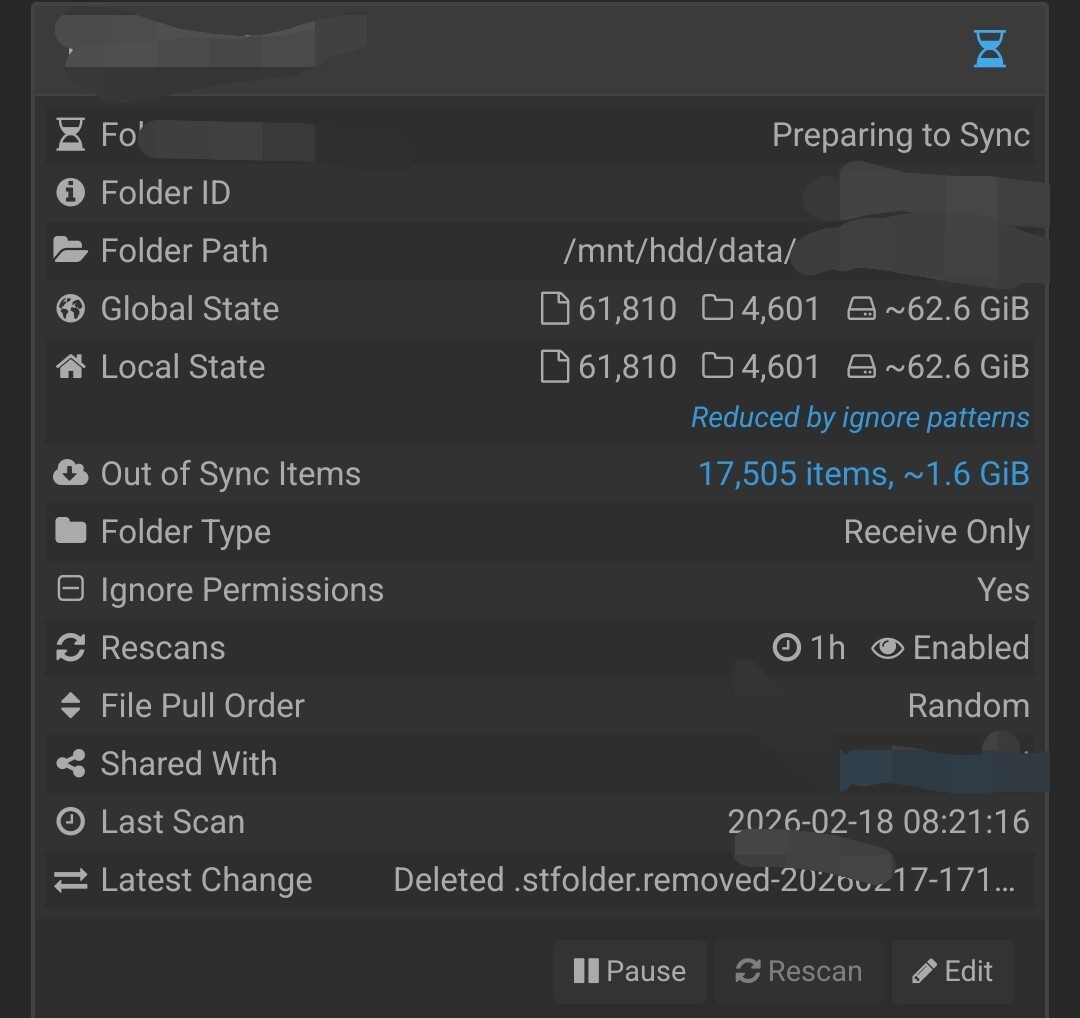
before/after clicking it (stuck here)