Have just started using Syncthing after many years with Resilio. Setup has gone quite well.
I have a Win11 PC, a Win11 Laptop and an Android tablet and phone (4 devices in total).
I am sharing three folders - Send/Rx on both PCs and Rx only on the android devices.
Both Androids link to both PCs.
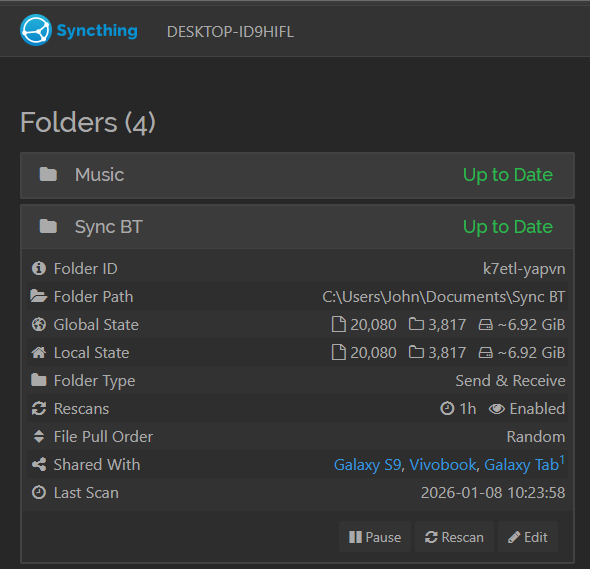
All three folders have set up fine and look all OK from the laptop but the PC shows one of the folders as not having been accepted for sharing by the tablet.
There is no sharing request showing in the web GUI on the tablet.
I’ve found other threads relating to this message but none of them seem to deal with this situation where the folder already exists and is being shared by other devices on the cluster.
If you are certain the device ID is correct, then navigate to the Web GUI in the Syncthing app on the tablet. The notification should definitely be there, even if none shows up in the Android notification area. Assuming that the two devices actually have a way to discover and connect to each other?
Installed from Syncthing Fork on Play store I recall.
I found a notification in Android notification area (had been grouped behind others so not obvious).
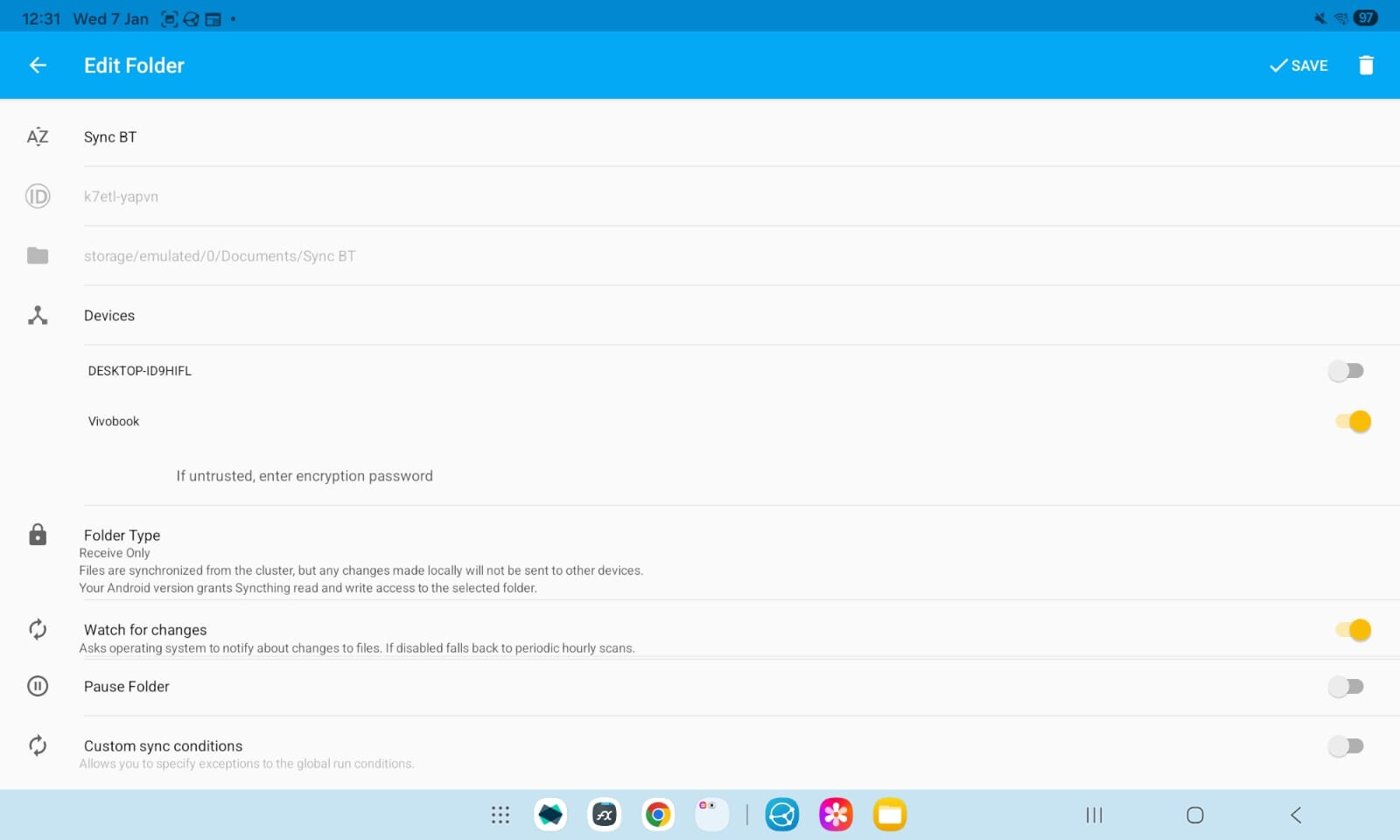
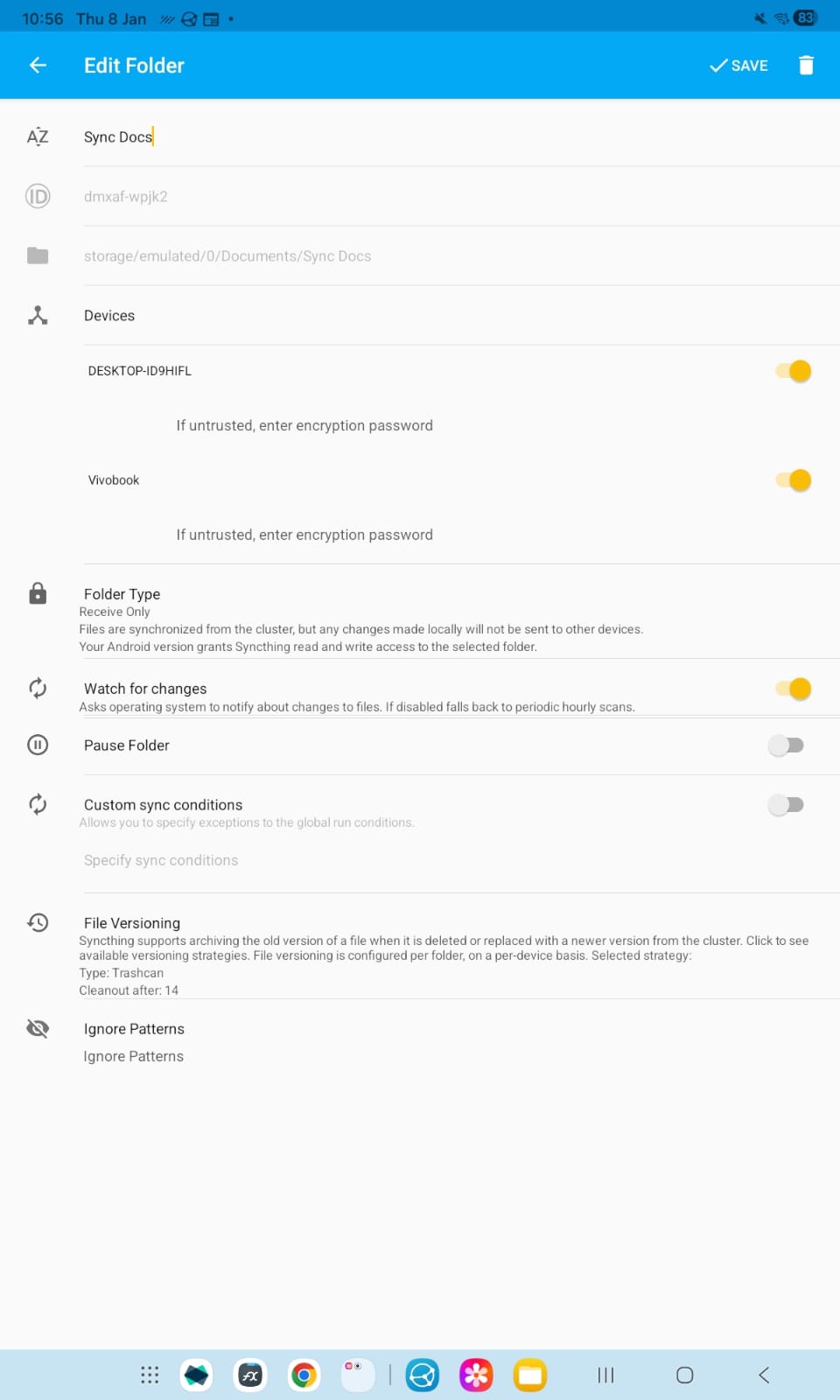
clicked it and modified the “Directory” field to point at the existing folder.
The only way to complete that seemed to be a Create button top right of screen.
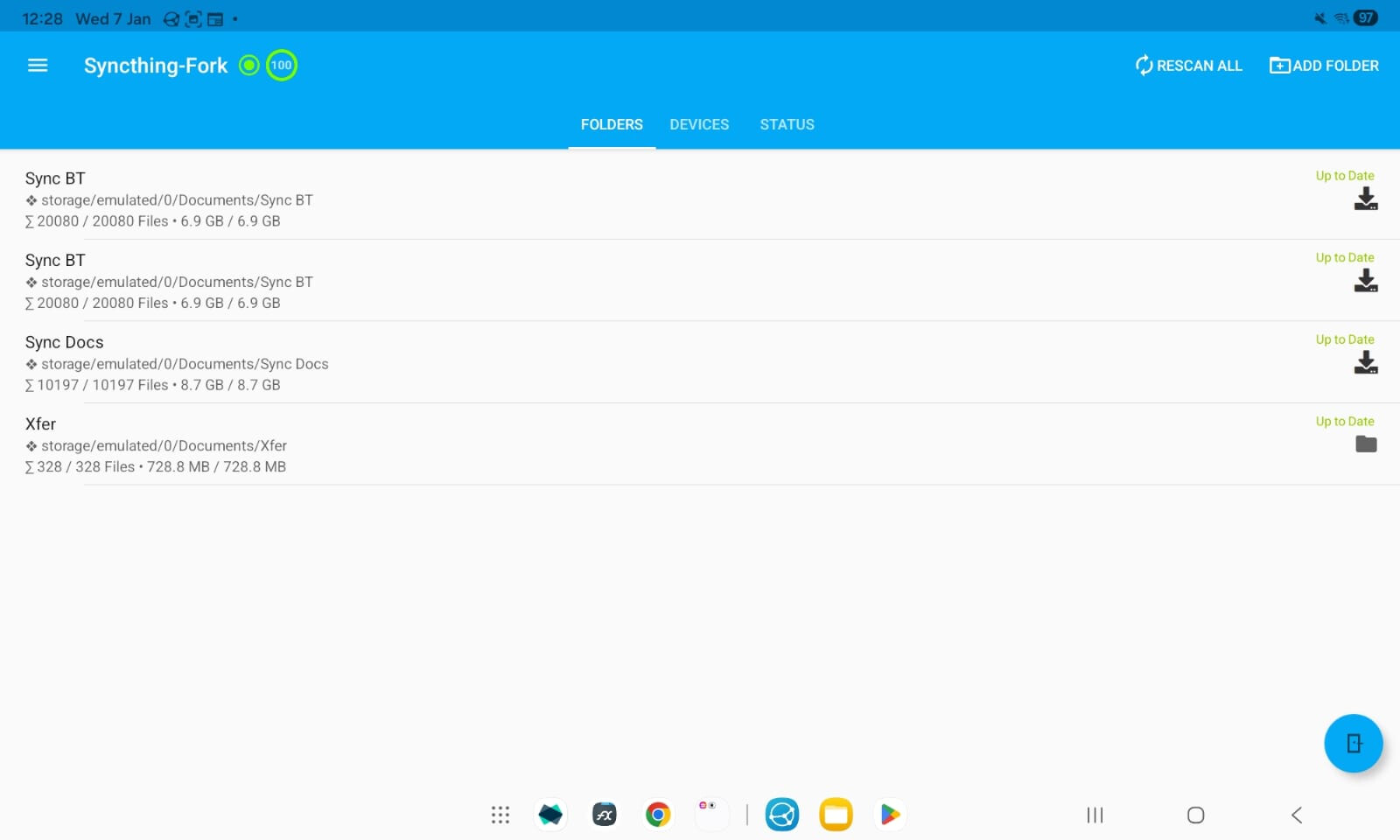
Create didn’t seem right as it’s already there but clicked anyway and got error message “folder has duplicate id”.
What’s important is the folder ID. That relates the folders between different devices. I suppose you managed to add the same filesystem path with two different folder IDs on the tablet. If one matches the folder ID shown on other devices, then remove the other entry and you’re good to go.