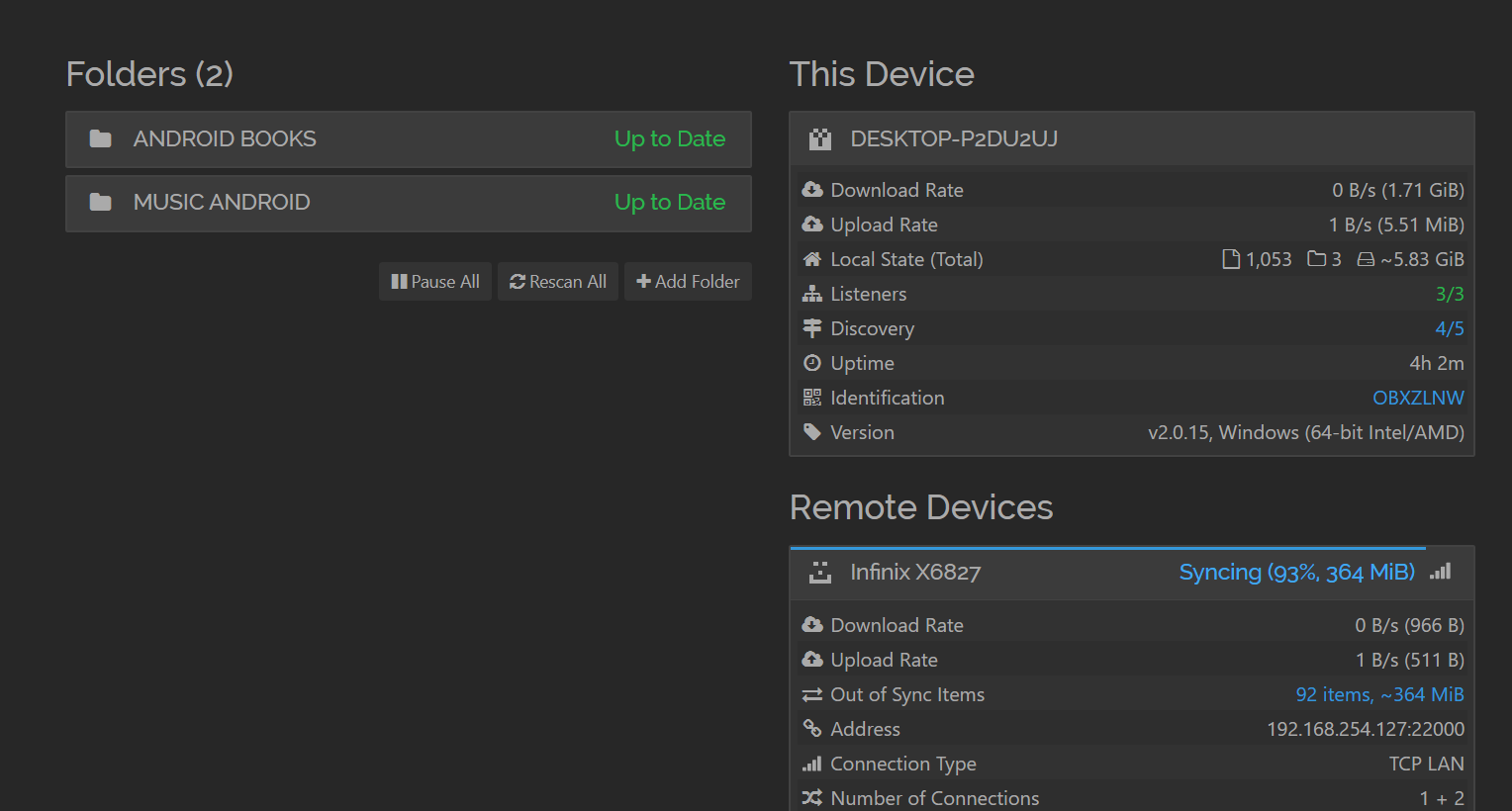
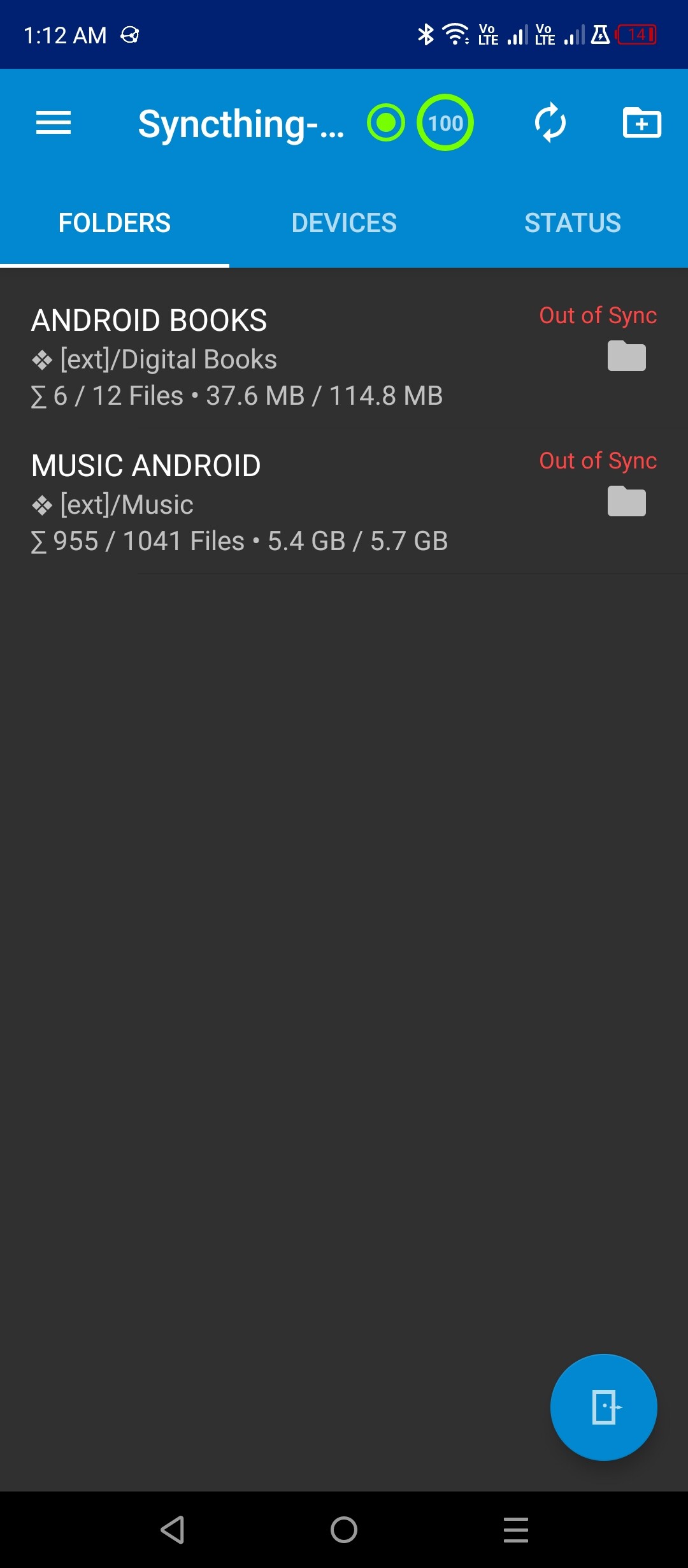
I shared 2 folders from my android device to my computer and it synced my files from the phone fine.
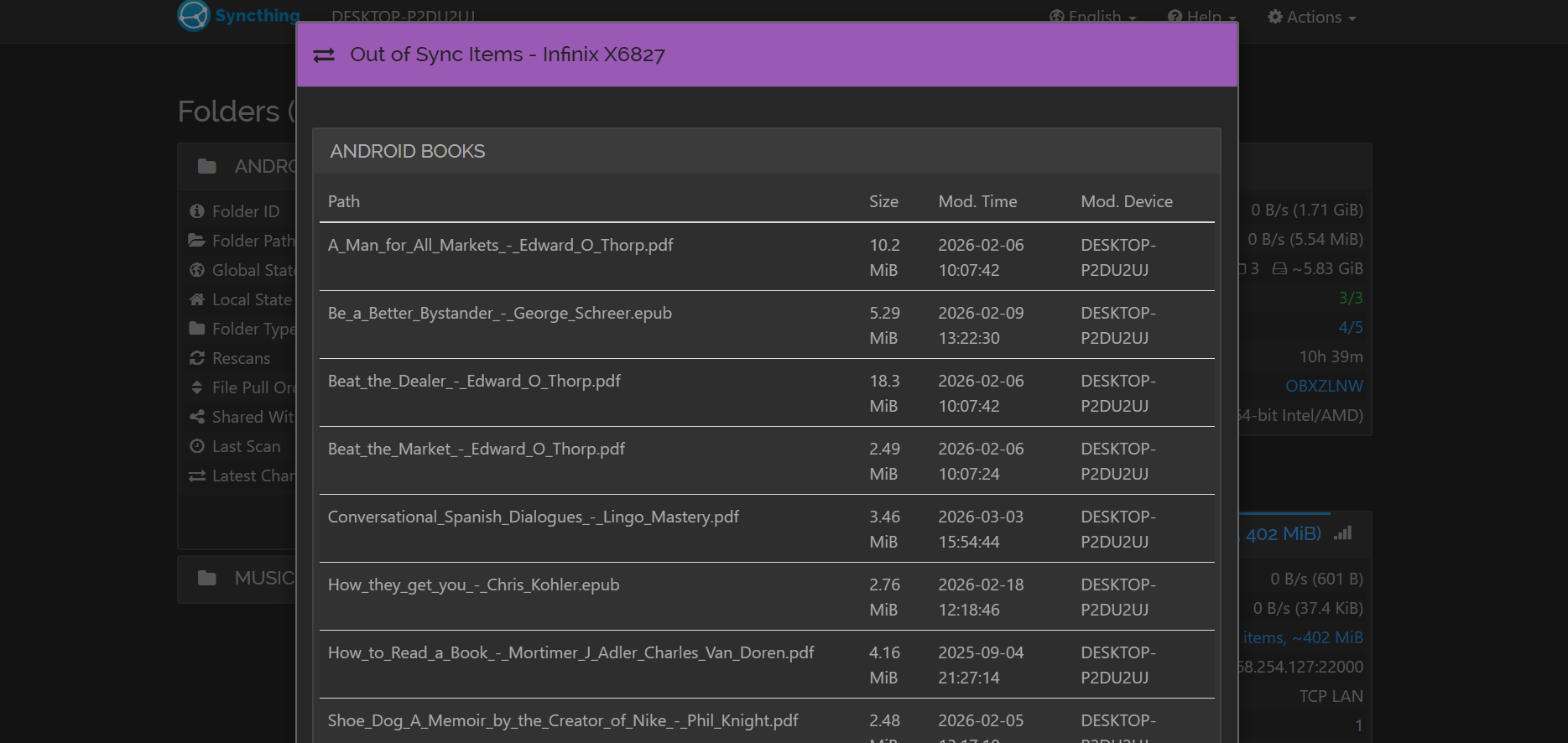
I added files from my computer to the same folder and the computer is stuck with out of sync items and its not uploading any of the new files to the android device.
Also I don’t know if this would be a thing, but I also set my port for syncthing to https://127.0.0.2:8384/ because I use the https://127.0.0.1:8384/ for other things. I thought it worked fine because it can sync from phone to computer but maybe it does something funky when its the reverse.
Nothing fishy there, as far as I can see. A common cause for failure to sync is “strange” characters in file names, but that does not seem to be an issue here.
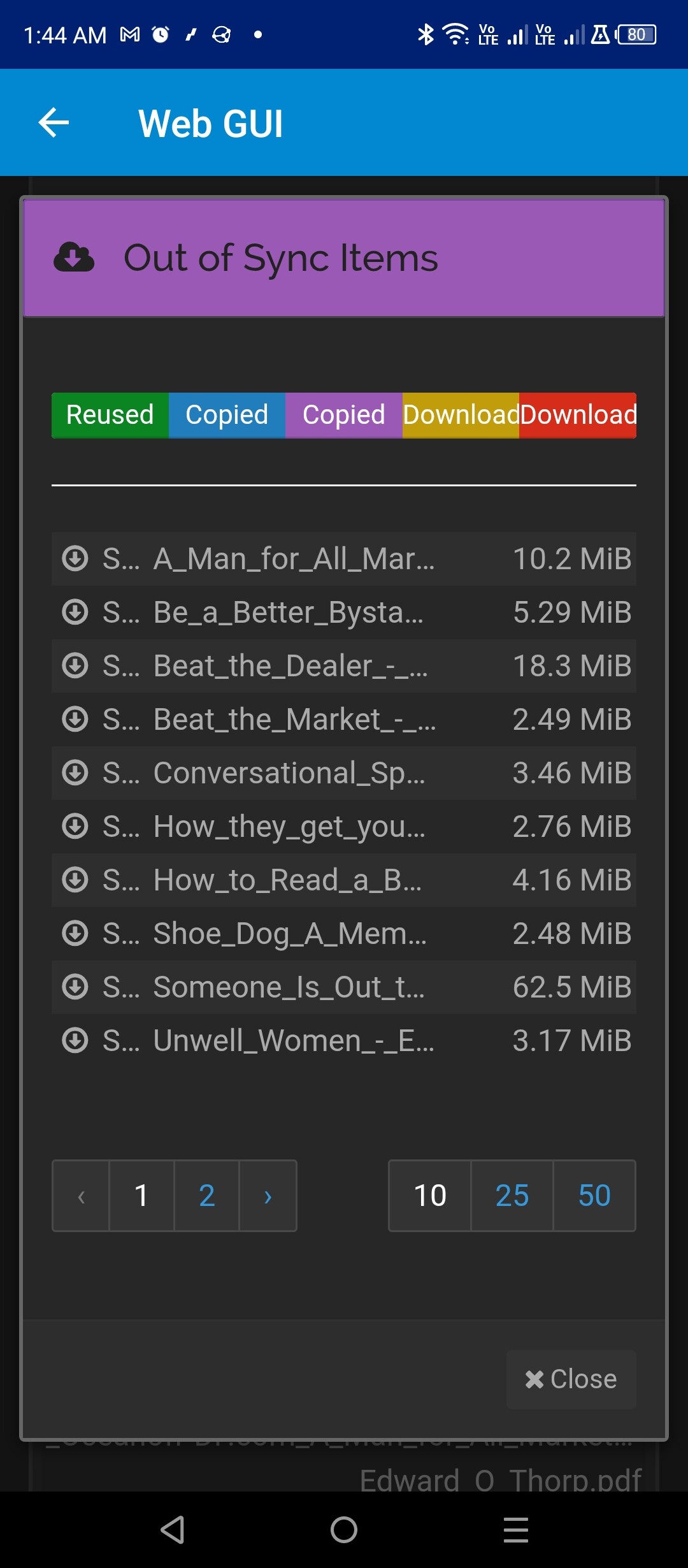
On the mobile, can you please open the Web UI (in the hamburger menu) and screenshot strange things there?