My main photo library is sync’d between a few of my devices: Three Debian devices running SyncThing v1.29.5, v1.29.5 and v1.19.2-ds1 respectively, and one Windows device running v2.0.12 via SyncTrayzor. In addition it also syncs to an off-site server running v2.0.12 on an unspecified Linux build.
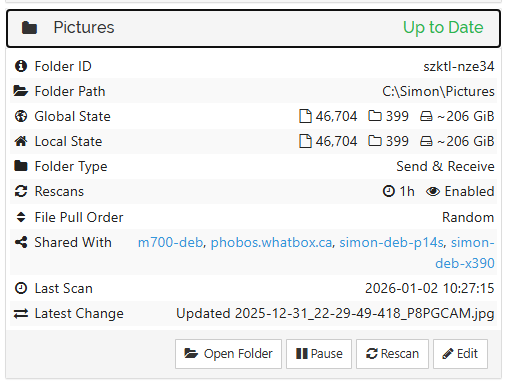
I’ve checked the four individual files, and they really are present on all of the Debian devices, which show a total of 46,708 files as opposed to 46,704. The files are in a folder with hundreds of other successfully sync’d files with the same naming scheme and they also have similar sizes (generally <10MB per file).
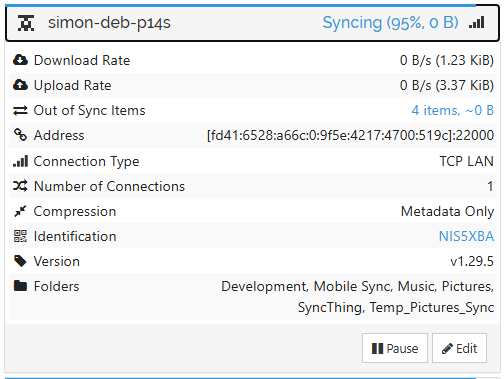
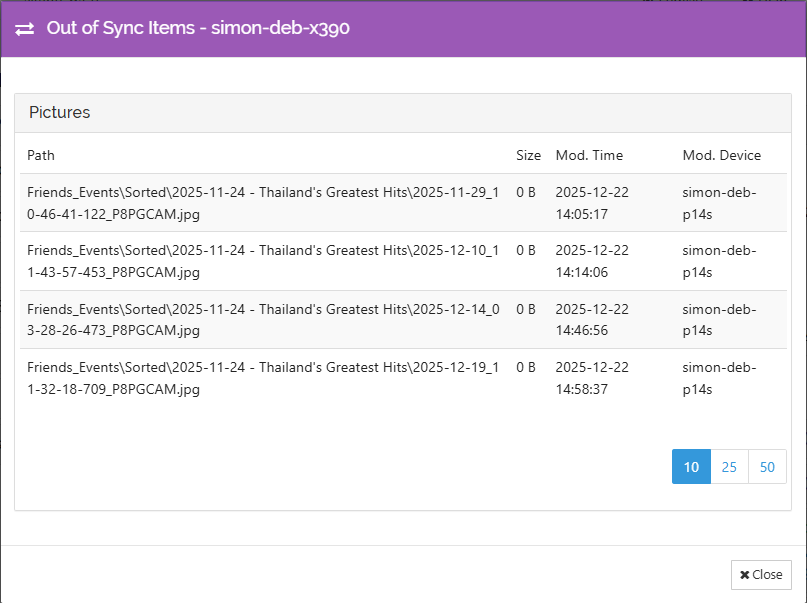
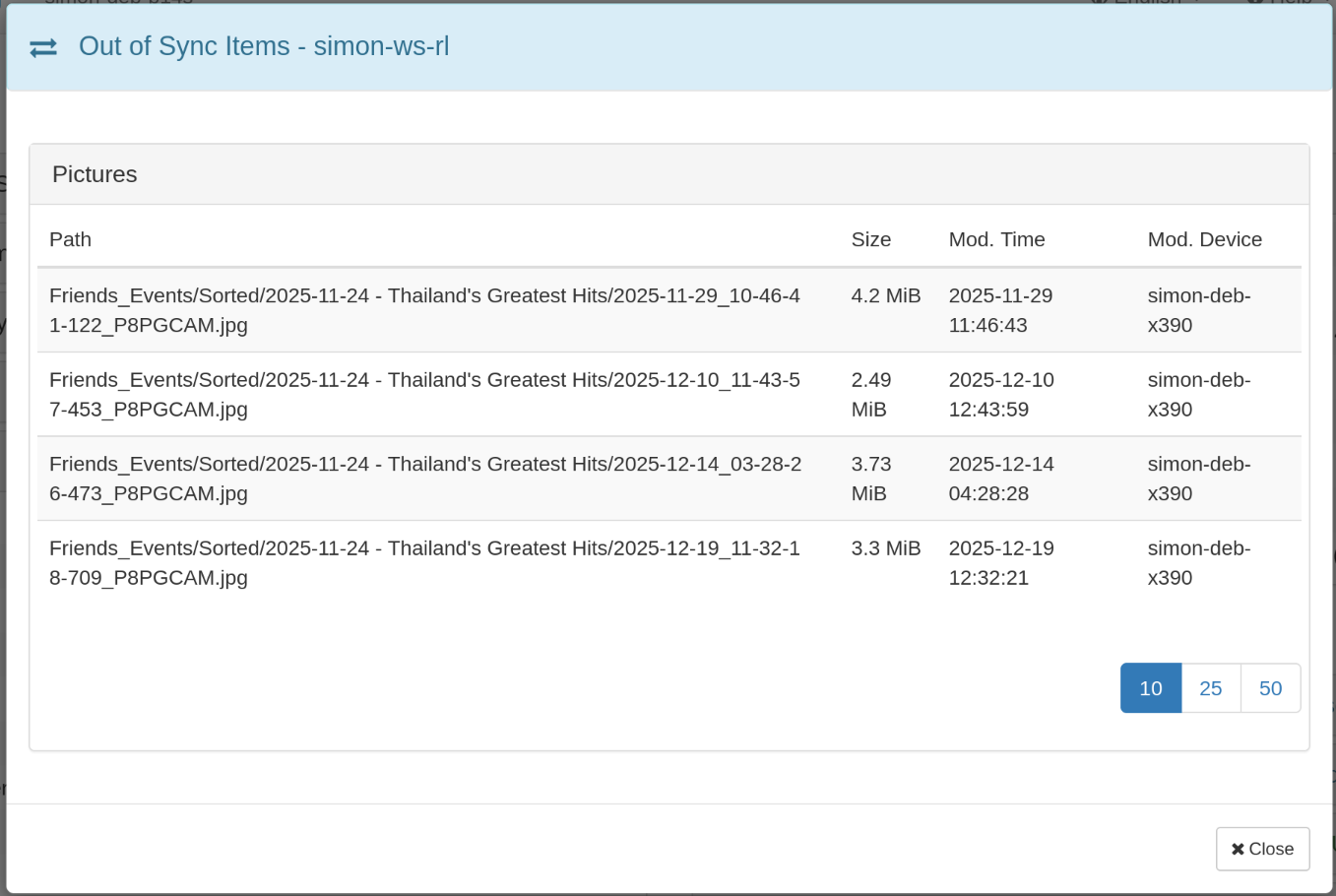
No amount of restarting SyncThing (on all of the devices), rescanning the Pictures folder, or getting all the nodes up and running at the same time has kicked off the synchronization of these last few files. I can’t see the file names in the log on simon-ws-rl, should I be looking somewhere else for error messages? The only thing I can see is that the file size is apparently 0 according to SyncThing on the nodes that refuse to sync - not so on the nodes that have synced successfully, such as the following:
(Screenshot from simon-deb-p14s, which has the files and is trying to send them):
What else can I try, short of removing and re-adding the folders on the devices that refuse to sync? I’d love to understand what the actual issue is, but none of my Syncthing instances is showing an actual error or reason for the out-of-sync’ness…
The easiest thing to try is to move the version of those files you want to keep out of the Folder they are in, to an unsync’d directory. If the delete propagates correctly to your other Syncthing Devices, great. Manually delete the files on other Devices if needed. After all changes are propagated and everything shows as Up to Date, put the files back.
File size zero and 95% means they were deleted, the other side has sizes etc which indicates they weren’t, which makes me think there’s a conflict involved. There’s been bugfixes to the handling of that over time, and you have a mix of some new and some really old versions.
@chaos Excellent timing, I tried this a few minutes before you posted and it worked perfectly. I removed the files from the folder on simon-deb-p14s and everything jumped to Up to Date on all nodes. Adding the files back to an additional subfolder in the sync’d directory went smoothly, and subsequently moving them back into the parent directory also propogated smoothly to all nodes. So in essence - the error is gone and the folders are fully synced. Thanks for that
However, I’d still like to understand what happened, and what to do the next time it happens, especially if a larger amount of files is affected.
@calmh Interesting, the version differences and changes to handling of conflicts do sound like a possible source of issues. The reason for the mix of versions is that Debian don’’t really update their packages all too quickly - the oldest version is on a Debian 12 device. Is there any way to check (extended logs etc.) whether the issue may have stemmed from a conflict?