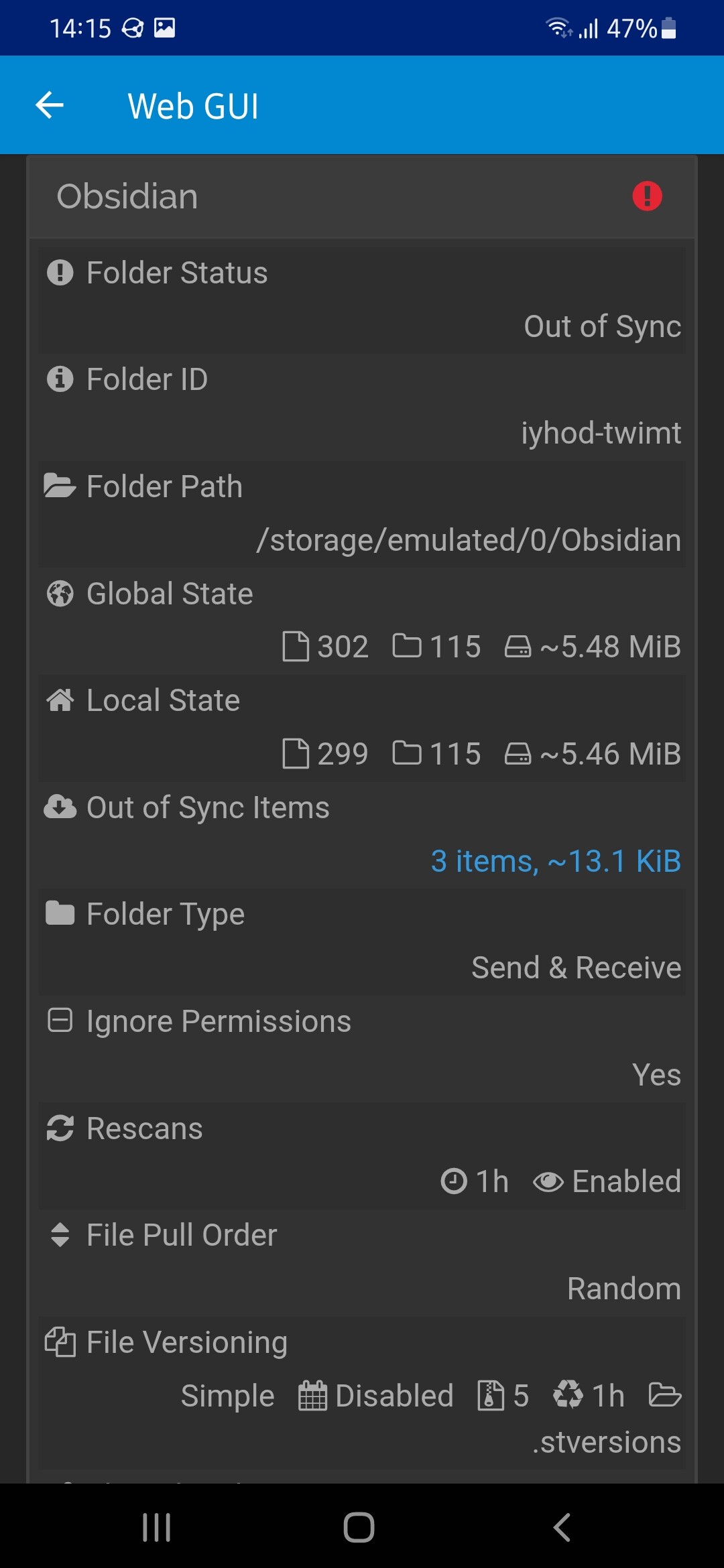
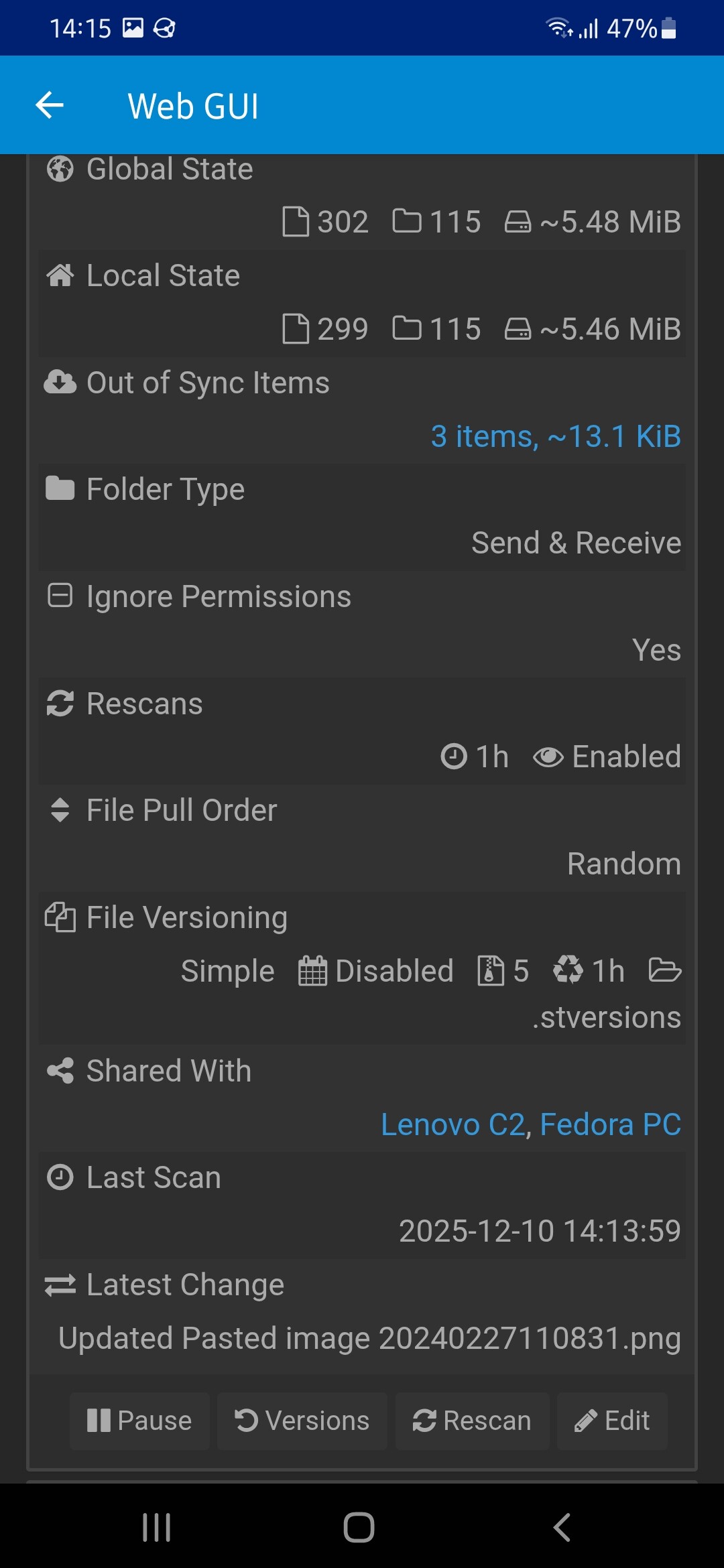
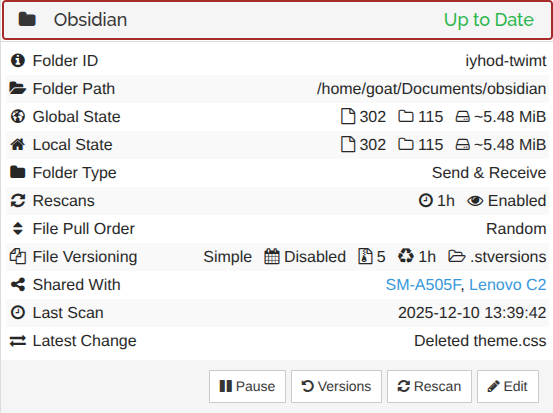
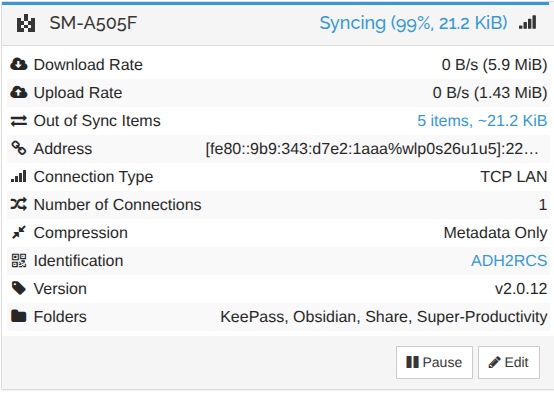
Hello There, I use syncthing for syncing my notes across my devices, However I recently bought a new android, When I try to share my notes on it I find them out of sync (even if I delete the entire folder and resync from the start, It still gets out of the sync). I have checked there are no conflicts in files. This is odd because I also share the same folder with another android phone and it has no problems with it.
Note: I did find a similar post on forum but that did not work: forum.
i’ve observed from your screens you might have missed to set ignore permissions to true for the affected folder on pc.. pls back up your folder contents first and report if setting it helps
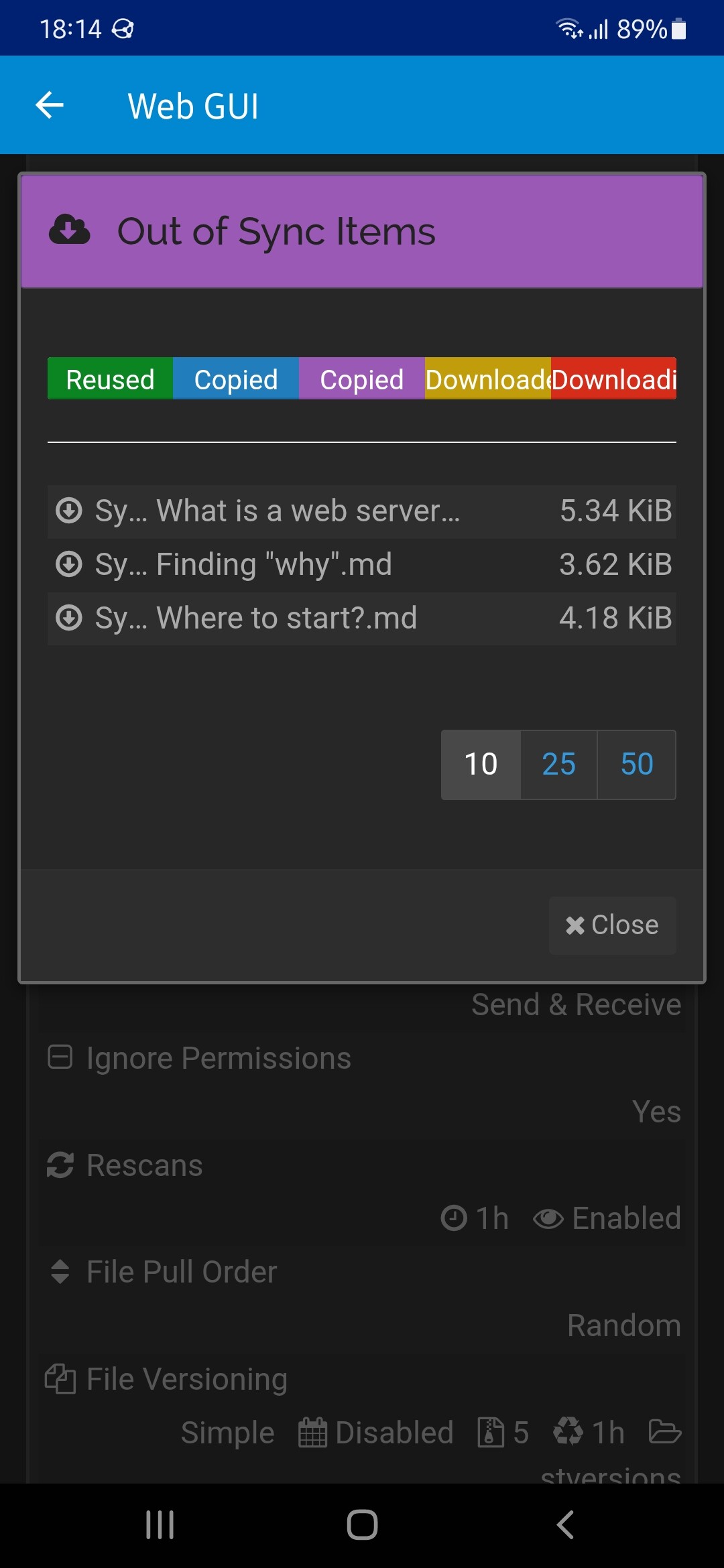
95% generally means “deletions pending” and deletions were announced by another paired device to the device showing the percentage. if not too private, could you please post screens of the files that are marked as pending in the web ui??
While I was doing this I also tried, removing my another device which also syncs the same folder, and making sure that only the pc and this phone as the only one who share the folder (I basically re shared this folder with this phone (only this)). Which still shows out of sync, even if only these two devices are connected and shared.
I can’t see the entirety of the first filename, but the last two contain quotation marks and question marks, which are invalid filename characters on Android’s user storage (at least currently, I don’t think it was always like that, which would explain why your other phone tolerates them).
Rename them on another device to not contain quotation marks or question marks.
I had the same Out of Sync problems lately, most of them was already deleted files, all nodes was thinking that they was Up to Date, but others was stuck at around 95%. One of the nodes was an Android. I stopped them one by one and deleted the files from index-v2 then restarted and after rebuilding index everyone was happy and super green.