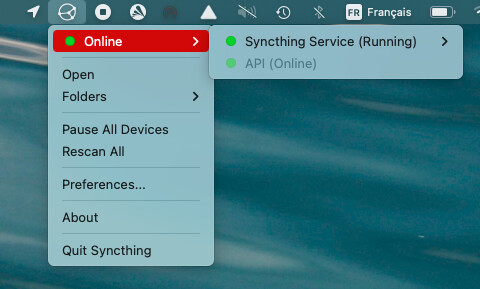
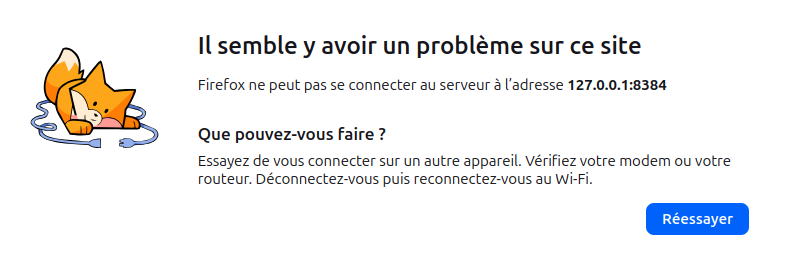
I installed syncthing yesterday on two machines, one running under MacOS Monterey (MacBook Air 2017) and the other under Ubuntu 24.04 (iMac 20” 8,1). I use Firefox. I did a first synchronisation of my files between the two machines yesterday. It worked fine. Since this morning I cannot access http://127.0.0.1:8384/#device-general on both machines, I get the following message instead see screen capture, same on both machines.
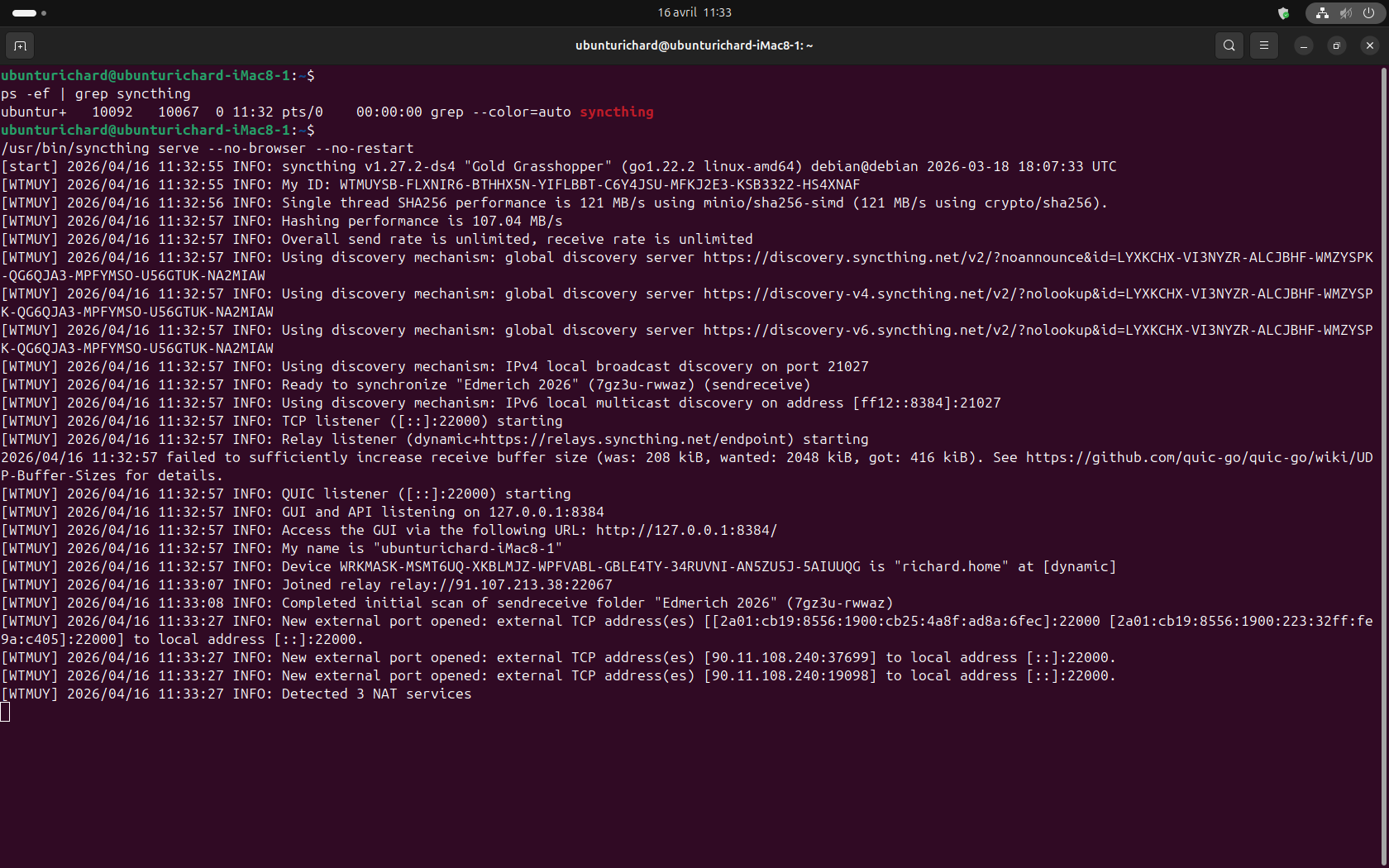
First, let’s be sure that Syncthing is running. The command to use is the same on MacOS and Ubuntu: ps -ef | grep syncthing. There should be three processes, here’s an example from my Ubuntu Device:
If Syncthing is running, it might be bound to a specific interface rather than the loopback. You can check Syncthing’s config.xml file to confirm this. On MacOS, the default location for the file is ~/Library/Application Support/Syncthing. On Ubuntu, it’s ~/.local/state/syncthing/.
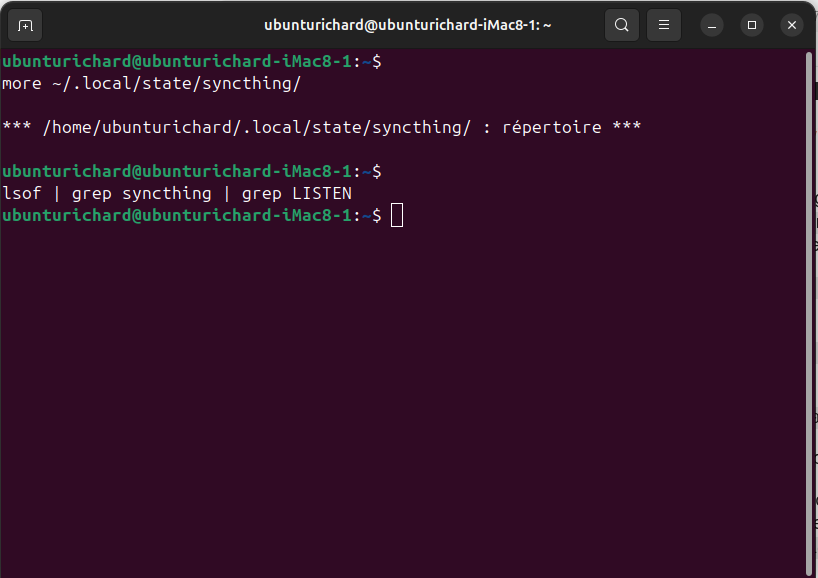
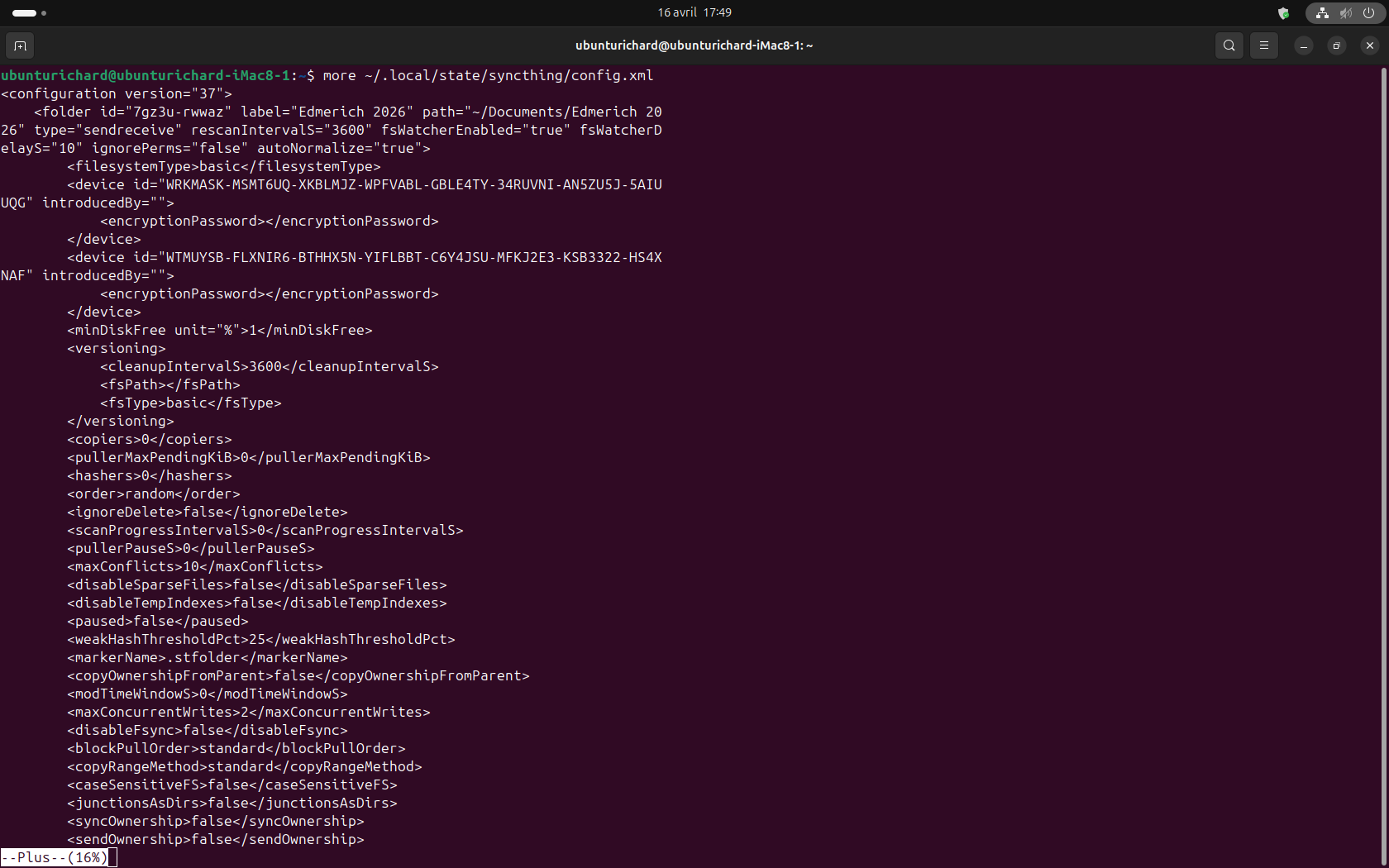
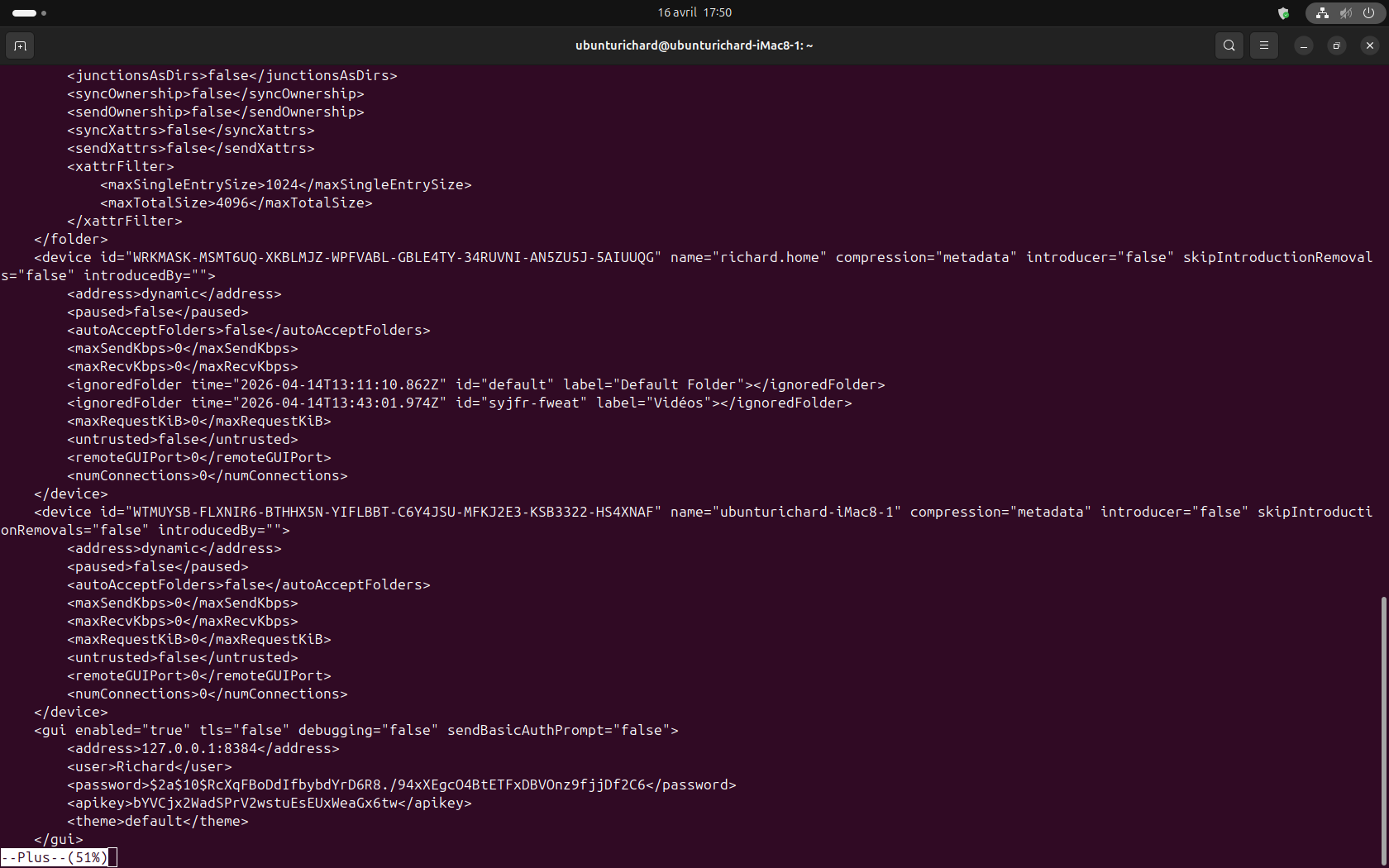
You can use more ~/.local/state/syncthing/ on Ubuntu and look for “gui enabled”. It should read something like this:
Or it may have the address as 0.0.0.0 – in either of those cases, if Syncthing is running, I’d normally expect the GUI to work.
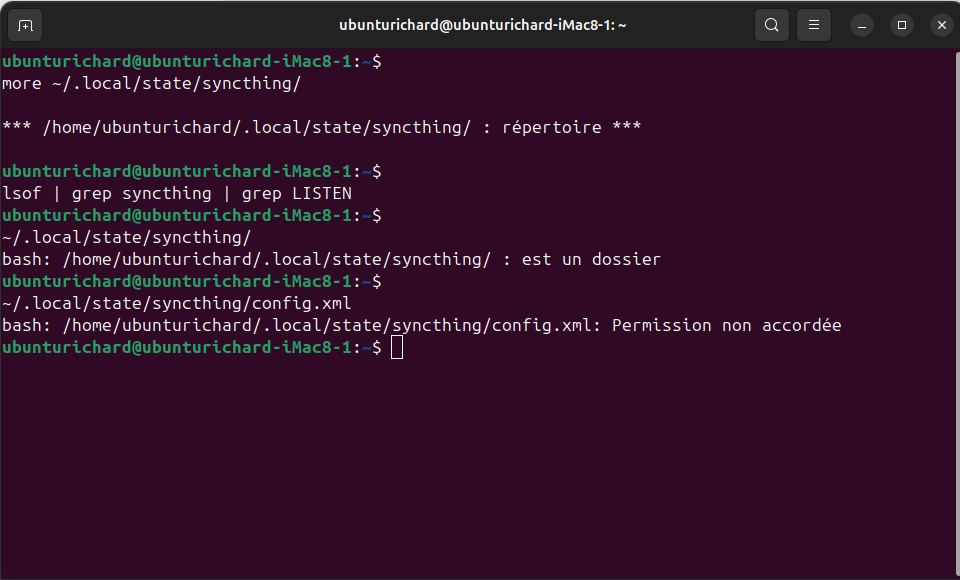
Other options are to look at the log, or to use lsof | grep syncthing | grep LISTEN on either or both Devices to see what ports are actually being used by Syncthing.
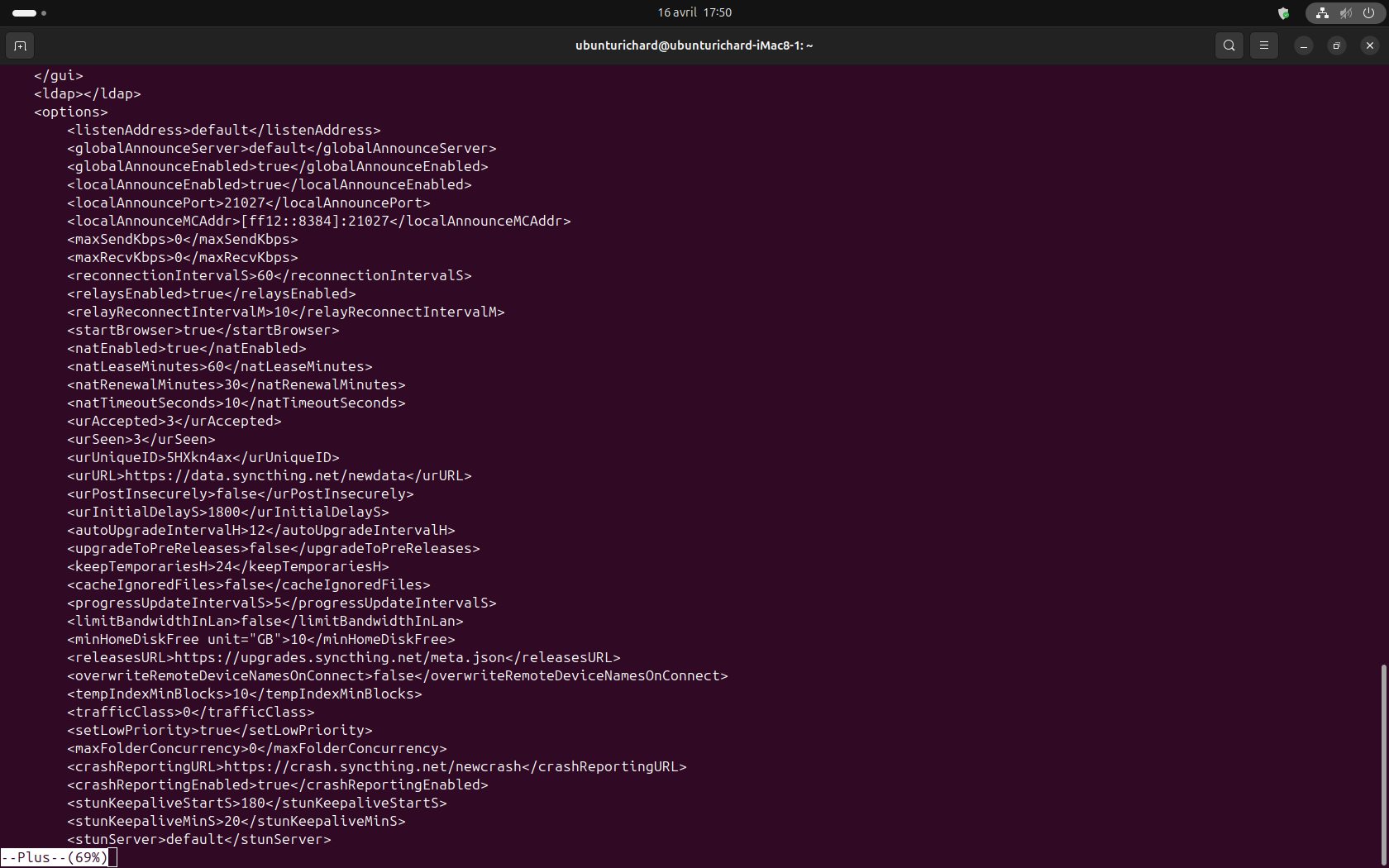
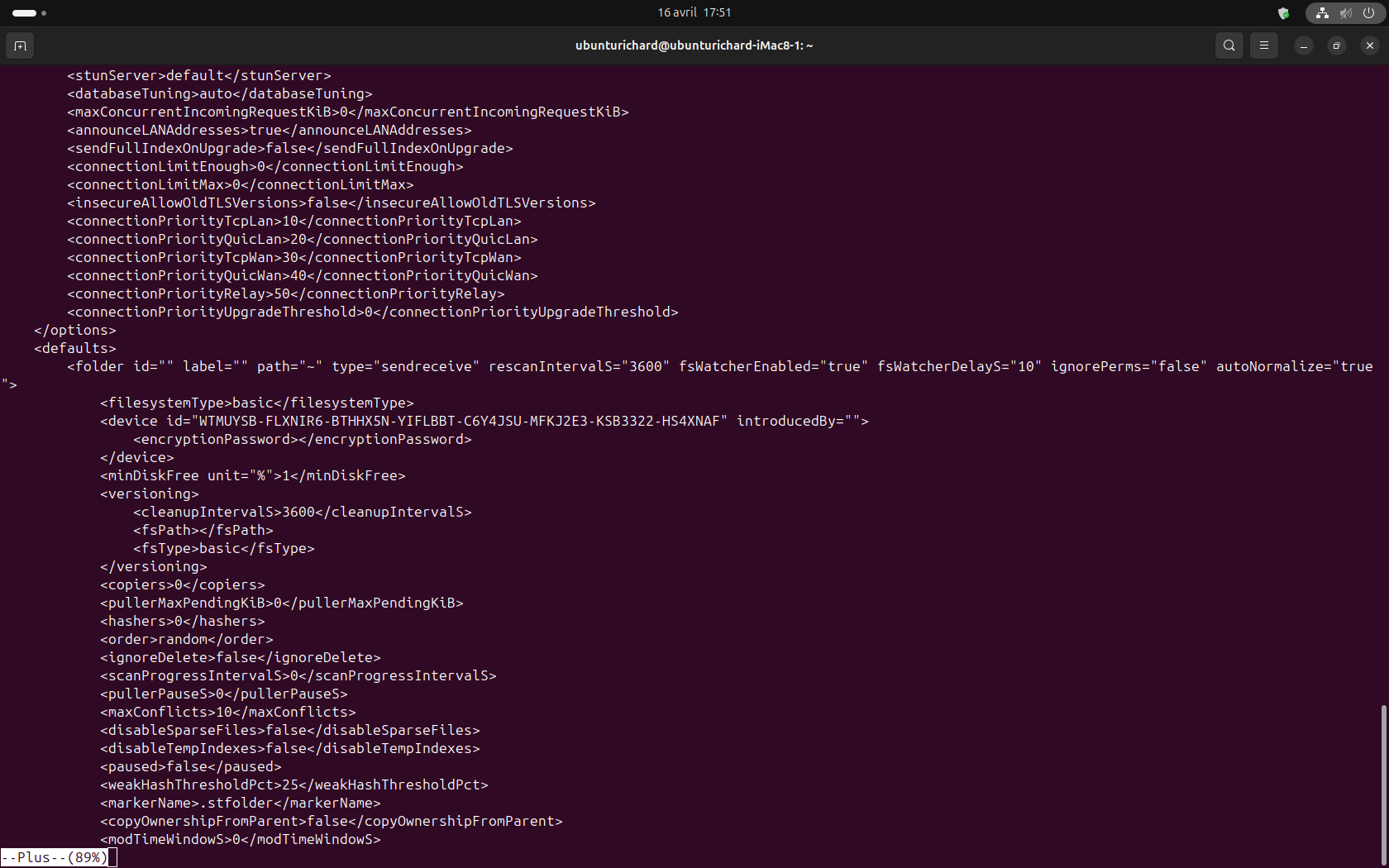
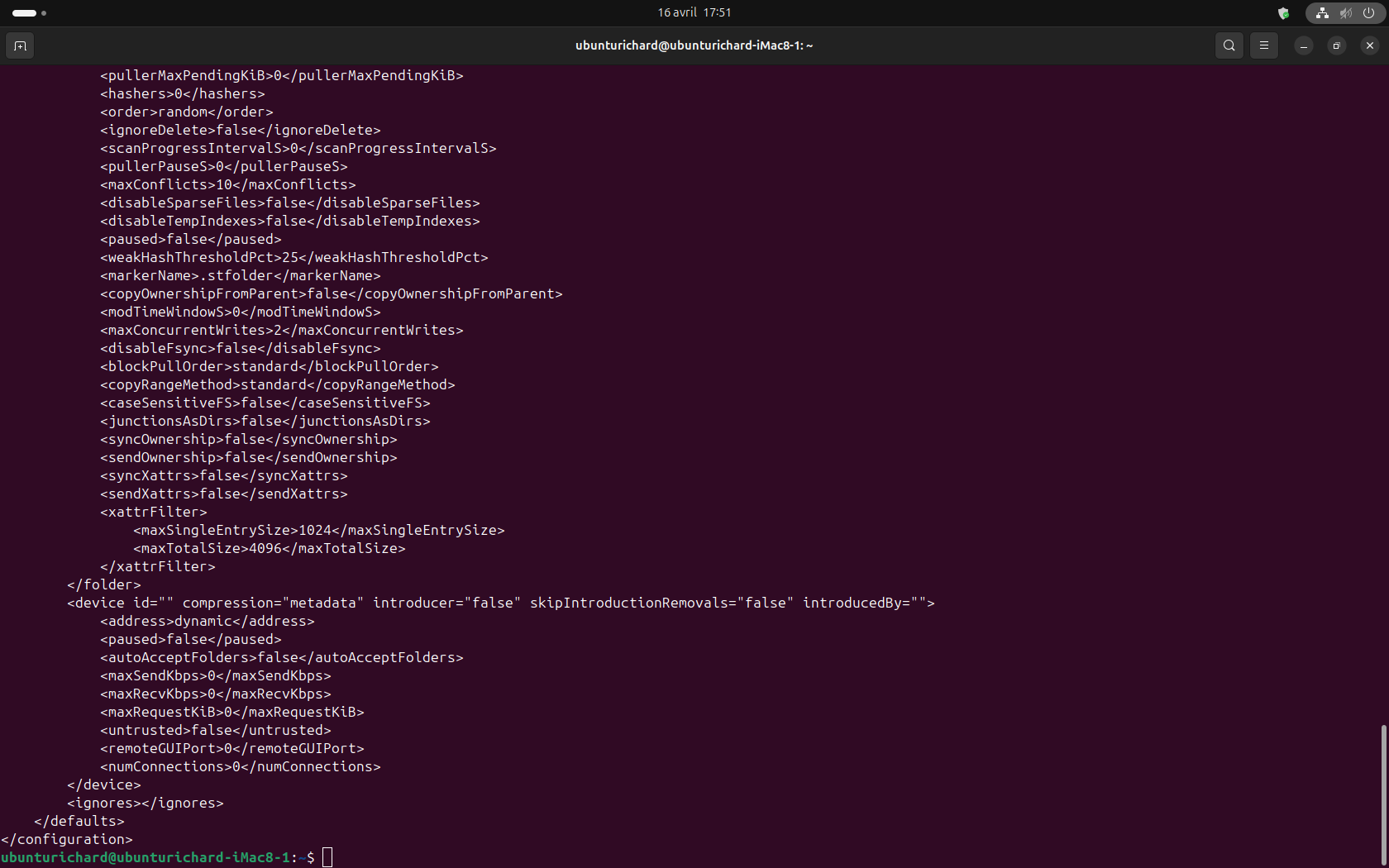
Good day chaos,thank you for your instructions. I managed to copy / paste the command lines the suggested in the terminal on my Ubuntu machine. I am enclosing the screen copies of the results. kindly note that after entering { /usr/bin/syncthing serve --no-browser --no-restart },
Where do I go from this point? Also note that I am not literate in writing command lines and interpreting results beyond installing softwares with { sudo apt get …}
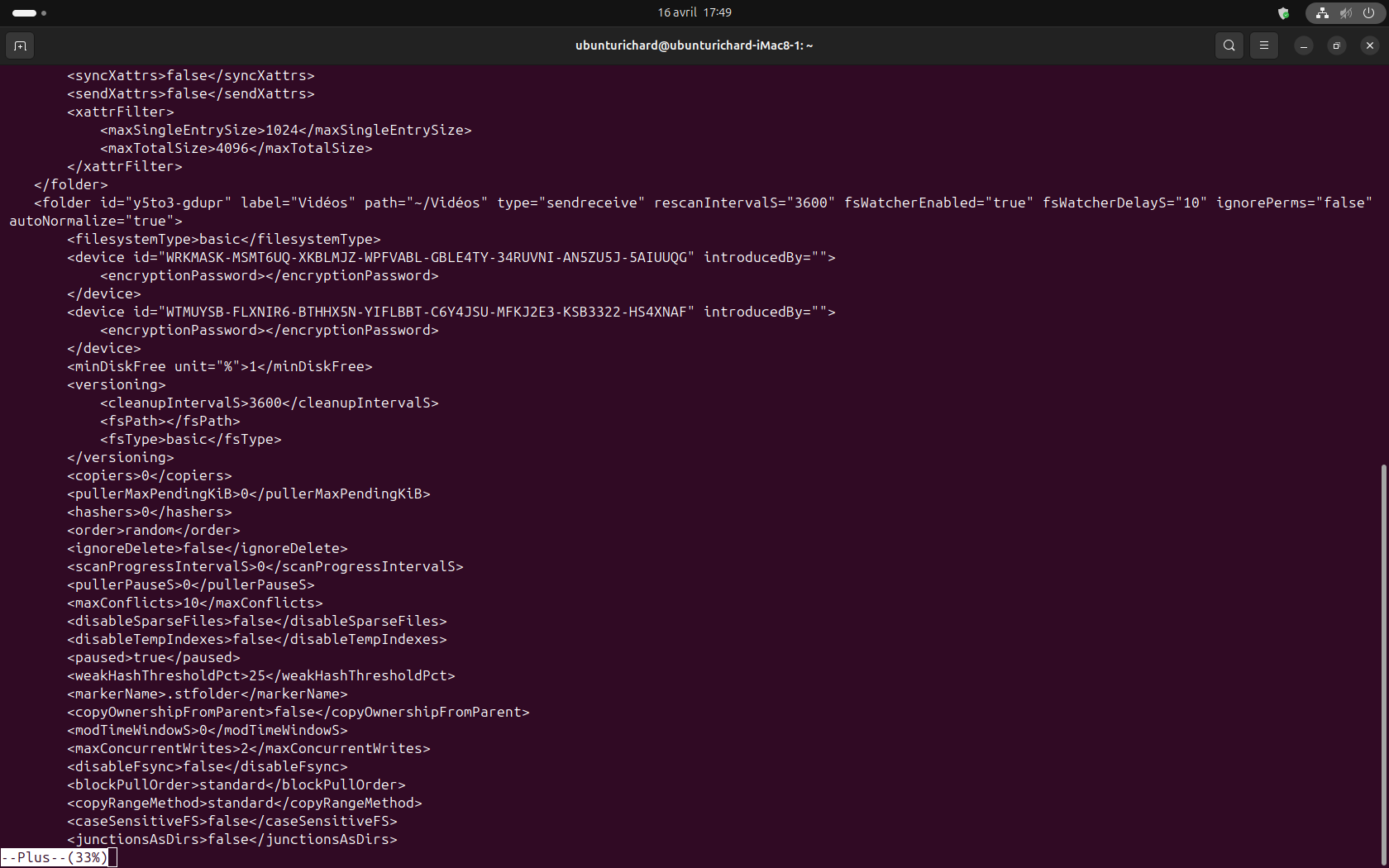
My apologies — I gave the wrong command. The correct command is more ~/.local/state/syncthing/config.xml.
Syncthing wasn’t running, you started it and then it stopped? We need to figure that out. What do the logs say? See FAQ — Syncthing documentation for where the logs are.
I installed syncthing two days ago, and it worked fine : I could synchronise “Edmerich 2026” folder containing all my working documents and files on both machines.
I am enclosing the screen captures of the command you suggested more ~/.local/state/syncthing/config.xml Note that I had to press the enter key for each line till I reached 100%
This shows your GUI configuration — you have the right IP address (127.0.0.1 is the loopback address, so the GUI is only accessible on the local machine) along with the username and so on.
But it seems that’s not your issue, it seems like your issue is that Syncthing starts and then stops.
Please check the logs — they should tell us why Syncthing starts and then stops.
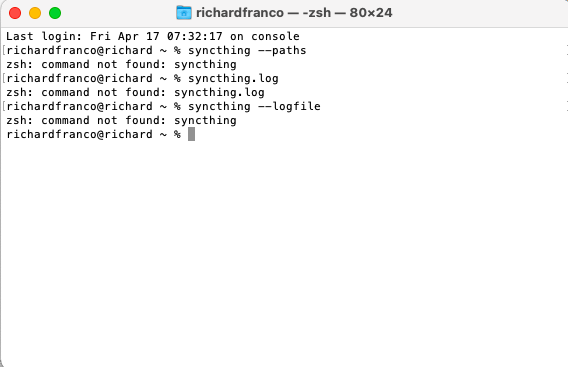
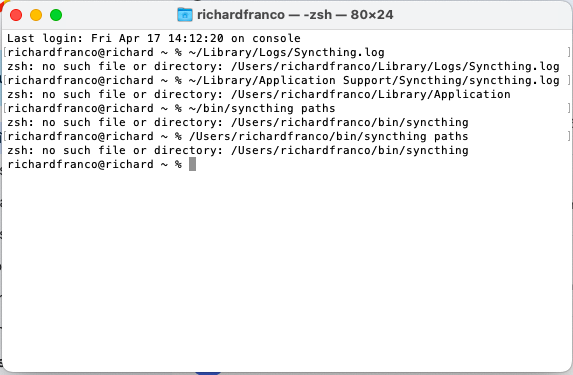
The two most common locations for Syncthing logs on the Mac are ~/Library/Application Support/Syncthing/syncthing.log and ~/Library/Logs/Syncthing.log. You can use the tail command to see the end of the log file.
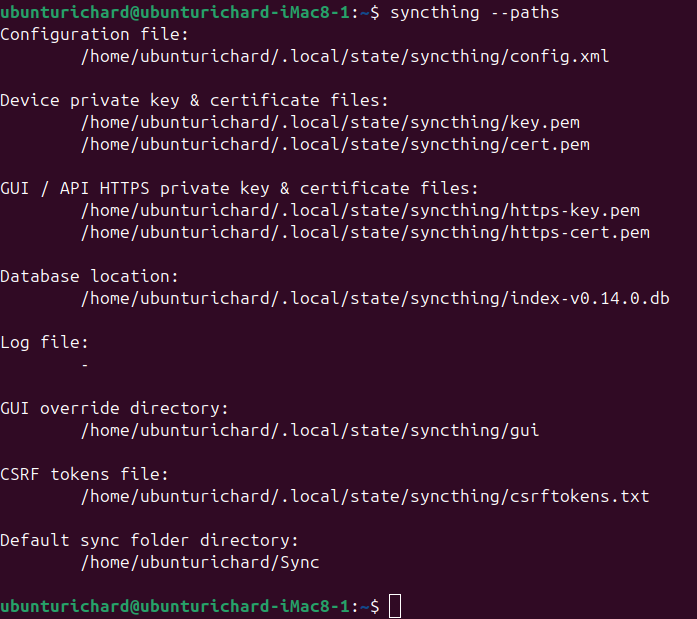
On my Mac, ~/bin/syncthing paths works as it should.
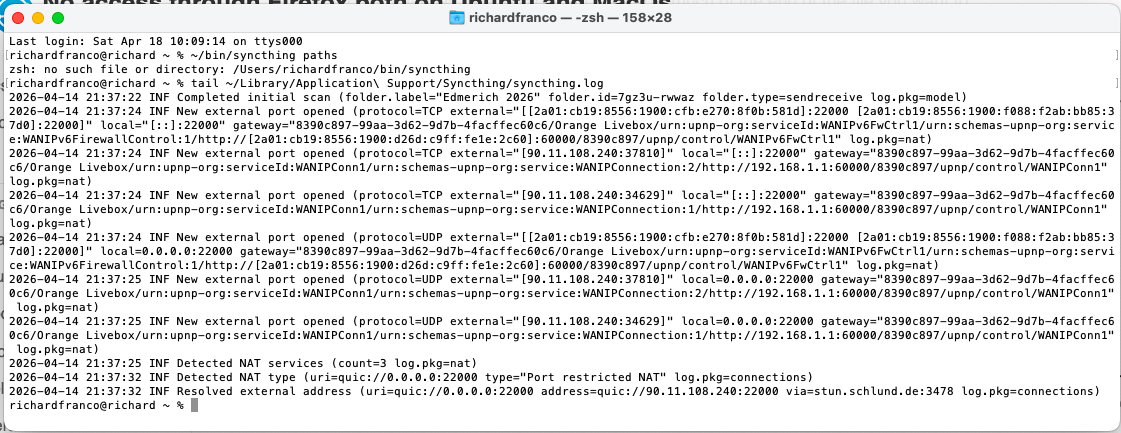
The first command didn’t work, I tried tail ~/Library/Application\ Support/Syncthing/syncthing.log and this is what I get > screen capture of the terminal. Hope this let you have useful information, thank you so much for your patience
On your Mac, the Syncthing binary is someplace other than in ~/bin/. I’m wondering if you installed the “syncthing-macos” bundle, which would put the Syncthing binary in /Applications/Syncthing.app/Contents/Resources/syncthing/syncthing.
Please try /Applications/Syncthing.app/Contents/Resources/syncthing/syncthing paths from the command line — if for no other reason than to help me get better at troubleshooting Syncthing on Mac.
Looking at the tail of the Syncthing log: if your Mac has the right time and date, it looks like Syncthing stopped very abruptly several days ago. I don’t see anything in the log indicating why it isn’t running.
Try starting Syncthing again and then show us the log? Preferably, you could go back far enough to show us everything after that last time/date stamp of 2026-04-14. You can use tail --lines 100 ~/Library/Application\ Support/Syncthing/syncthing.log to go back 100 lines in the log entry, for an example. Look for that last time/date stamp and show us everything after, adjusting the number of lines of log if you need to.
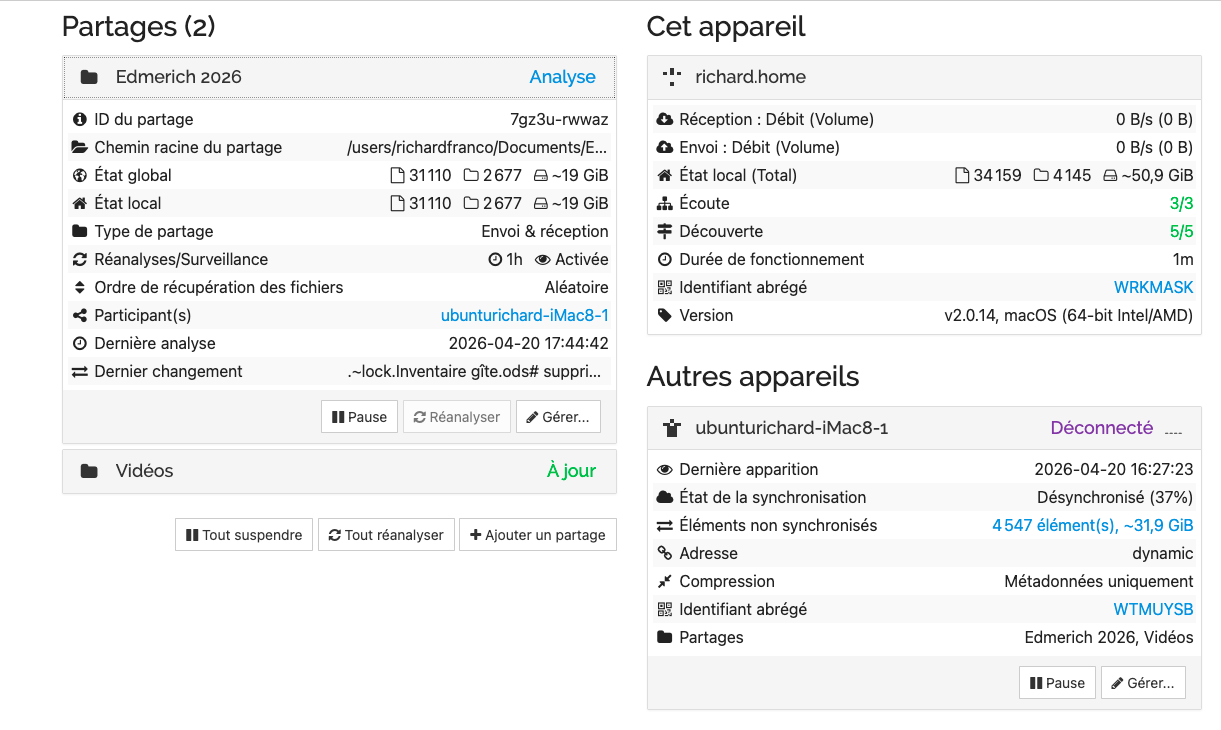
On my return home, I have decided to uninstall Syncthing from both machines and do a clean install again. It is now working on the MacBook Air under MacOS - screen capture this morning, I just checked again now, it is fine.
Not the same music on the iMac running under Ubuntu 24.04. I did a clean install, it worked once and files were synchronised between the two machines. When I wanted to run again syncthing, I got the usual “Firefox cannot connect to server 127.0.0.1:8384”. I did “sudo apt remove Syncthing” then again “sudo apt install Syncthing”.. not connecting to server. This is where I stand right now. Thanks for your help.
Hello chaos, I am very sorry to have pursued this matter with you and have taken a lot of your time! I have not followed the right procedure to start Syncthing on my Ubuntu machine, ie first click on “start Syncthing”, then open “Syncthing web UI” … , and it works! On the MacOS bundle, there is only one icon for Syncthing that opens the program on the tool menu - screen capture - where one can see it is running in the background, and the web UI can be opened from there … Again many apologies, and thank you for your patience





 , and it works! On the MacOS bundle, there is only one icon for Syncthing that opens the program on the tool menu - screen capture - where one can see it is running in the background, and the web UI can be opened from there … Again many apologies, and thank you for your patience