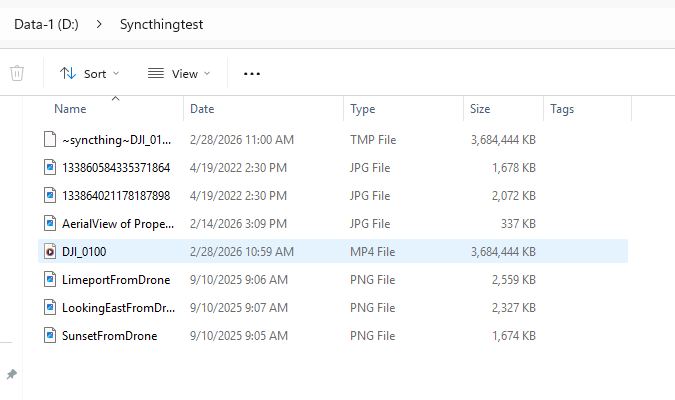
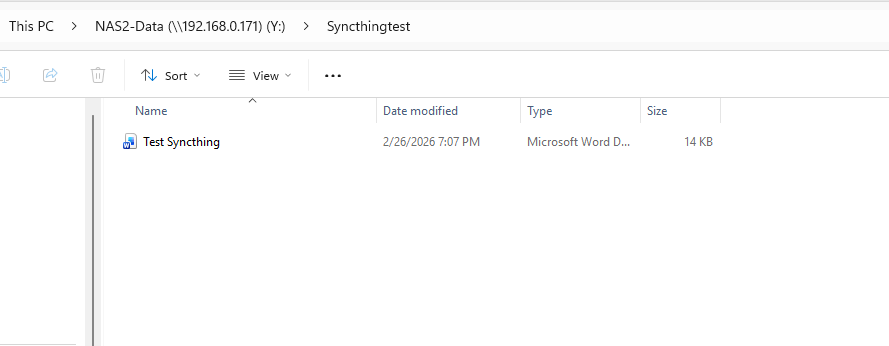
I am new to Syncthing and I have watched several videos, reinstalled, uninstalled, shared, reshared, etc. I am missing something that I think is probably obvious but I’m just not getting it. Been at this for probably close to 6 hours now and I’m at a dead end. My shared folder from Windows to my Y TrueNAS drive in the Syncthing GUI shows the files are there. But, when I go into my windows directory, they are only showing up on my local d drive folder, not on the mapped network folder. I have SMB shares set up. Any advice?
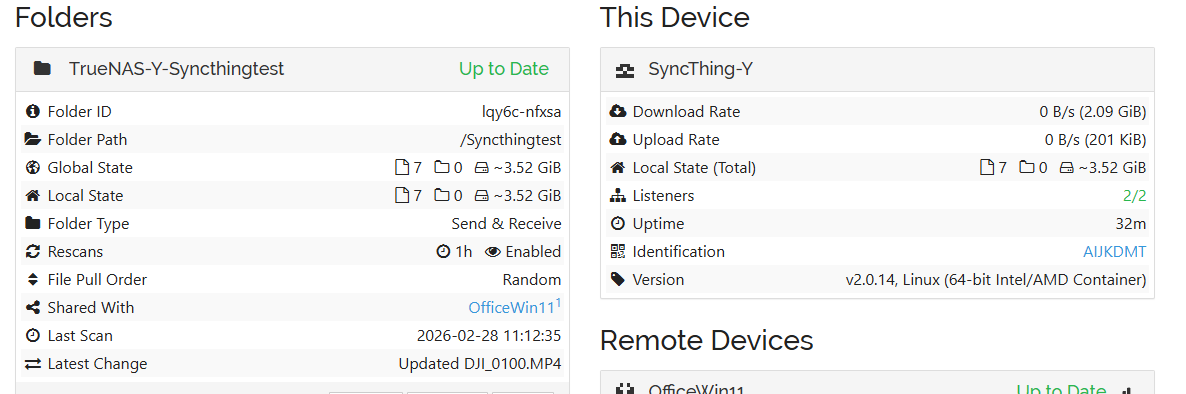
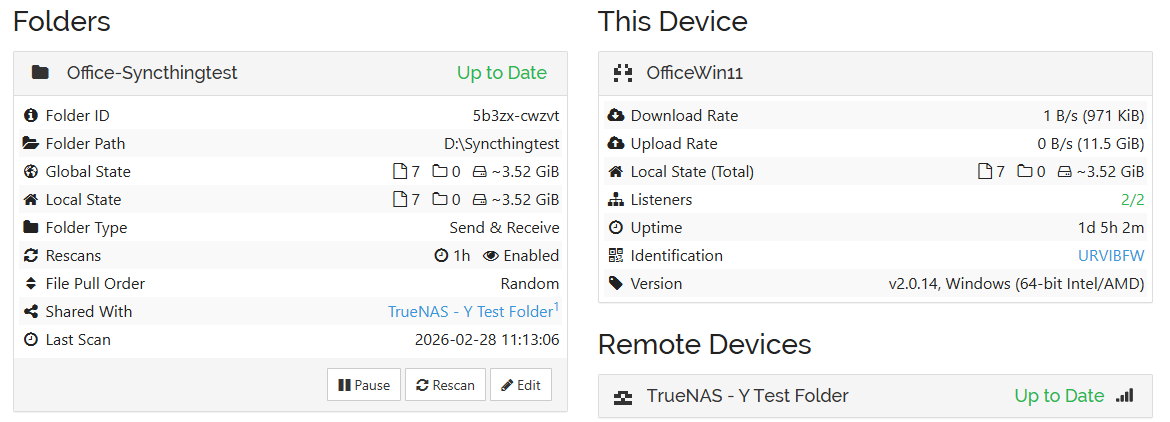
I think your path on TrueNAS might be the problem. Are you sure that a folder at the root of its filesystem (starting with a leading slash and no subdirectories) is something that will be accessible via SMB? I don’t have experience with TrueNAS, but that looks suspicious.
This topic was automatically closed 30 days after the last reply. New replies are no longer allowed.