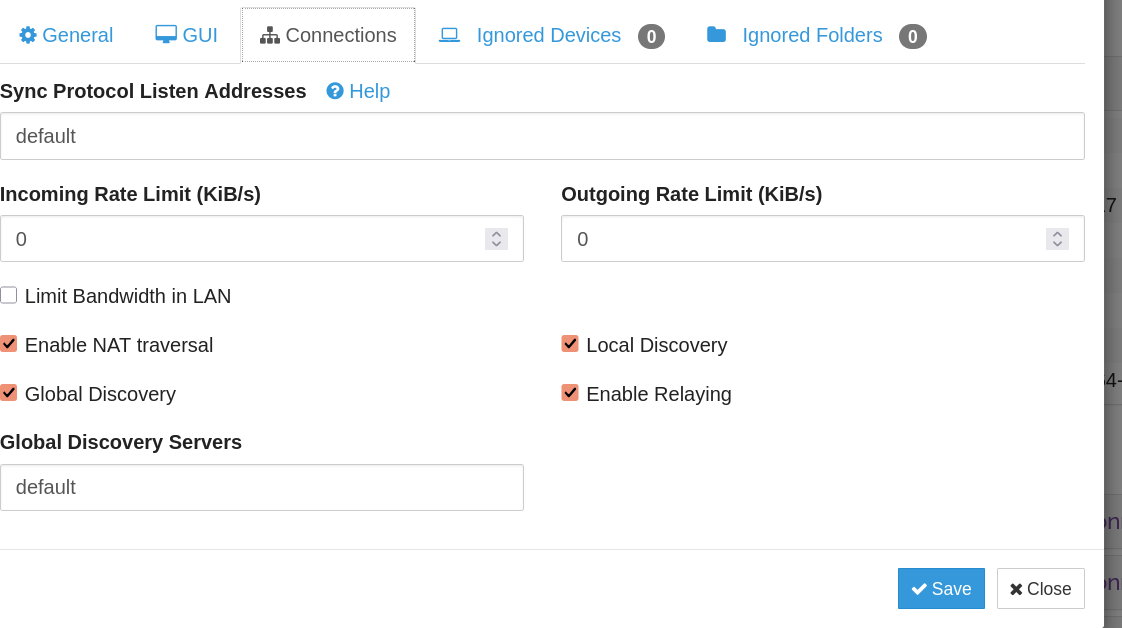
(1) Laptop ←→ phone always, or almost so, get connected as Rele WAN
even on the same WiFi network; unless both are on IPv6
Whereas,
(2) phone1 ←→ phone2 always, or almost so, get connected as TCP LAN
Why is this? How to force TCP LAN?
(1) Laptop ←→ phone always, or almost so, get connected as Rele WAN
even on the same WiFi network; unless both are on IPv6
Whereas,
(2) phone1 ←→ phone2 always, or almost so, get connected as TCP LAN
Why is this? How to force TCP LAN?
Please provide more information on the devices involved, the operating systems, etc. Just a note, but if using Windows, you need to set the network to “private” in the OS settings in order to allow direct connections.
Linux and Android, latest versions. It’s been the case for a year at least, on different versions.
How is Syncthing installed? Which versions? Do you have custom firewall rules active on your laptop?
Actually, only phone1 will connect to the Laptop via Rele WAN, whereas phone2 will do via QUICK LAN. It’s something to do with the Android app, although both are the standard, although discontinued, Android Syncthing, not Syncthing-Fork