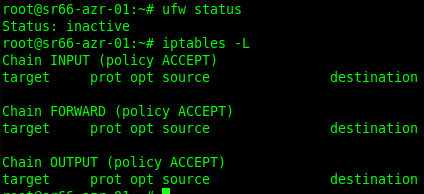
I have syncthing installed on a cloud VM (Ubuntu on Azure, with an NSG limiting incoming syncthing connections to only other known IP’s). This is a web server, so 80 and 443 respond on both IPv4 and IPv6, the VM has IPv6 enabled.
I am not able to access the GUI over IPv4, and when I use netstat I see this:
root@sr66-vmname-01:~# netstat -tulpn | grep 8384
tcp6 0 0 :::8384 :::* LISTEN 12423/syncthing
I’ve searched extensively for the fix and I am stumped. I’m fine with it being available over ipv6, but I need it accessible on ipv4 as well. This is my current GUI config:
221     <gui enabled="true" tls="true" debugging="false" sendBasicAuthPrompt="false">

222         <address>0.0.0.0:8384</address>

223         <user>surfrock66</user>

224         <password>--------</password>

225         <metricsWithoutAuth>false</metricsWithoutAuth>

226         <apikey>--------</apikey>

227         <theme>dark</theme>

228     </gui>
This is the listener config:
231 tcp4://0.0.0.0:22000
232 quic4://0.0.0.0:22000
233 default-v4