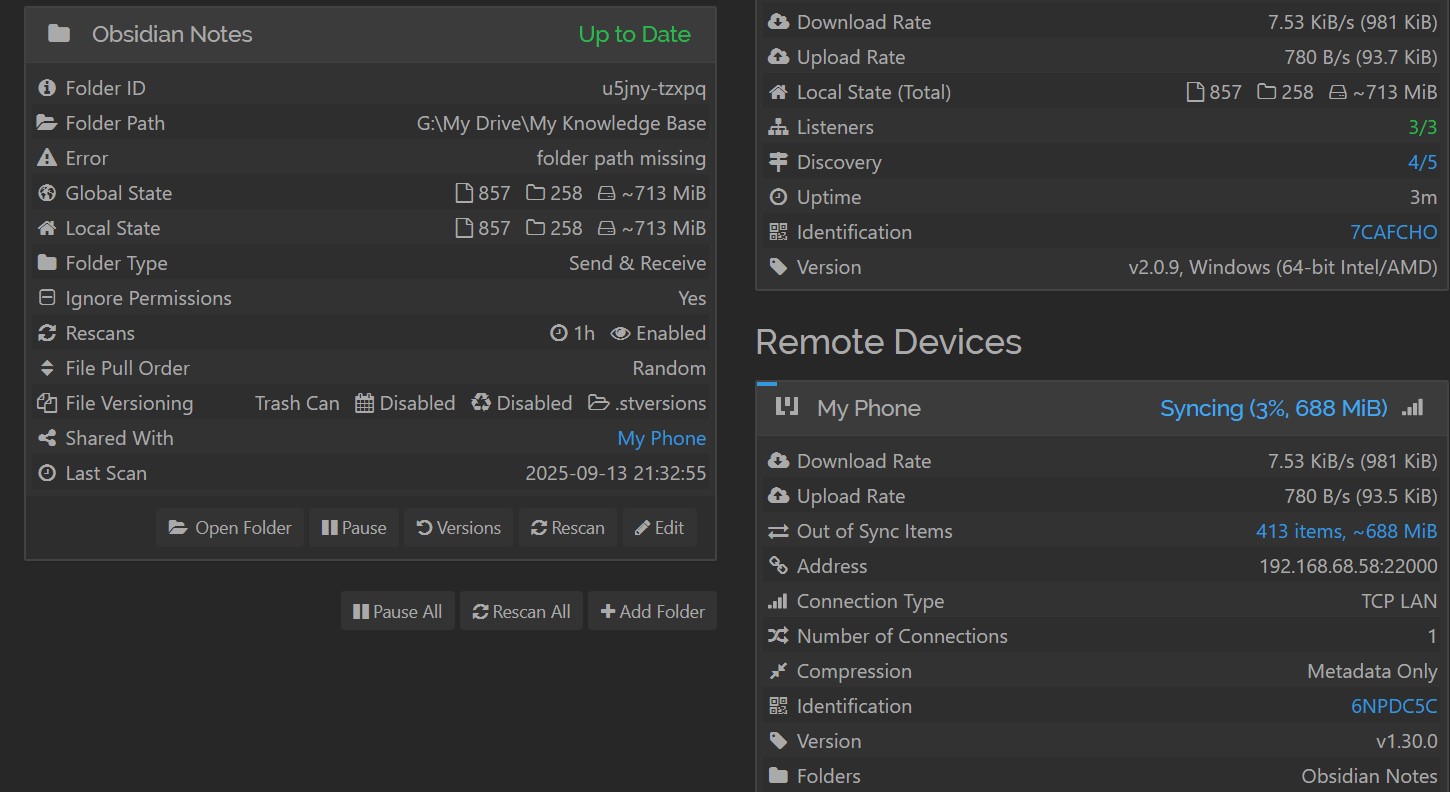
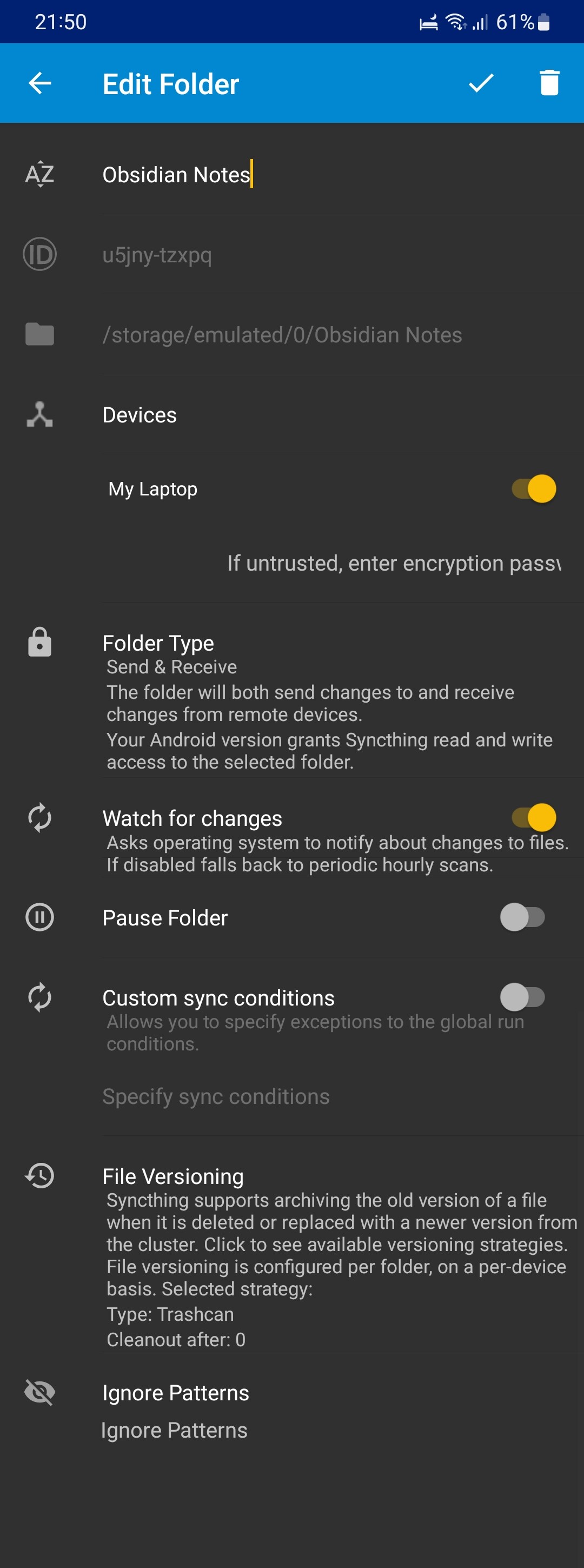
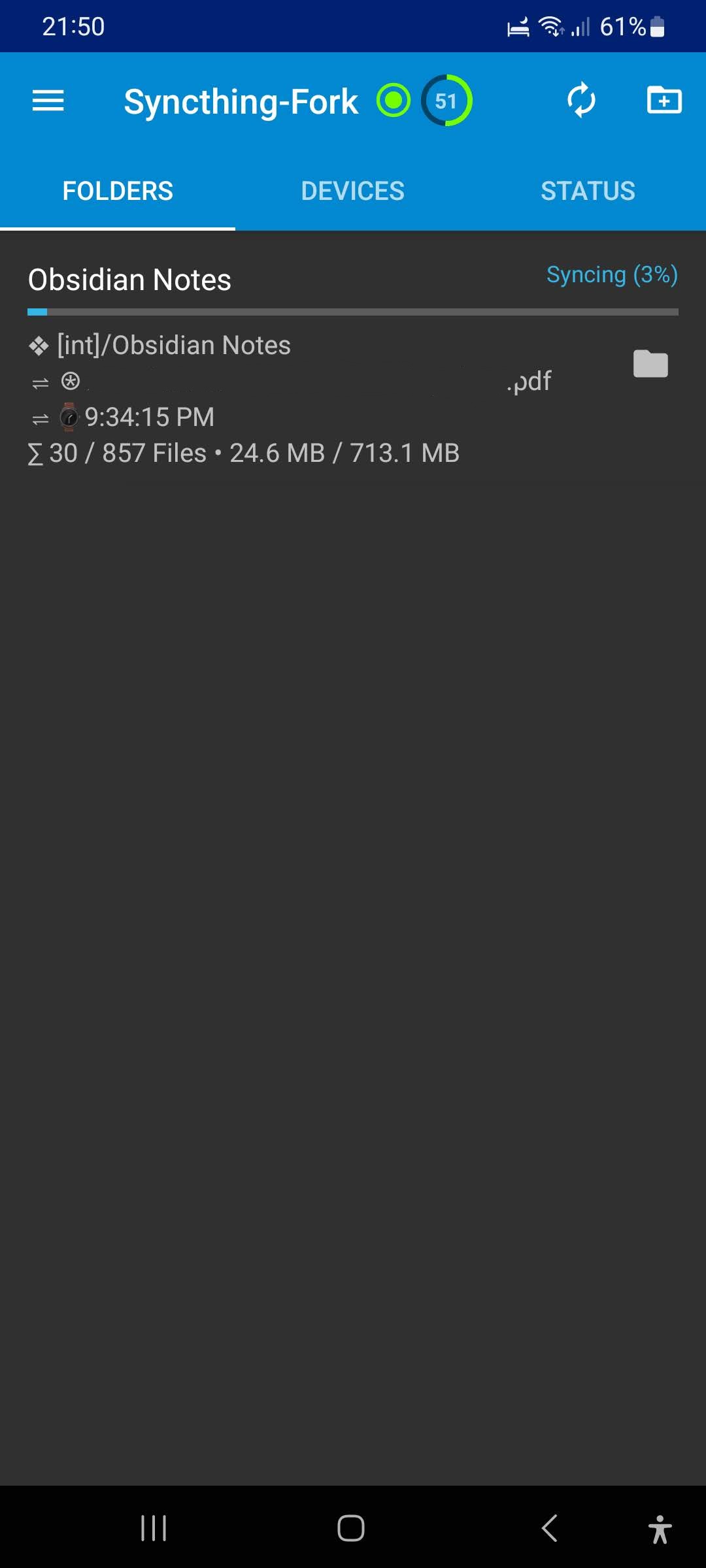
Hello. I’m trying to sync a folder from Windows laptop with my Android phone, but after I accept recieving the folder on my phone, syncing stops at 3%. I’m not sure why. I tried to restart the process from scratch more than once, yet the same thing happens again.
I’m new to using Syncthing, so I would greatly appreciate if you would help me solve this issue. I will insert photos below from my laptop and phone.
The folder I’m syncing is in my Google Drive folder in File Explorer. The problem was that the GD folder was disappearing constantly, so I changed the settings to make the GD application open on start up. This solved the problem, for now. I will see if any syncing problems start happening again.
Thank you very much for your help. Have a great day!
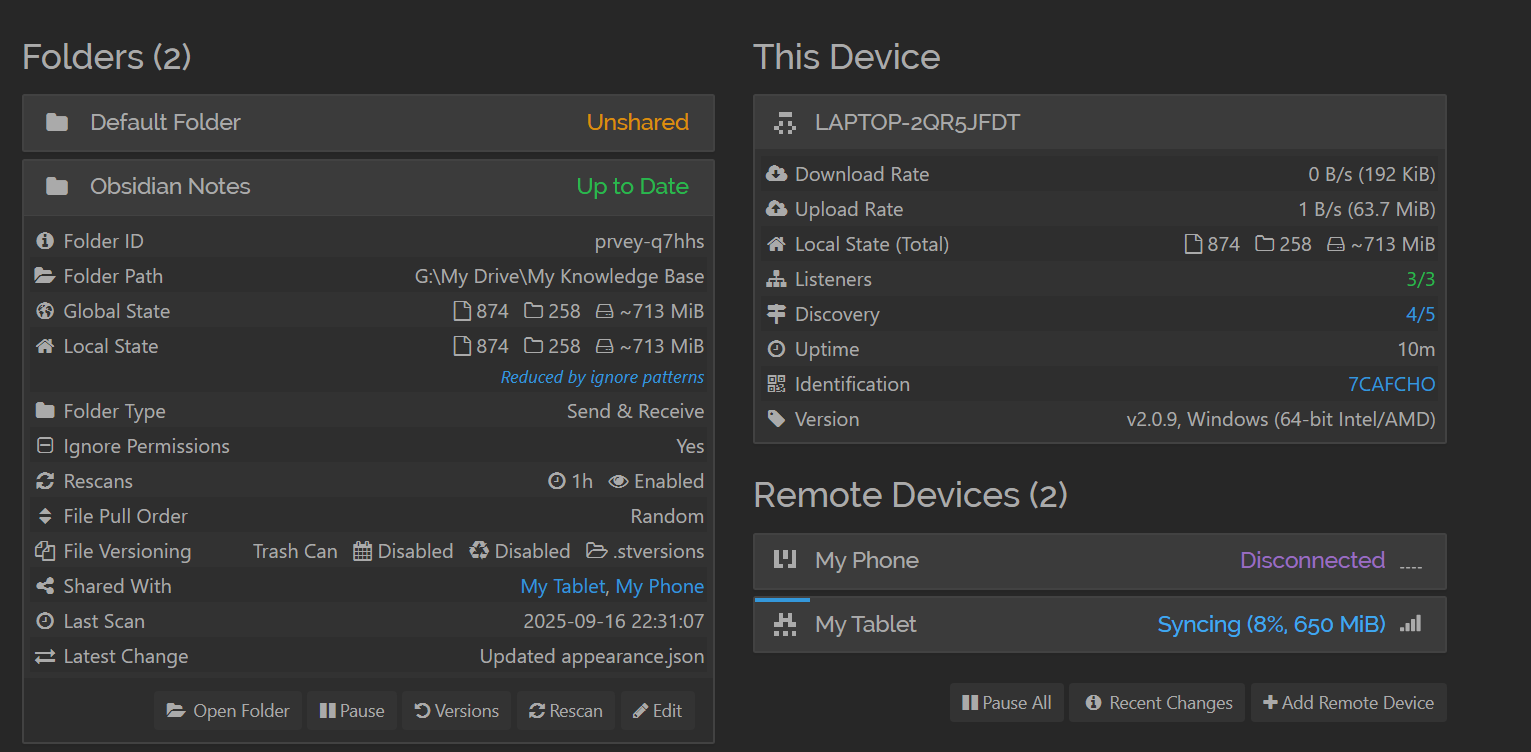
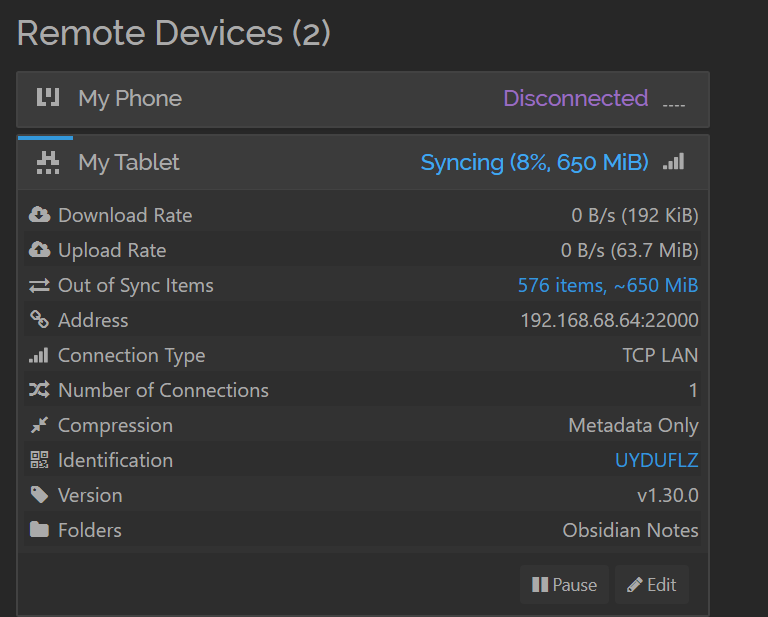
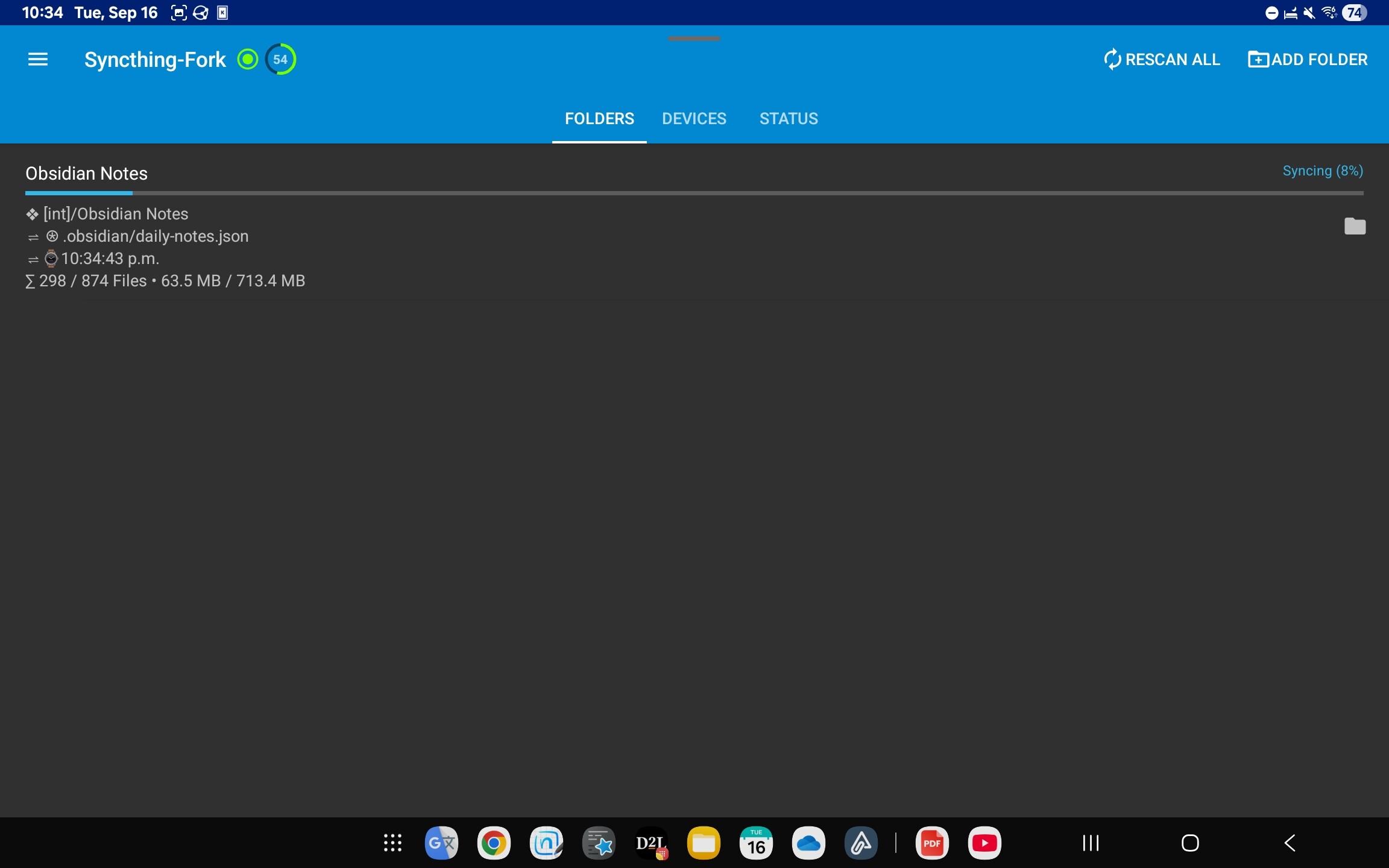
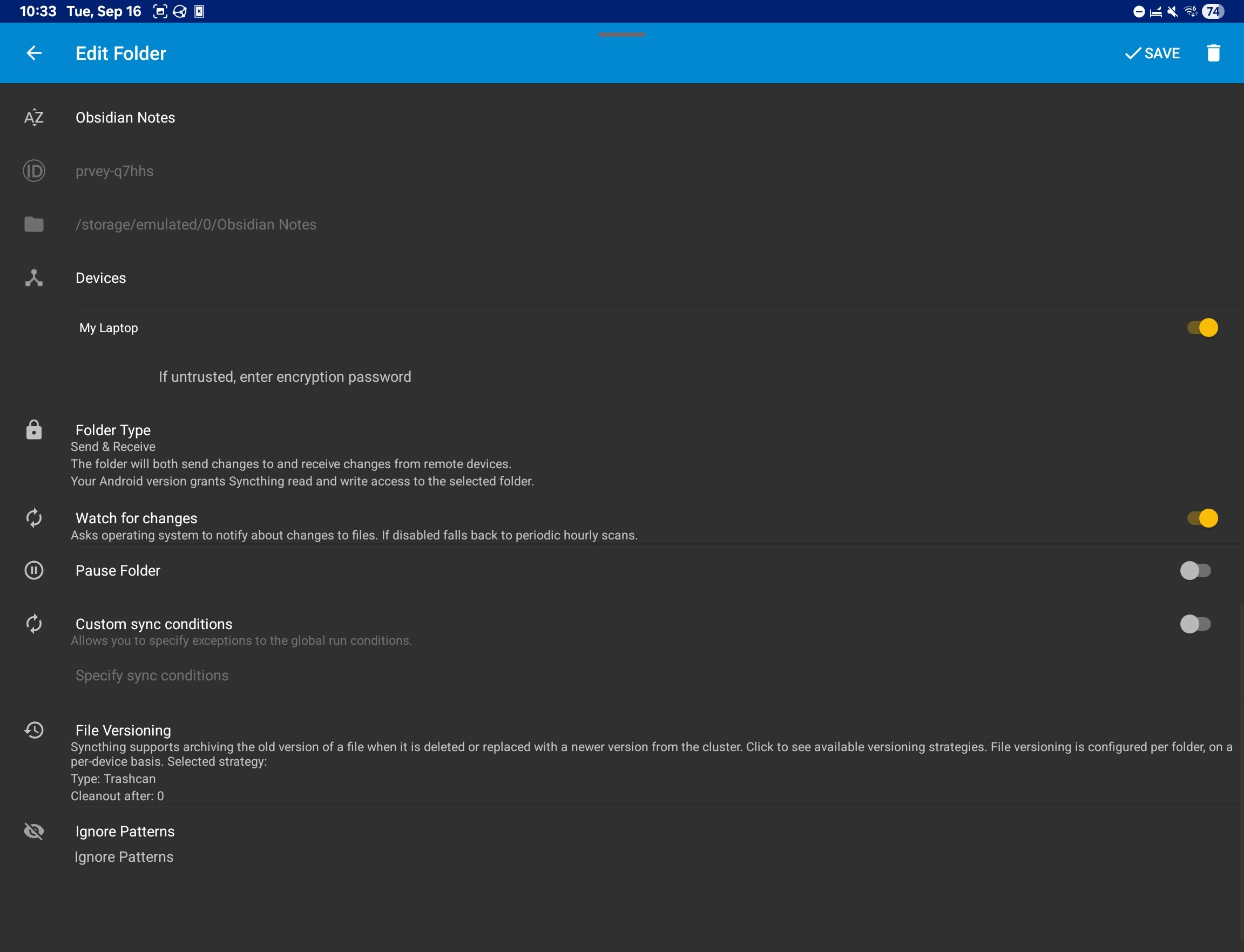
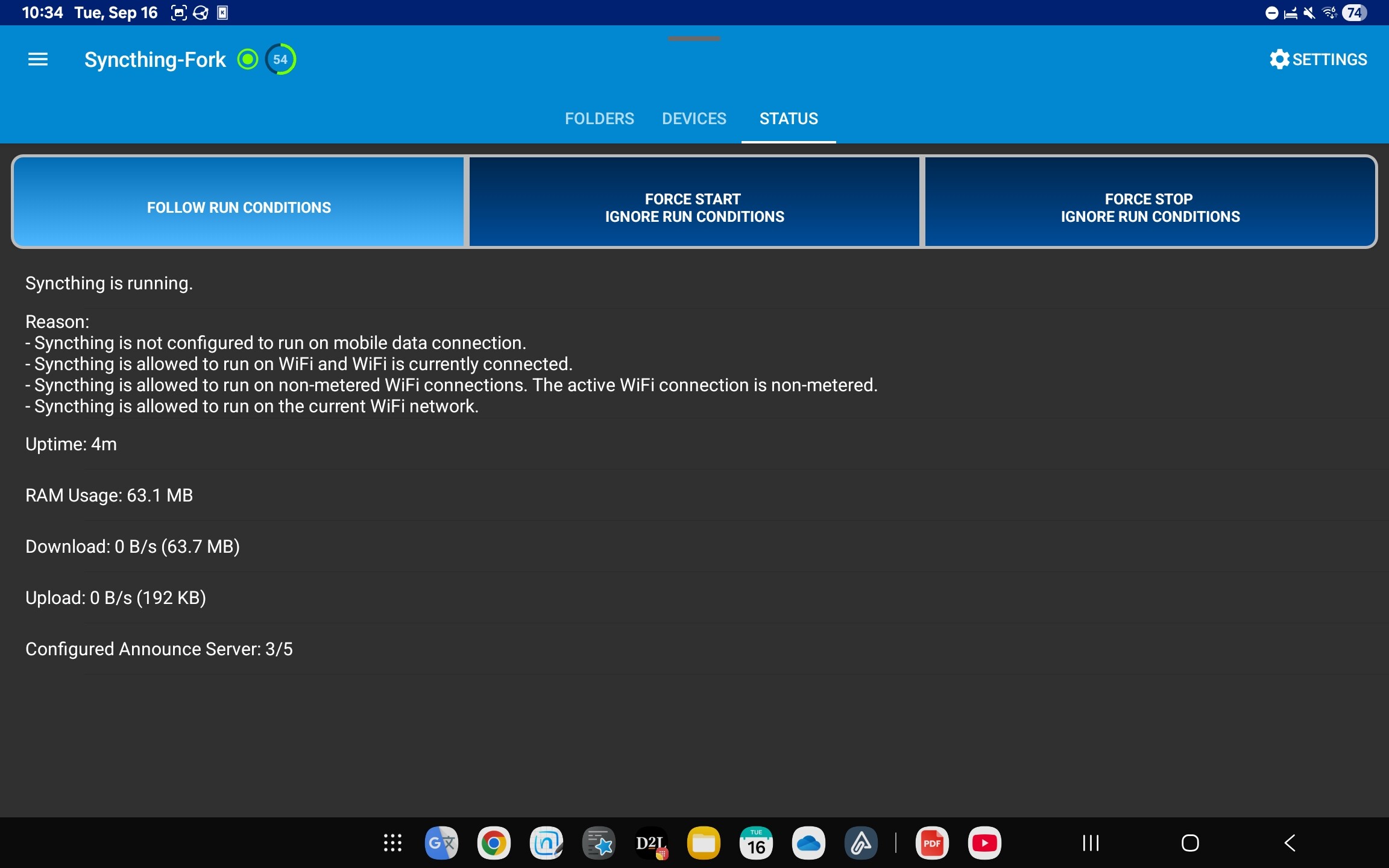
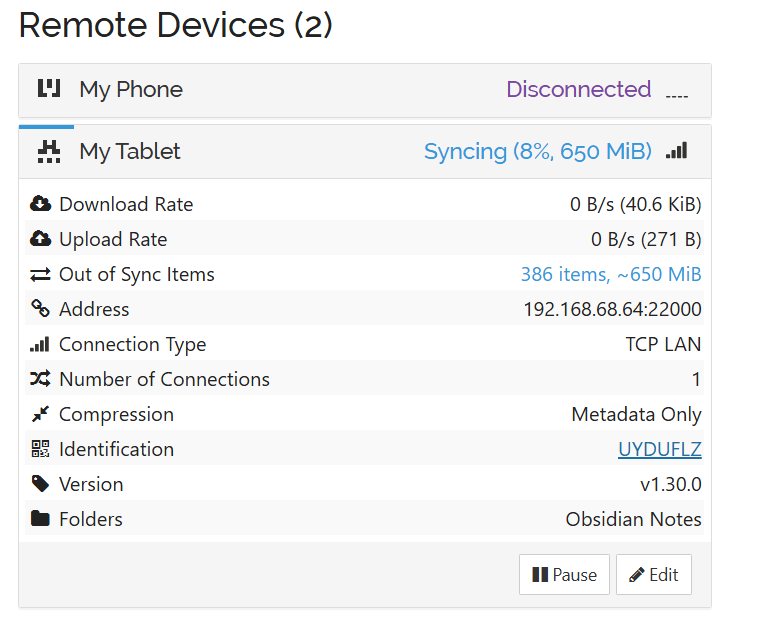
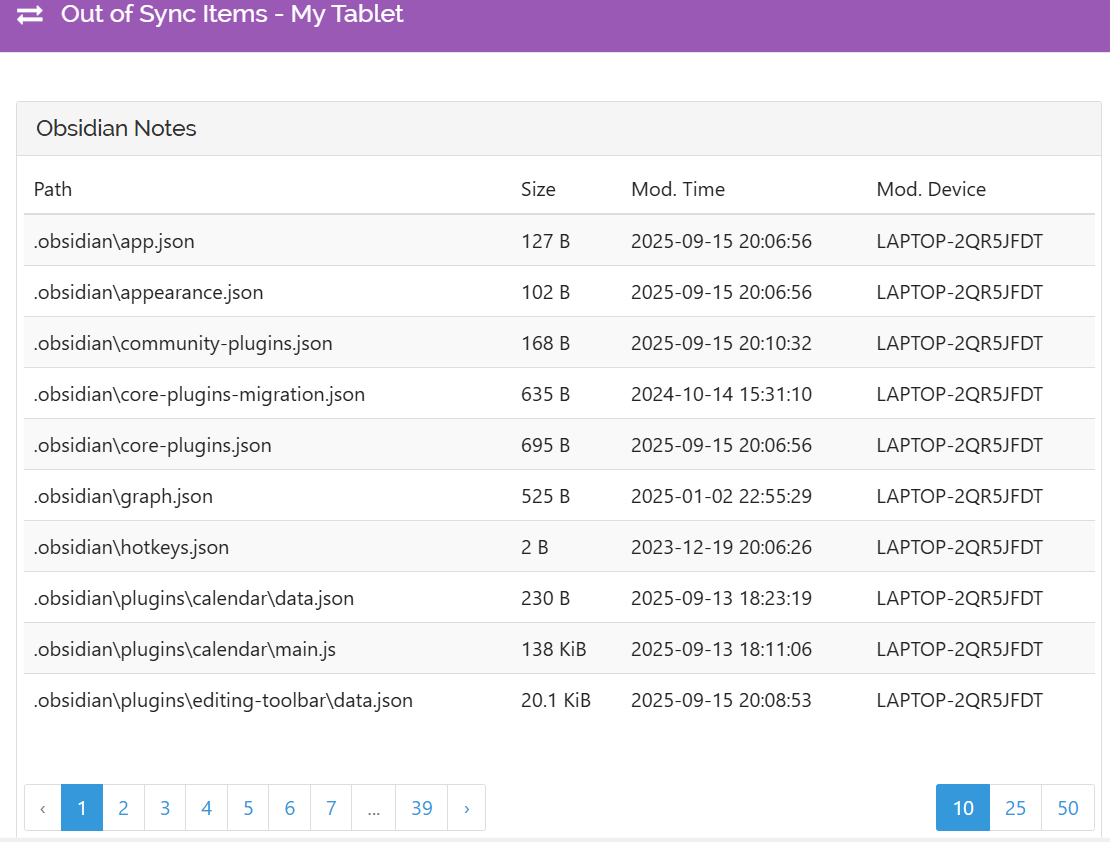
I was able to sync the folder with my phone after solving the “missing folder path error”, but when I tried to sync it with my tablet, it didn’t work. Every time I tried to sync it, it will start syncing at first, but then the download and upload rates will lower to 0, and the syncing will stop. Each time it stopped at a different percentage (76%,5%,8%). I have inserted below screenshots from my tablet and laptop. Thanks in advance for the help.
I would move .obsidian temporarily somewhere else, wait until everything is in sync, then move it back and see if it makes any difference. Ignoring it could also help.
Otherwise I suspect that G: is to blame so you could try to sync without the laptop.
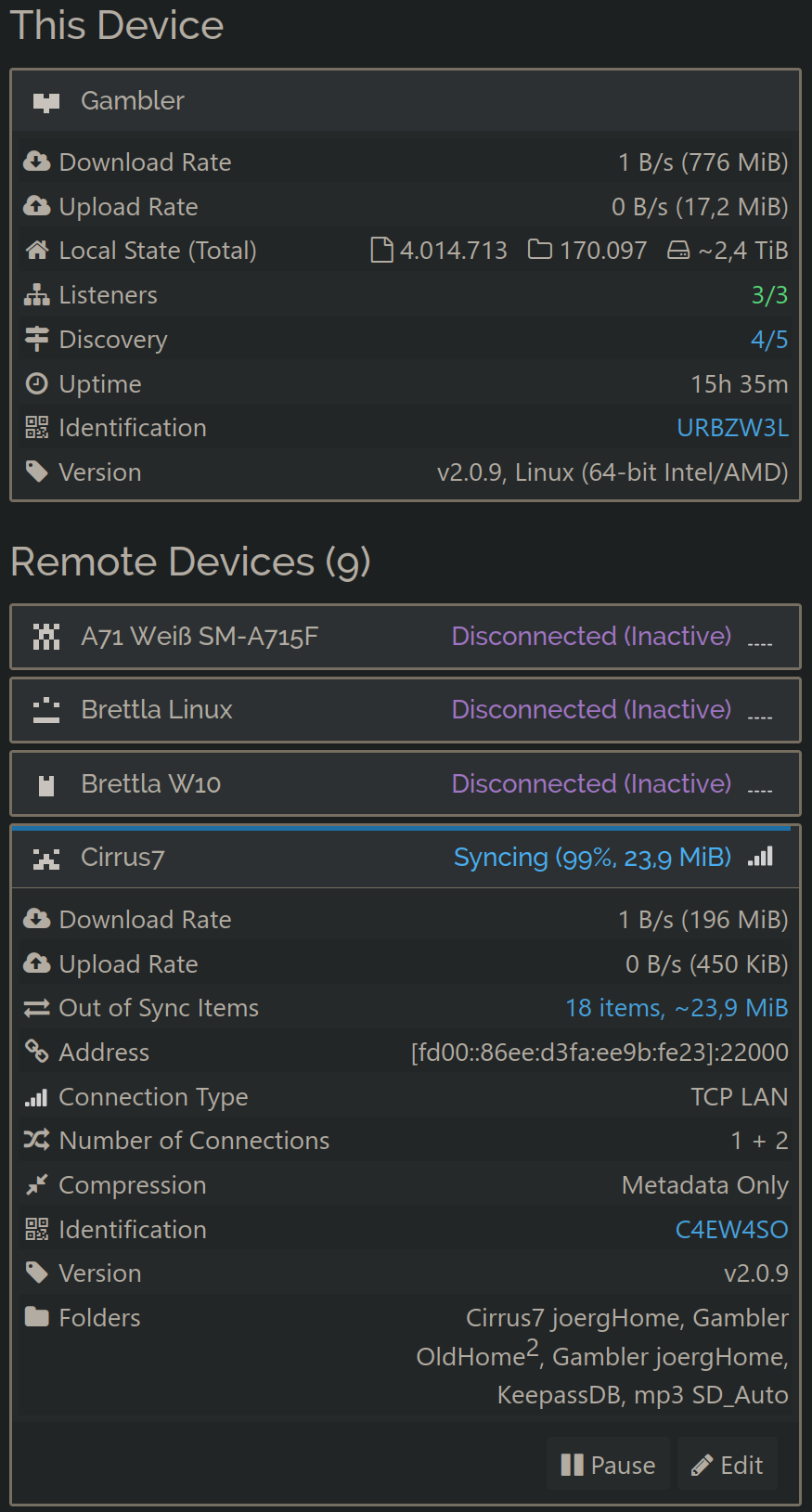
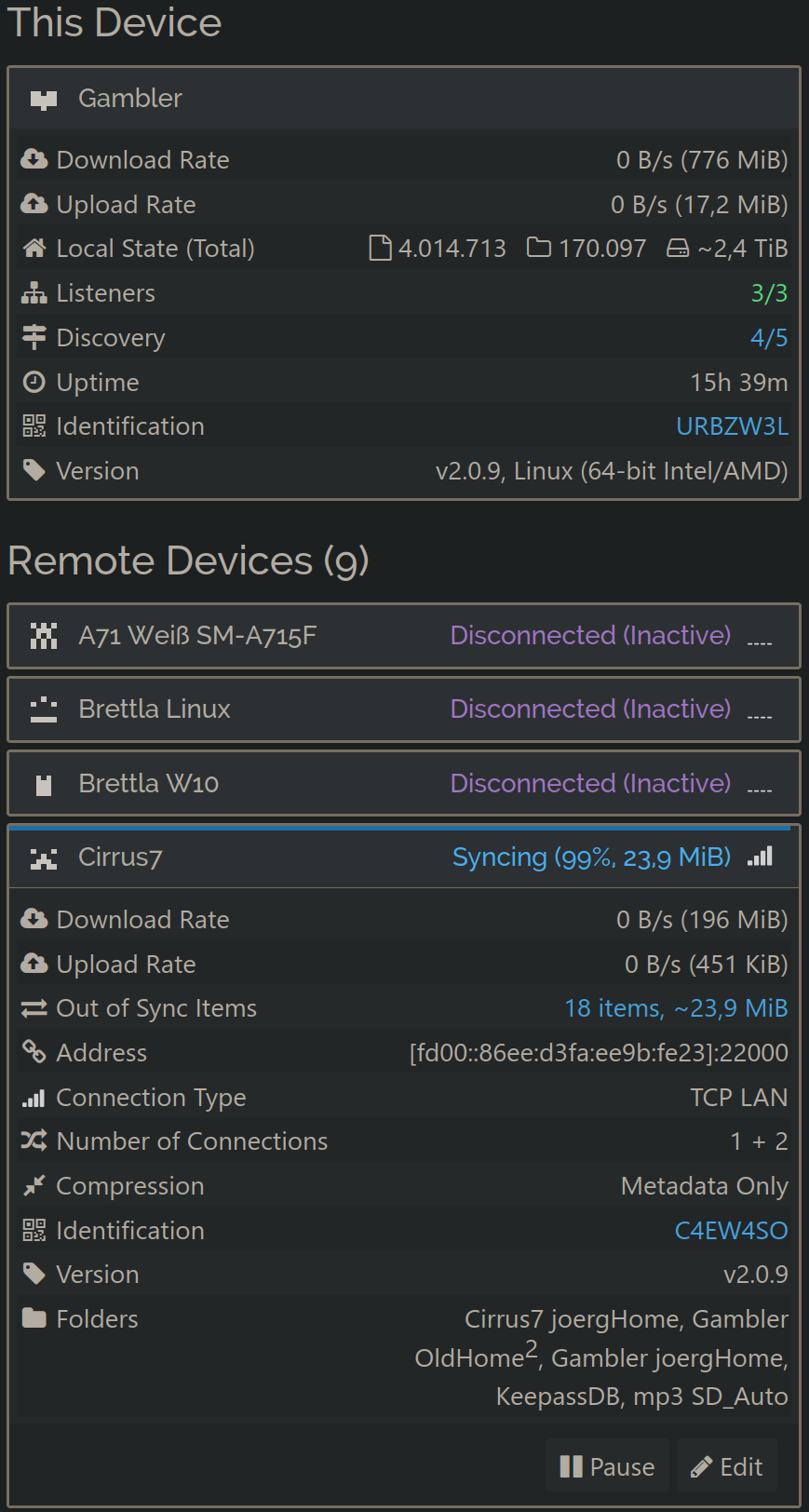
After selecting all red buttons i.e. “Revert Local Changes” there is only the “Syncing (99%, 23,9MiB” indication (18 items) in “Remote Devices” instead of “Up to Date” which is only flickering from time to time. The files list window on the “items” link does not show any of these files, while all transfer rates are 0, 1 or 2 B/s:
Storage access on Android is quite complicated but permission errors are not unexpected when accessing all of the internal/external storage without root access.
You can try to add .stfolder manually and add .android_secure to ignore but I doubt that it is the best approach in the first place.
Thanks tried but without real success, as you wrote.
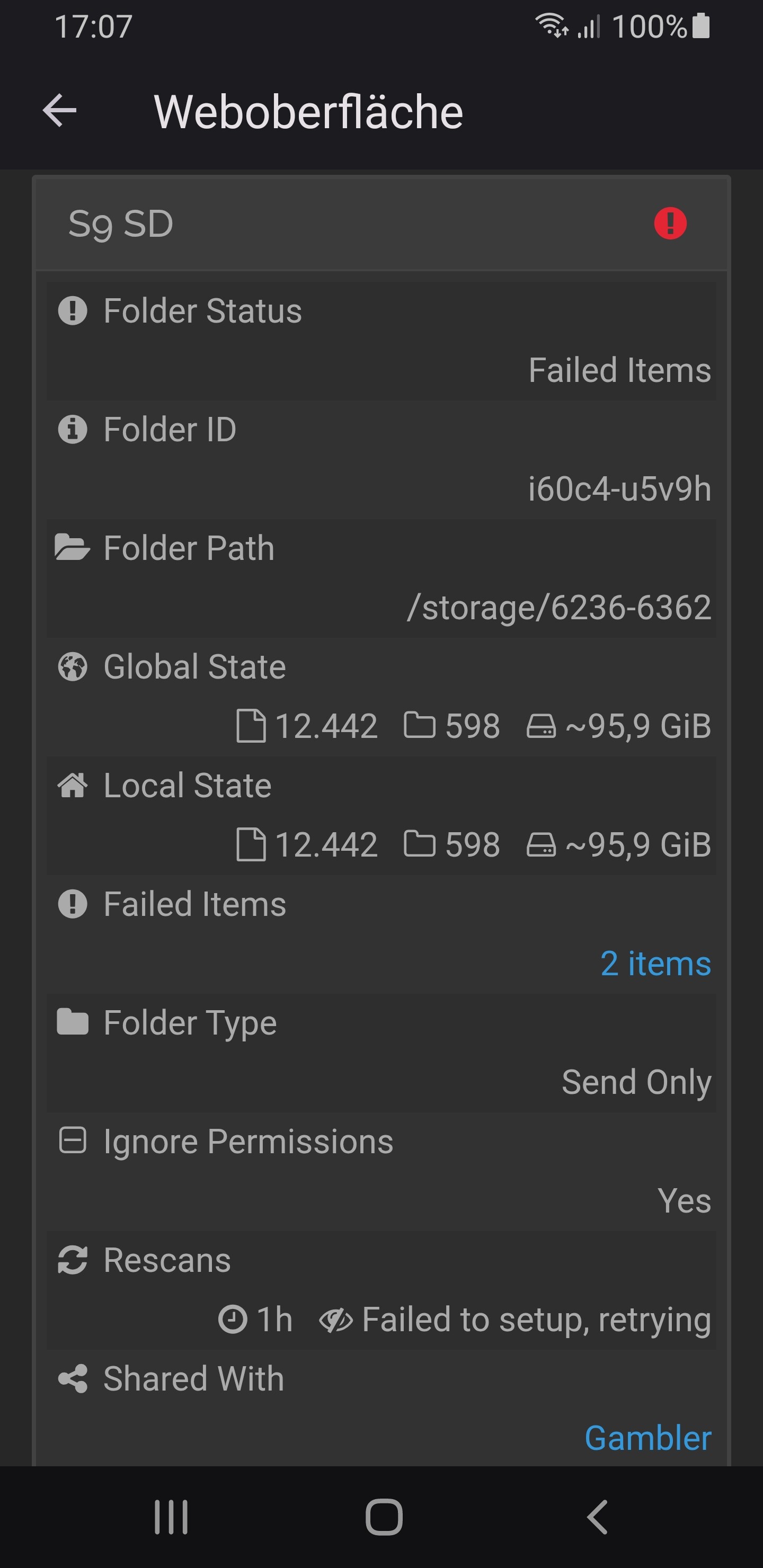
On the microSD card are “.stfolder” and “.stfolder (1)” each containing empty.txt not up to date and none deleteable.
Adding .android_secure to the ignore list did not work out.
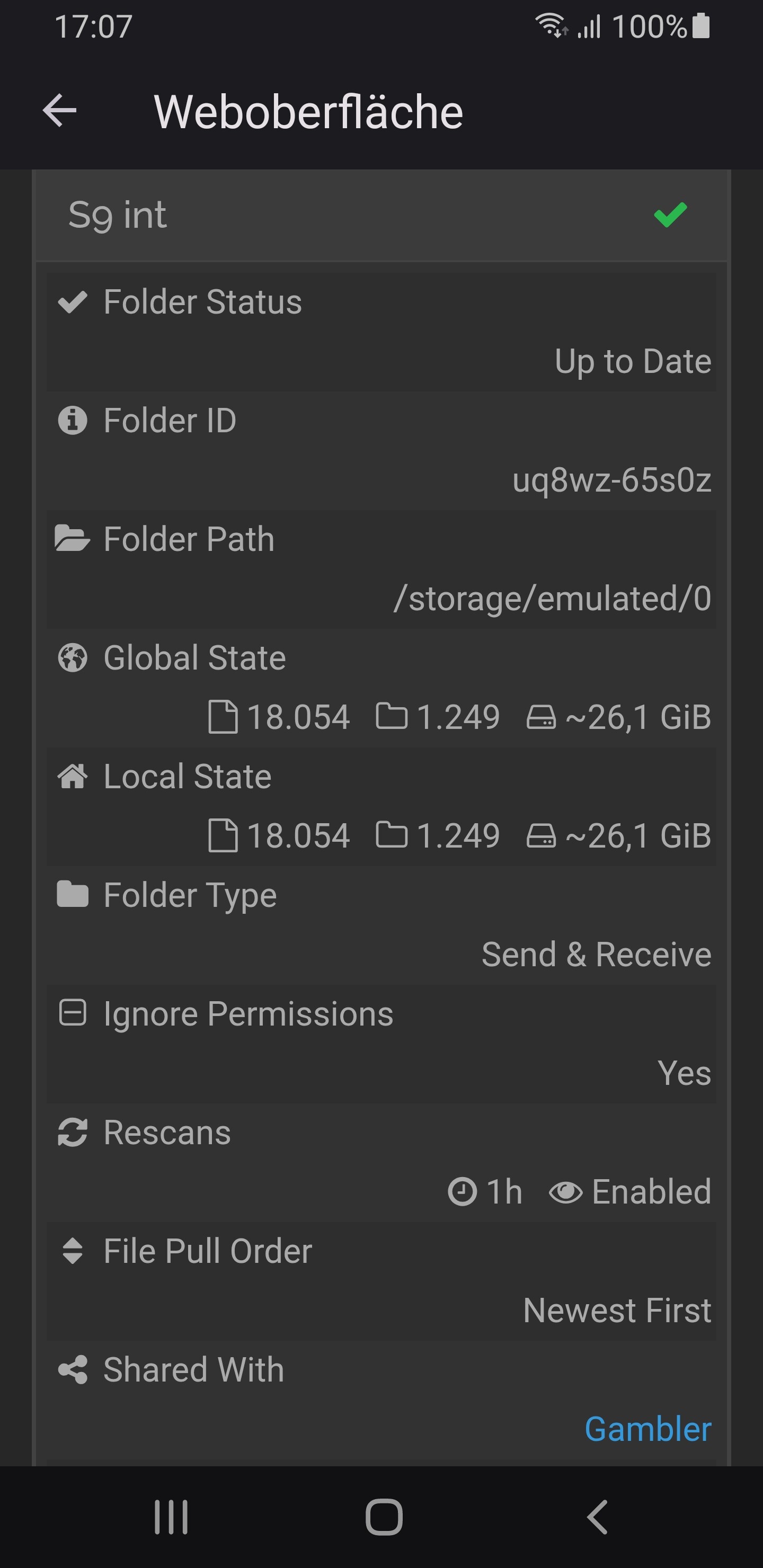
However on my Android 10 denies writes on a microSD card with the complete path i.e. /storage/emulated/0 (internal) or /storage/6236-6362 (microSD card).
~/XY works