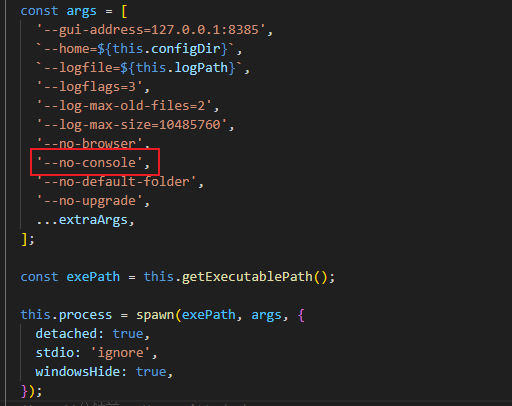
I am running version 1.3.0 of syncthing on Windows 11, as shown in the picture. I used the ‘- no console’ option, and in the documentation, this startup option was configured to remove the console and also marked ‘Hide the console window.’ (On Windows only). The startup service is normal, and syncthing service was started normally on my PC, but the console was not removed as expected, why? Has anyone else encountered this problem? Can you give me some advice
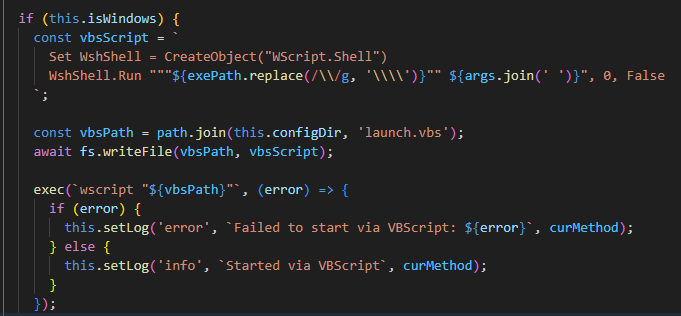
In fact, to solve this problem, I wrote a VBScript calling script and called it through Node.js’ exec. I don’t think this is a good solution. Is there no better solution?
My code is shown in the following figure
I’d say VBScript isn’t a great solution, simply because it’s on its way out, so it will likely not be included in Windows at some point (or at least not out of the box).
Have you checked https://docs.syncthing.net/users/autostart.html? We recommend using the Task Scheduler to start Syncthing automatically in background. There are also methods to install it as a service.
If you prefer to stay with your approach though, then at least I’d recommend using PowerShell instead of VBScript.
I’ve checked that URL, but the methods mentioned there don’t quite match my requirements. My project needs can be simplified as follows: when I start the project, Syncthing should also start, and when I close the project, Syncthing should stop. The control entity is my project, and since I’m using Node.js, I’m now looking for a method to invoke Syncthing—or leverage Windows capabilities to start Syncthing—on the Windows platform through Node.js. The goal is to run Syncthing without opening the command window. Hmm… VBScript isn’t a good solution. I’ll try using PowerShell or CMD instead. My only concern is that since Syncthing isn’t directly controlled by Node.js, whether it might lead to other unexpected issues.
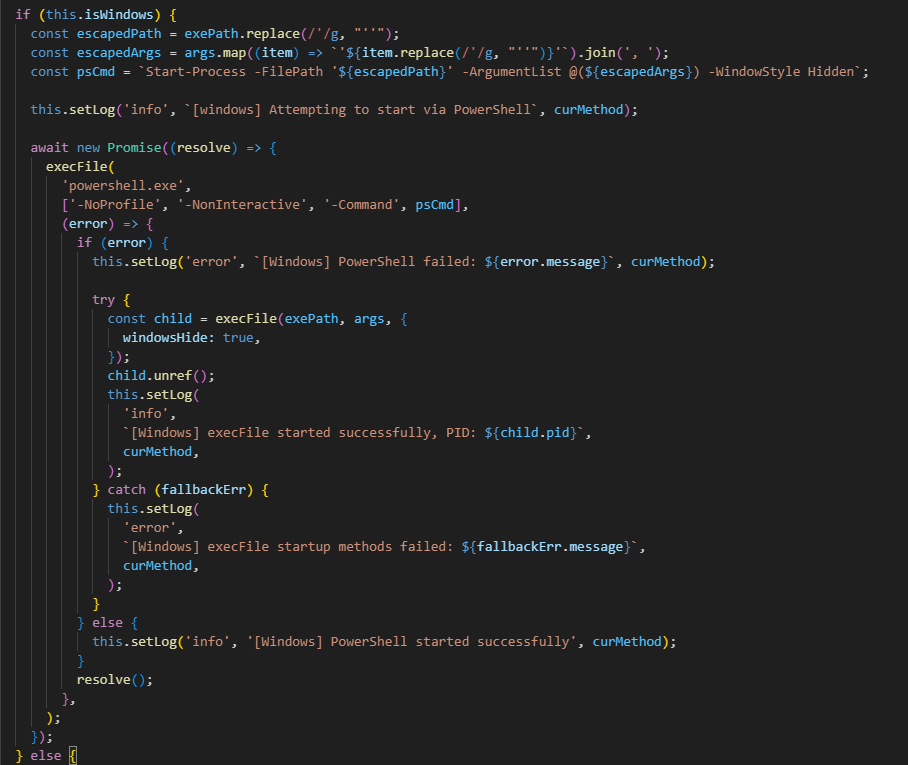
Hmm… My current approach uses the execFile module in Node.js, with PowerShell specified as the launcher to execute the command for starting the Syncthing service. This ensures that my project’s process is completely detached from Syncthing’s process while also preventing the Syncthing console from appearing. If even PowerShell fails, there is a fallback mechanism using execFile to directly launch Syncthing. Although this would link the processes, it ultimately meets the requirement of enabling Syncthing via Node.js without displaying a console window.Here is the code: