I would expect that the purpose of “DeviceID” is to identify a Syncthing instance on another device.
Why isn’t this field automatically filled in during installation, in order to allow the user to give the device a more easily recognizable name or description?
.
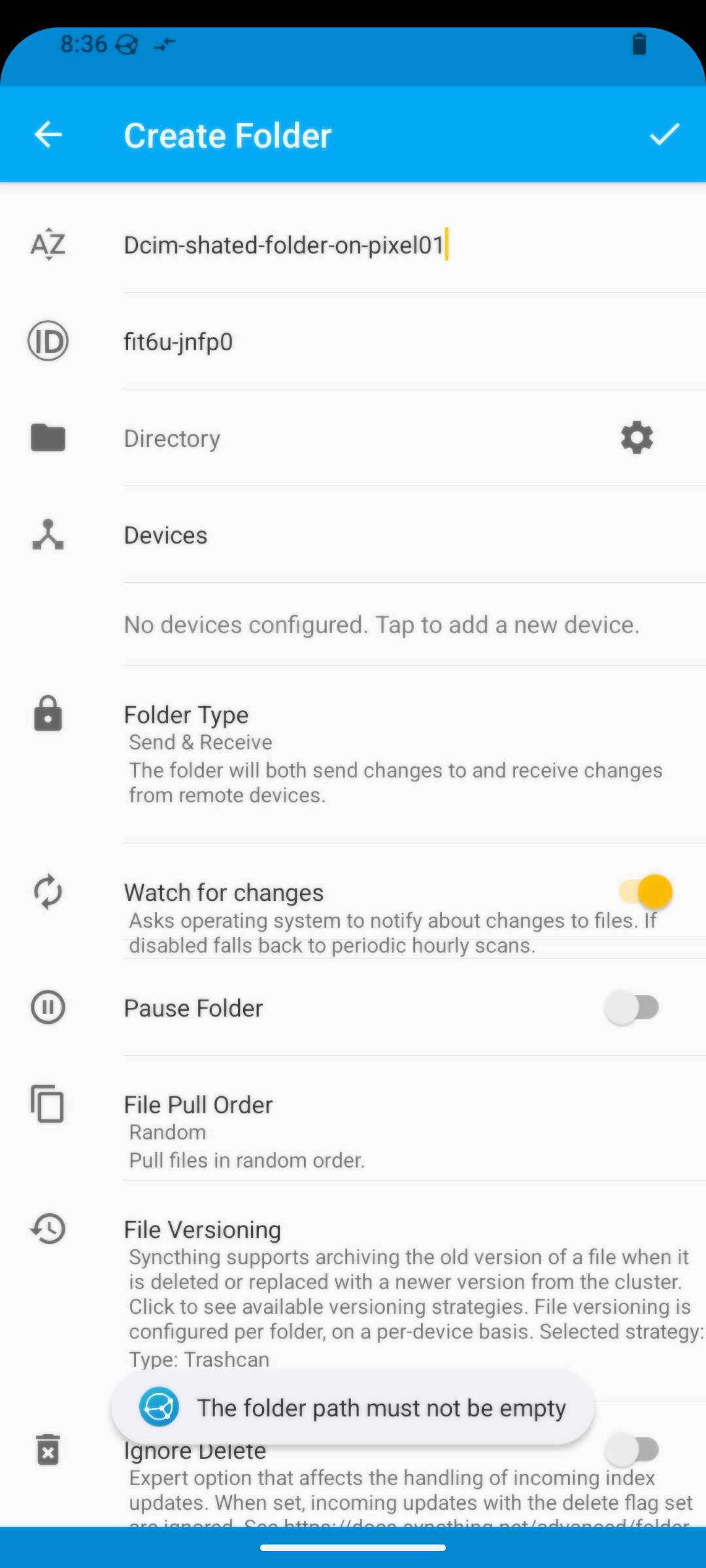
I am wondering why I do get the folowing error-message after typeing an qunique description to the Device ID field:
What is the actual issue? As stated before, device IDs are automatically generated and you cannot modify them. What you can edit to your liking are device names .
Do you mean that you’re trying to run Syncthing in different profiles on GrapheneOS? If yes, then this information should have definitely been included in the original post, as we have likely just been wasting time here…
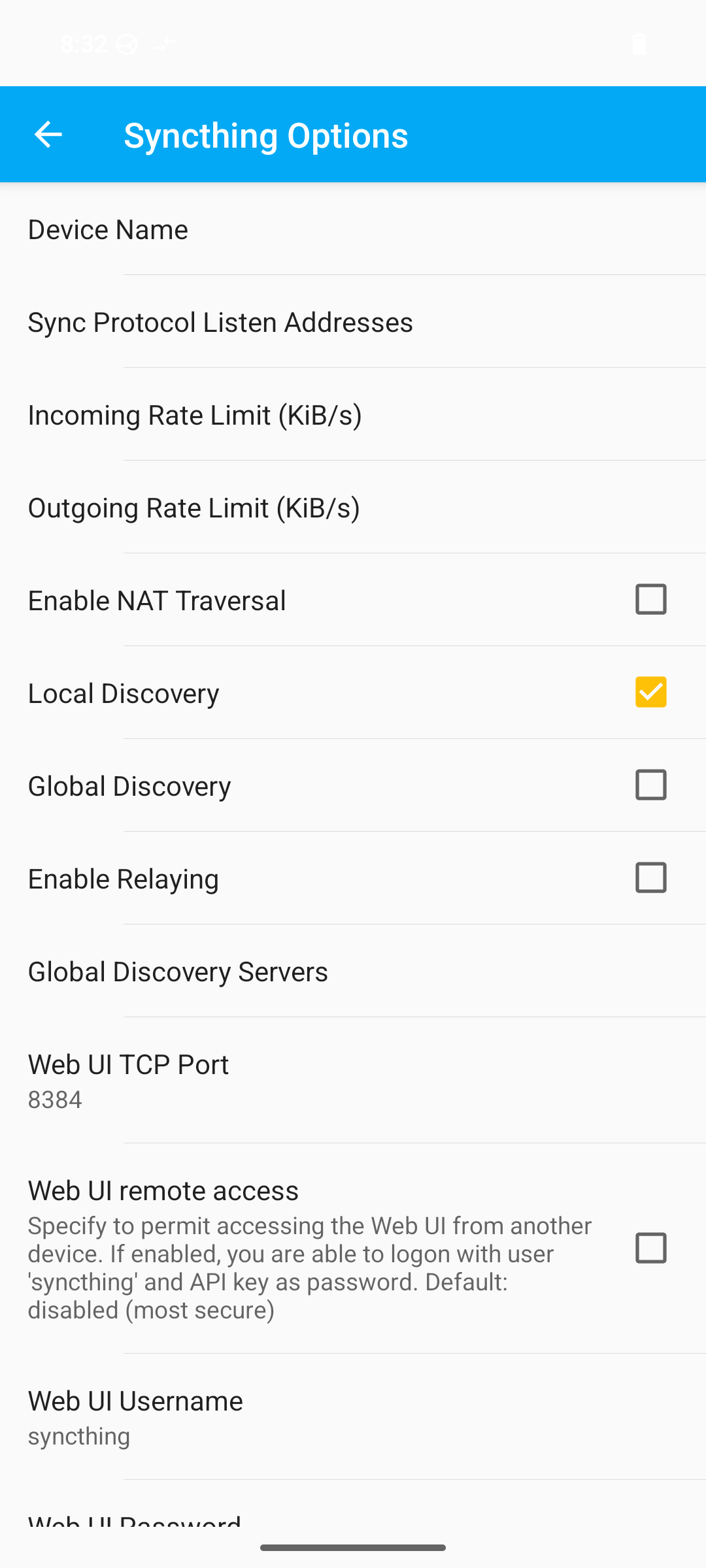
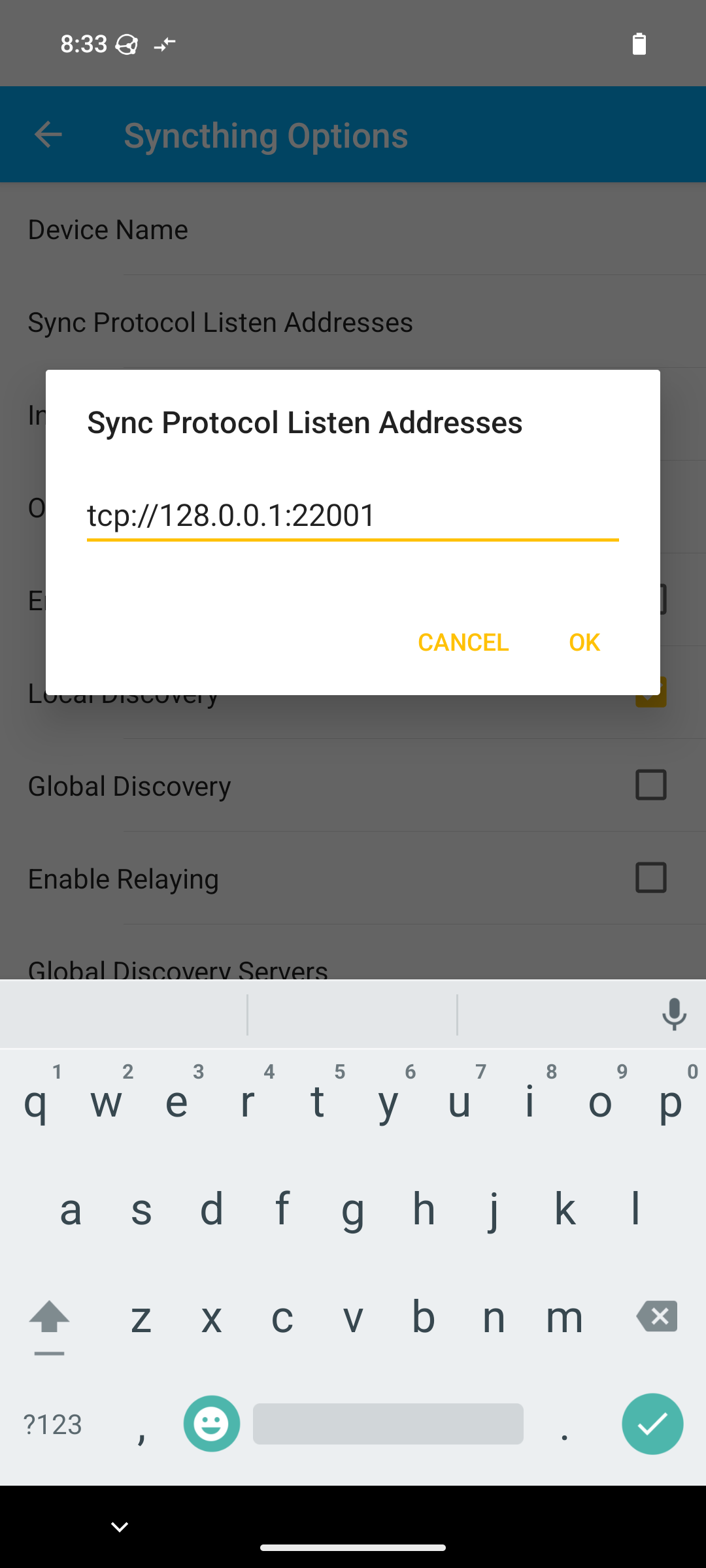
Running Syncthing in different profiles on Android is similar to running multiple Syncthing instances on the same device, and it requires some tweaks (e.g. using different ports for the GUI, listeners, etc.) to actually make it work.
I don’t think there exist any official documentation on this, but if you search the forum for “multiple instances” or “android profiles”, you should be able to find more detailed information on which exact settings need to be modified.
I didn’t expect that the fact I’m trying to sync between different GrapheneOS profiles was so important that it needed to be mentioned. Sorry about that!
Also, I thought this should be clear, since I enabled (x) Local Discovery and defined a port number in the WebUI TCP port option.
Up to now, I haven’t found the crucial information. Of course, I would be very grateful for any additional hints.
First of all, is Syncthing working in your main profile, or are you experiencing the same issue in all profiles? Basically, what should happen is when you install the app and launch it for the first time, a new device ID is generated, and you cannot change it unless you clear the app data and start from scratch (or you’ve got root access and delete the key files, but that’s yet another story ).
In other words, I would make sure that Syncthing is up and running in the main profile first, and only then try to install and run it in other profiles as well. Also, I think there are some restrictions in the OS about what can run in other profiles at the same time, so I’m not sure if running Syncthing simultaneously like that is actually possible.
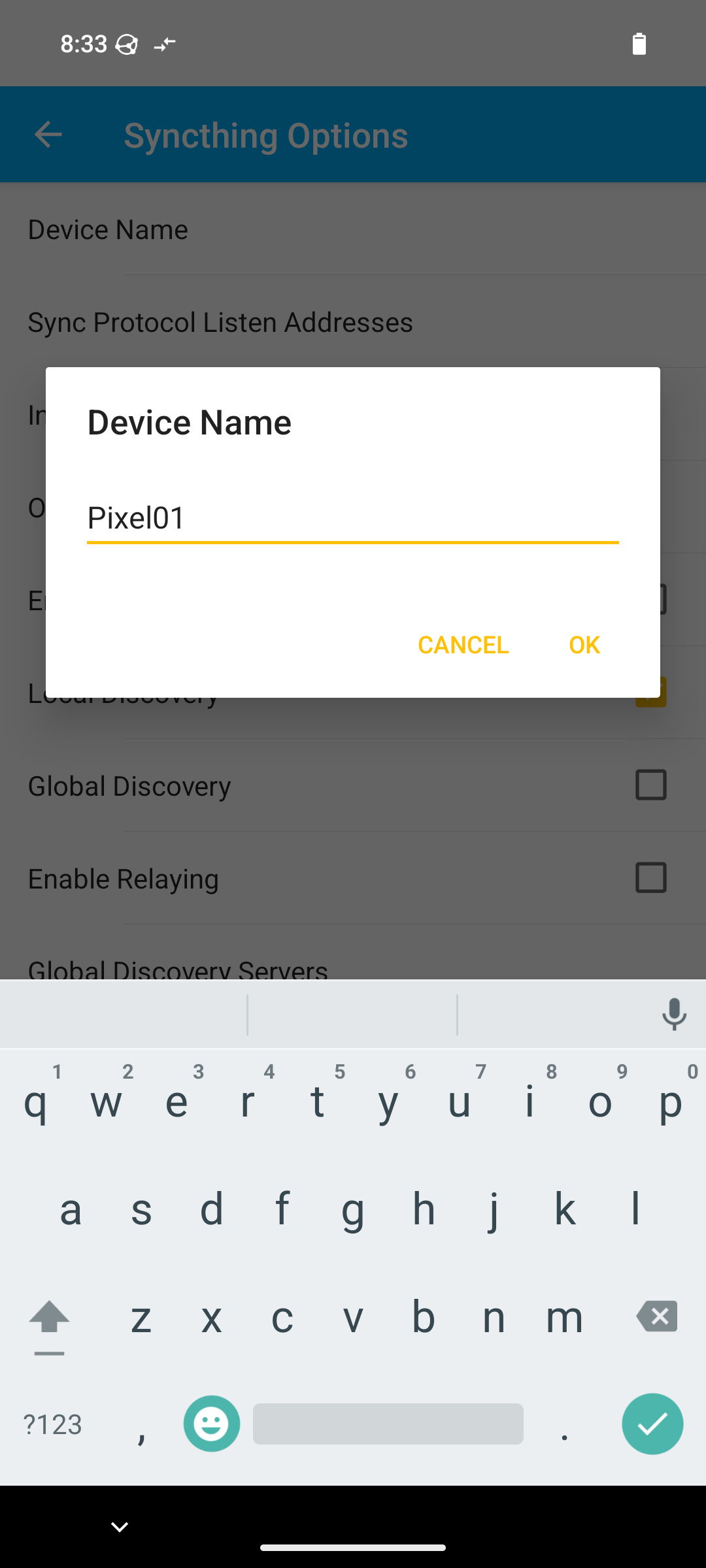
Thank you for your continuous help and patience! I am trying to put your recommendations into practice. At the moment, the following is still unclear to me:
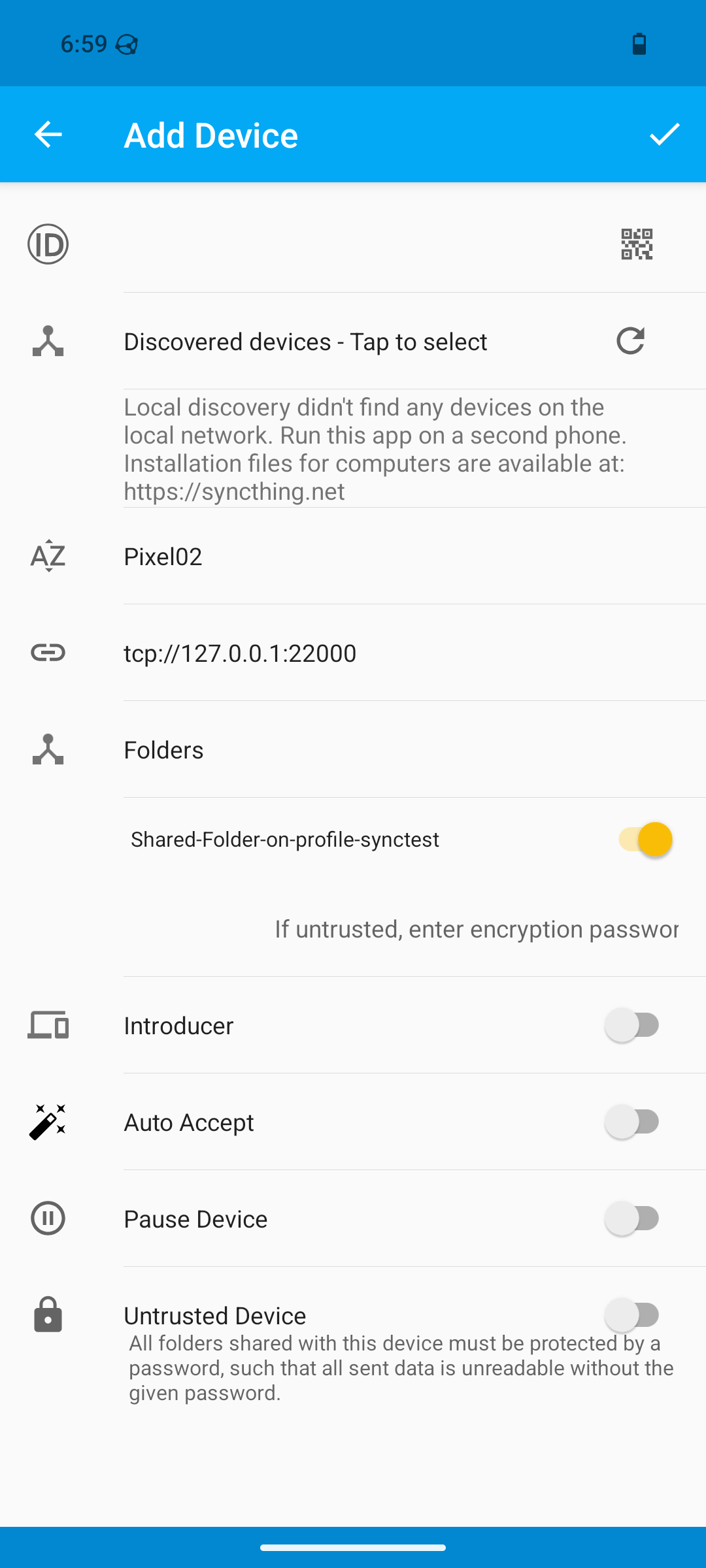
Under “Add Device,” there is a field called A’Z.
Is my assumption correct that in every different instance of Syncthing a different name has to be defined/entered?
That is the device name field. You can put anything you want there, it doesn’t need to match. Each side can just assign a name that makes sense to call the other instance.

 .
.

 ).
).