Hello everyone,
I’m fairly new to Syncthing and would like to use it instead of a cloud solution to transfer photos from Android to my laptop.
I have a folder on my laptop that I originally named 01-Fotos. Now I had to rename the folder to 02-Fotos. Of course, Syncthing no longer recognizes the folder and the following message appears:
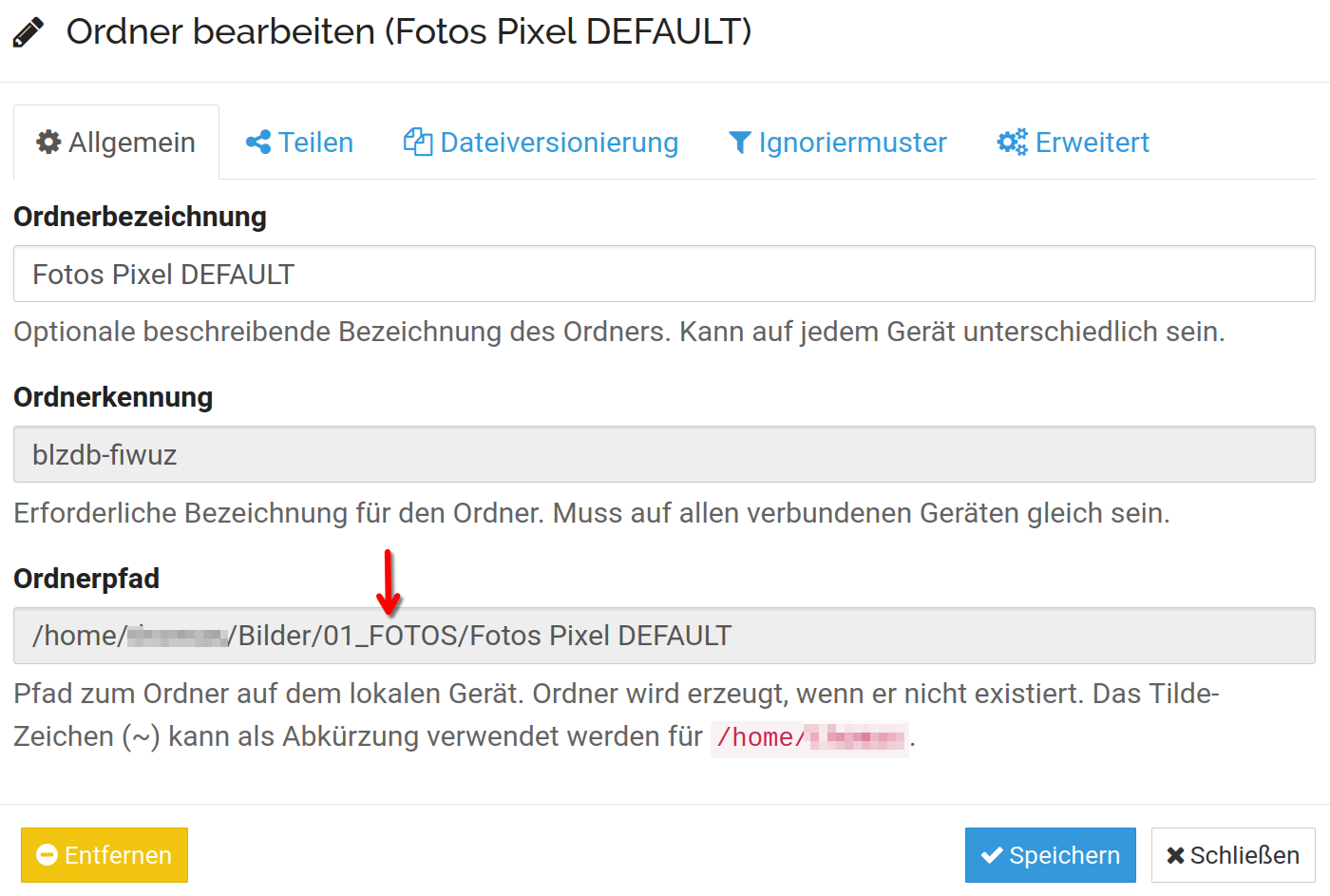
Failed initial scan (error=“folder path missing” folder.label=“Photos Pixel DEFAULT” folder.id=blzdb-fiwuz folder.type=receiveonly log.pkg=model)
I then wanted to edit the folder on the client (laptop) and change the path, but this is not possible. The path is grayed out and cannot be changed.
How can I change the path?
Thank you very much for your help!