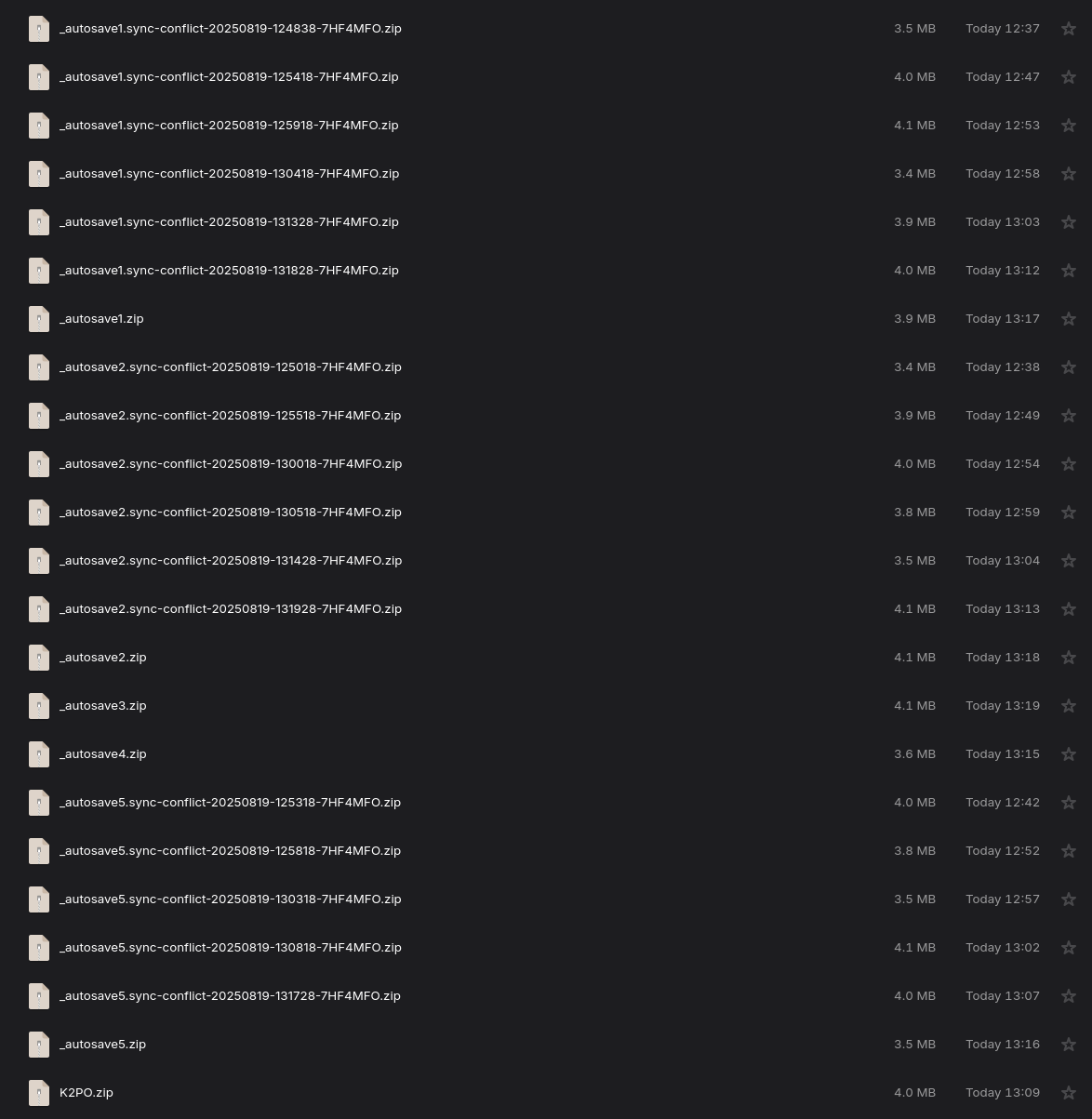
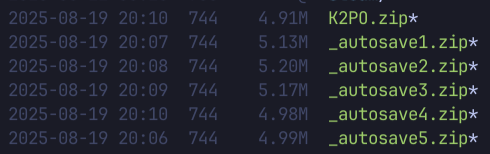
I have been trying out syncthing to sync files between my PC, laptop, and NAS, but I have had an endlessly frustrating experience. Almost every single time I overwrite a file on my PC or laptop, it will create a sync conflict:
I currently have the game (Factorio) set to do minutely autosaves, which cycles between the five autosave slots. It will save over one of the autosaves, then syncthing will sync to the server. A minute later, the server will sync again and then the conflict will appear.
PC and Laptop: Fedora Linux, Syncthing v1.29.6
NAS: Truenas SCALE, Syncthing v2.0.2
This was also happening when all devices were on v1.29.
What can I do to diagnose this issue? Thanks in advance.
Just to verify, is it only the NAS that creates the conflicts?
Not sure if this would actually cause conflicts, but are permissions ignored in the folder settings in the Advanced tab? Not ignoring them is known to cause issues on those NAS systems.
I reduced the set of devices to PC + server and it was still happening. However, after about an hour… it just stopped. Now everything appears to be working properly. I have also noticed that all of the files now have execute permissions, which they did not before. Could be related?
“Ignore permissions” was not enabled, so it has been attempting to sync permissions. I will try to get the problem reproducing again tomorrow and will see if that setting affects it.
It appears that the source of my issues was indeed the lack of “Ignore permissions”. Ever since I enabled that option, syncing has been working flawlessly. I suppose that TrueNAS is messing up the permissions of files that get synced to it or something.