Hi, apologies if this issue is already resolved somewhere I missed.
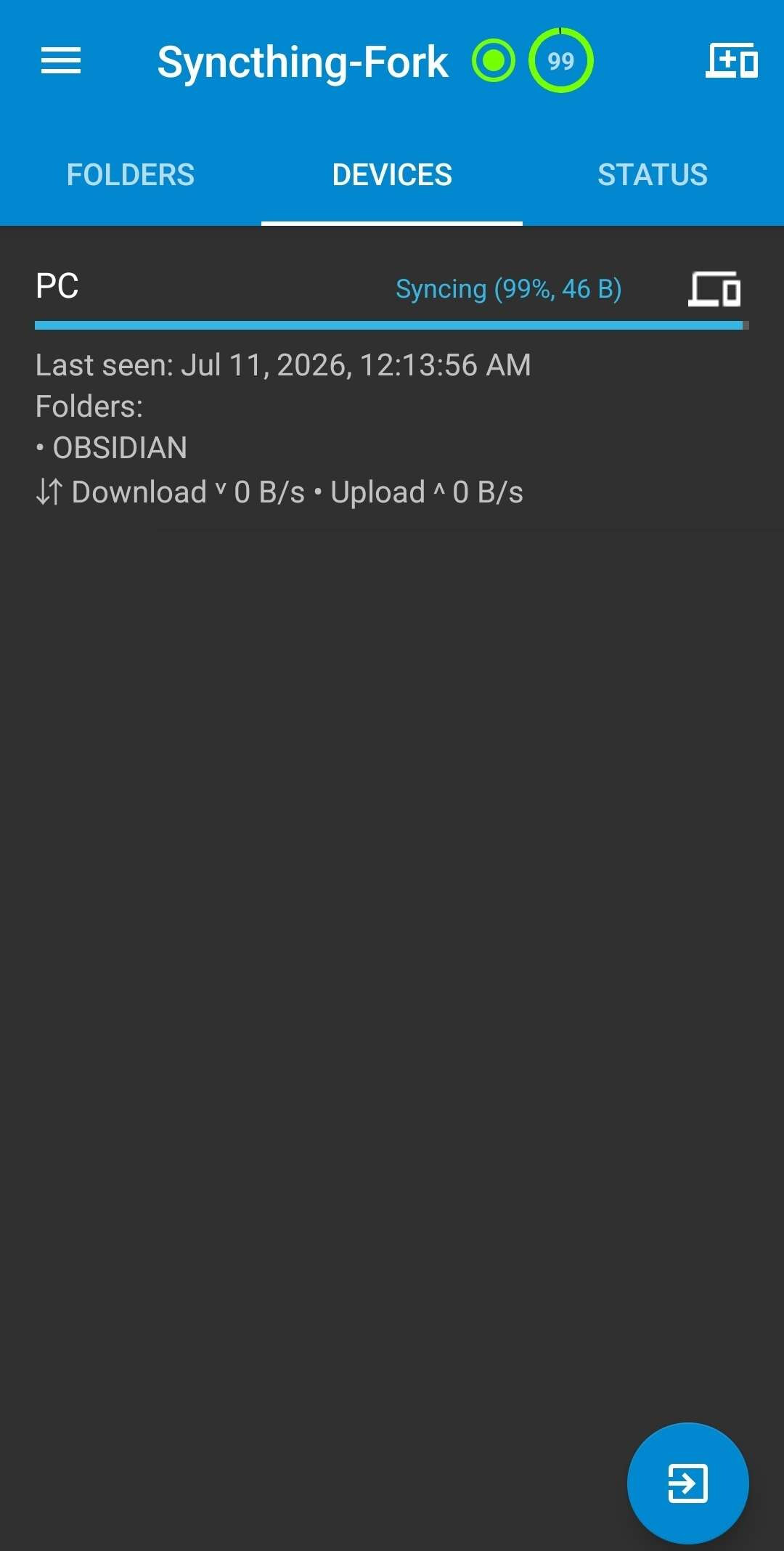
Currently, I have Syncthing used between my Windows PC and my Samsung phone using Syncthing-Fork. When I make changes on my PC, files are synced properly from PC to Android with no problems, but any changes I make through my phone never get uploaded and seem to buffer at 99%.
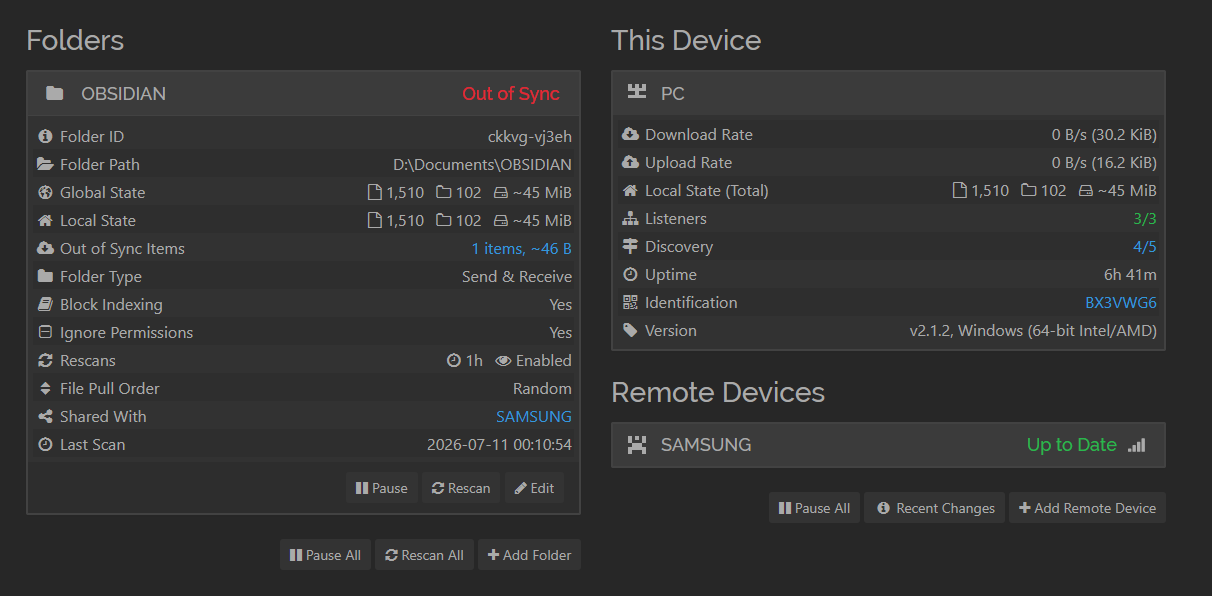
Attached are screenshots from the app, and from my PC.
Things I’ve tried:
Samsung permissions (Unrestricted battery, full file access, no sleeping)
Restarting the vault, reconnecting the devices
Logs (No error messages nor keywords for any errors, on both sides)
File locations are in normal folders, no OneDrive or other cloud folders
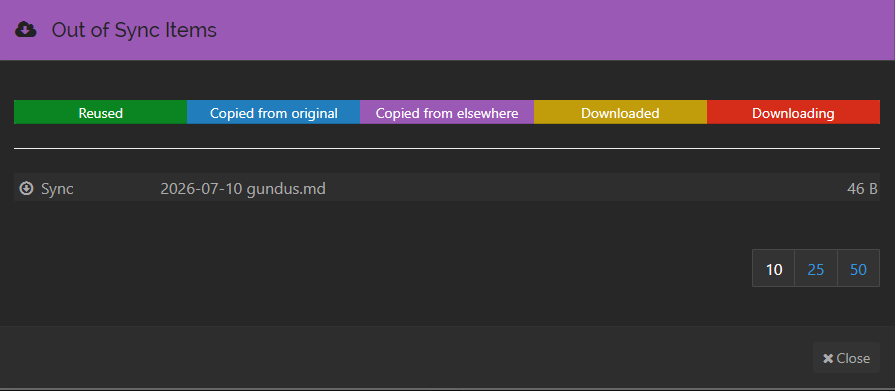
Hi, the only out of sync item is the file that I modified from my phone. I assume that it knows that I modified the file on Samsung but the change can’t be transferred to PC for some reason, with it being stuck at 99%?
bro, I had exactly the same problem as you. I did what colleague ‘mar2112’ suggested. I saved the file to another location, deleted it from the vault, and then put it back. It didn’t work, and I discovered that the problem was that the .md file title had a ‘?’. And as we know, the program doesn’t accept titles with that type of character. I modified it and it started working again.
UPDATE, I saw that the issue was with Windows Security blocking syncthing.exe from making changes to the protected folder. I feel a bit stupid but now it works seamlessly!