Yes, it was:
Didn’t see it on f-droid in the past (never searched for it) but isn’t currently listed there either.
Yes, it was:
Didn’t see it on f-droid in the past (never searched for it) but isn’t currently listed there either.
I think not dead, maybe resting? There were commits made a month ago at least. 
hopefully… 
Any news on this? It would be such a shame if this project is dead… 
watch
Hi all I’m the OG “Syncthing Silk” dev. Glad to see people like it. I spent the last week fixing and updating a bunch of stuff in the app.
I started an fdroid repo to host it at https://ssl.opensilk.org/fdroid/repo/ or download direct https://ssl.opensilk.org/fdroid/repo/SyncthingAndroid-SNAPSHOT-eb67f78.apk
It’s a single apk for arm and x86. The arm version is cgo enabled as i personally haven’t had any issues with it after several months of use, the x86 is normal linux build with a dns hack thrown in that seems to be working ok on the emulator (i dont have a real x86 device).
I’ve repackaged it so it can be installed along side zillode’s version.
Is there already a version 0.12
Please use the fdroid repo of drewis. Some of my changes were merged and he’s actively pushing it forward.
Heres a v0.12.2 build
https://ssl.opensilk.org/fdroid/repo/SyncthingAndroid-SNAPSHOT-v0.5.0.apk
Major changes:
edit: link is live now
Have been looking for but I have found no way to delete the standard camera folder in Syncthing Silk 0.12 When editing the camera folder, there is no delete button as editing another folder.
Tap the folder->Edit->Remove
Just a note, but ssl.opensilk.org/fdroid/repo gives 403 forbidden. Also, a note that the lack of announcing that GPlay would not be updated, and the app not even being in the fdroid repo app, makes it tough to track down and may lose a lot of users.
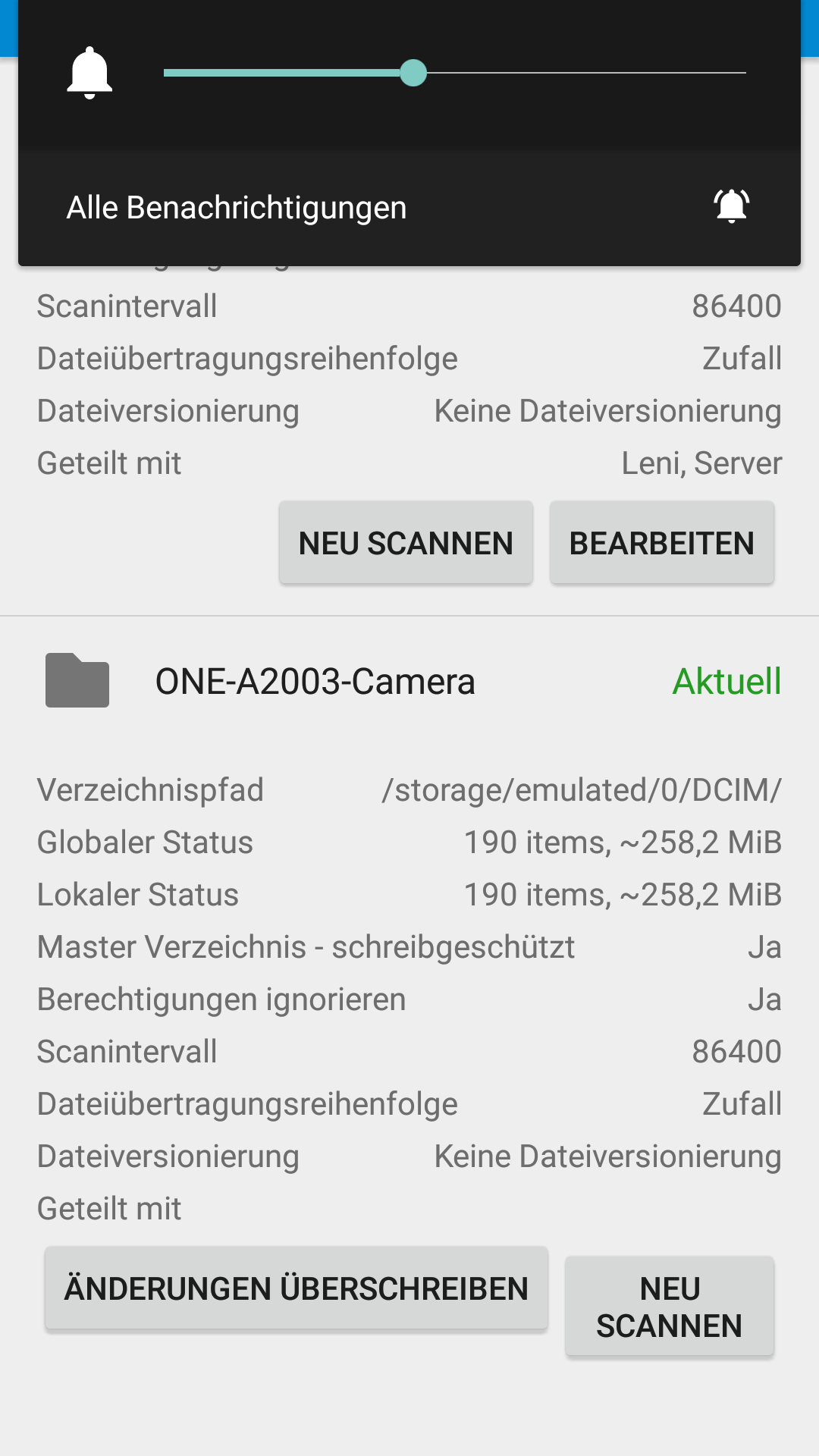
ok the override changes button is pushing the edit button off the screen, can you see it in landscape mode?, i’ll have to fix that. either remove the override changes button from the cards or make them scroll horizontally
the fdroid repo is not browser accessible, you have to add that url as a server in the fdroid app.
Yes in landscape mode the button is visible.
Ah, good to know, thanks.
Nice work though there is a very nasty bug - I actually found three big bugs.
If you change some settings for the server (that is trhe dropdown menu top right and sellecting settings) and save them the next time you resstartr the app it just keeps force closing and will never start up again. Every time you try to start it just says that “syncthing silk has stopped” but the main windows stays on the screen and keeps loading forever. Actually i think it keeps force closing 3 times in a row with approxly 30 seconds delay if you just let the window sits and doing its thing. The only way to make the app start correctly is to close it from within app info and then clear all of its data. And then start from scratch. This seems to do with the way the settings is saved as it does not matter what setting you choose to change. As soon as you hit save the damage is done. Also the app should offer to do a server restart by it self (like it used to did earlier)
If you choose the dropdown menu top right and choose shutdown the main windows just keeps loading for ever and the only way to start the app again is to force it to close in the “app info” and then restart it manually. The settings remains but this is definitely NOT a graceful shutdown.
You cannot save the ignore file after editing. You’ll just get an server internal error and nothing is saved.
fixed sorry reversed boolean caused guilisten address to get wiped out on save
shutdown works properly but the ui would get into a bad state after, that should be resolved now.
caused by this [BH4HG] 03:33:26 WARNING: Saving .stignore: chmod /storage/1AF9-2A10/DCIM/.syncthing.tmp.190076736: operation not permitted so not fixable on client side
https://ssl.opensilk.org/fdroid/repo/SyncthingAndroid-SNAPSHOT-v0.5.3.apk
Thank you @drewis I will test this a little.