I’m seeing this when trying to open Logs in the GUI.
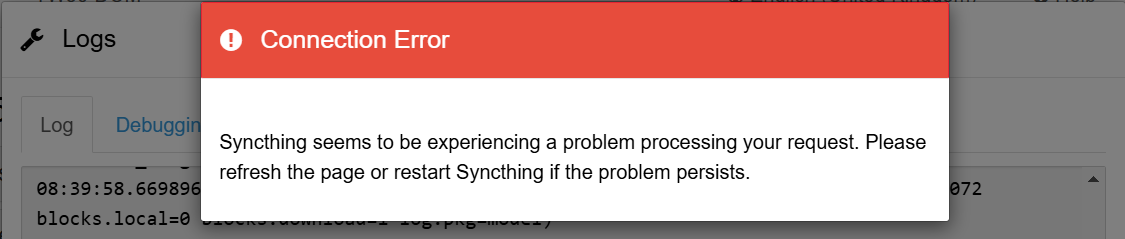
This only started happening on one device after upgrading to Syncthing v2.0.1. On another device, running the same version, there is no problem.
The only warning the browser’s console is:
angular.js:9912
 GET https://localhost:8384/rest/system/debug 404 (Not Found)
(anonymous)	@	angular.js:9912
sendReq	@	angular.js:9713
serverRequest	@	angular.js:9425
processQueue	@	angular.js:13337
(anonymous)	@	angular.js:13353
$eval	@	angular.js:14589
$digest	@	angular.js:14405
$apply	@	angular.js:14694
(anonymous)	@	angular.js:21724
dispatch	@	jquery-2.2.2.js:4755
elemData.handle	@	jquery-2.2.2.js:4567
I’ve also noticed that there is no INF in the Logs shown in the Web GUI, but it is there in the logfile that is saved on the disk.
Restarting Syncthing doesn’t help, and the same error pops up in different browsers (Chromium, Firefox, etc.), so the problem seems persistent  .
.
The OS is Windows 11 x64.
 .
.